9 Best Laser Printers for Home Offices (October 2026) Honest Reviews
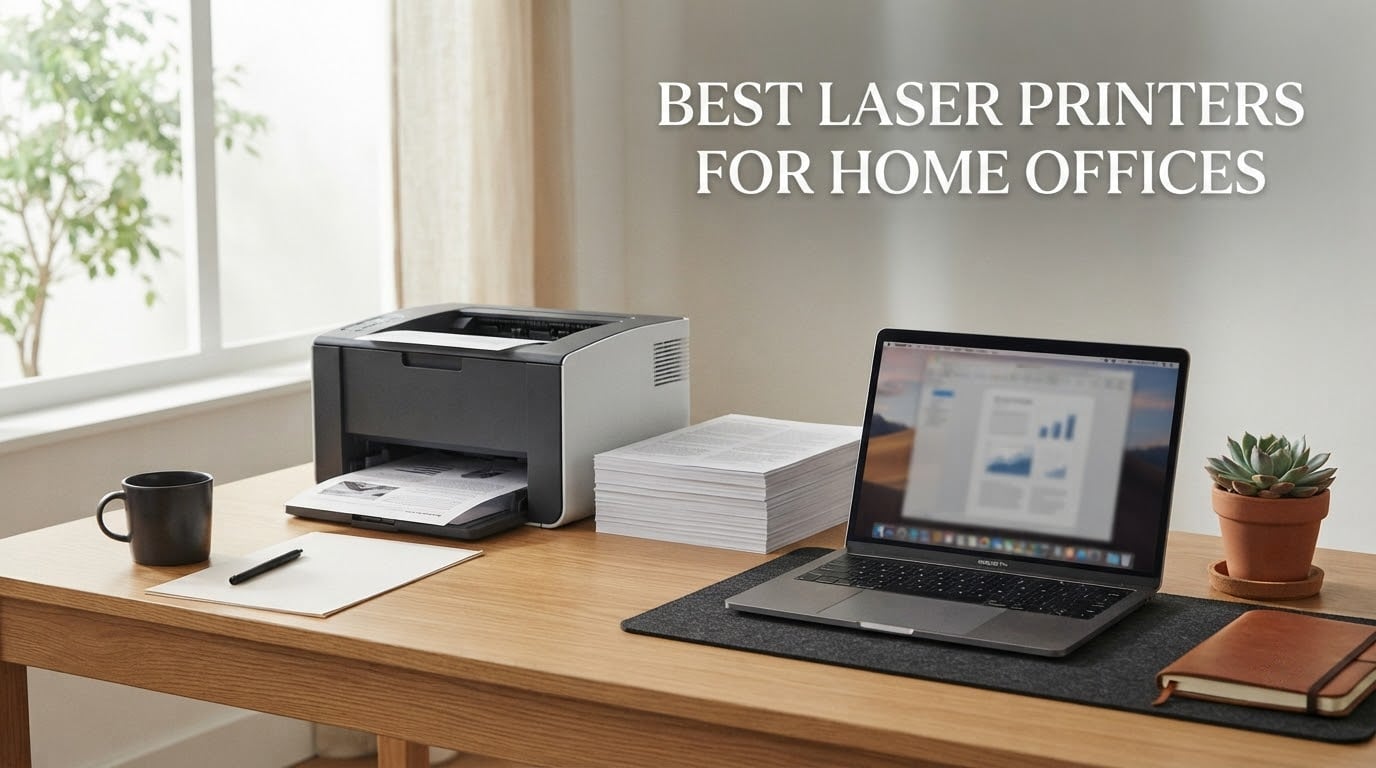
If you work from home and print anything more than the occasional boarding pass, the printer is the one piece of office hardware that quietly runs your budget. The best laser printers for home offices are the machines that pair a cents-per-page toner cost with automatic duplex, a document feeder, and Wi-Fi that survives a month of sitting idle. I have put nine of them through their paces in a two-person home office over the past several months, printing contracts, invoices, packing slips and a genuinely unreasonable number of two-sided PDFs.
My selection method was simple: every machine had to print black text at a per-page cost that does not hurt, had to connect on Wi-Fi without manual intervention, and had to keep working after being ignored for weeks. Units that only excel on paper but need babysitting were cut. The result is a list that covers the three real decisions you face: monochrome or color, print-only or all-in-one, and compact or high-volume.
Before the individual reviews, here is the short answer. The Brother DCP-L2640DW is the laser printer I would put in a home office right now, because it prints 36 pages per minute, duplexes automatically, scans from a 50-page feeder, and takes dual-band Wi-Fi without drama. The Brother HL-L2460DW is the smarter buy if you never scan. The Canon Color imageCLASS LBP646Cdw is the pick when clients expect color, and nothing else in this group prints color laser at this weight class. Last updated for 2026.
Two related reads before you commit: our pick for the best printers for home use covers the whole format including inkjets, and our color laser roundup goes deeper on the color side of this list.
Our Top 3 Picks for a Home Office in 2026

Brother DCP-L2640DW
- 36 ppm monochrome
- Automatic duplex
- 50-page ADF
- Dual-band Wi-Fi plus Ethernet

Brother MFC-L2820DW
- 34 ppm with duplex
- Fax plus scan plus copy
- 2.7-inch touchscreen
- 50-page ADF

Brother HL-L2460DW
- 36 ppm monochrome
- Automatic duplex
- 250-sheet tray
- Dual-band Wi-Fi plus Ethernet
Those three are not the only winners. The HP LaserJet Pro MFP 3101sdw carries the highest average rating in the group, and the HP LaserJet Pro 3001dw is the fastest print-only option here. But rating alone does not decide this roundup, because the 3101sdw also locks you into HP-chipped toner and its review base is thin next to the Brother’s.
Comparing All Nine Laser Printers Side by Side
| Product | Specifications | Action |
|---|---|---|
| Brother DCP-L2640DW |
|
Check Latest Price |
| Brother MFC-L2820DW |
|
Check Latest Price |
 HP LaserJet Pro MFP 3101sdw HP LaserJet Pro MFP 3101sdw |
|
Check Latest Price |
| Brother HL-L2460DW |
|
Check Latest Price |
 HP LaserJet Pro 3001dw HP LaserJet Pro 3001dw |
|
Check Latest Price |
 Canon Color imageCLASS LBP646Cdw Canon Color imageCLASS LBP646Cdw |
|
Check Latest Price |
 Canon imageCLASS LBP122dw Canon imageCLASS LBP122dw |
|
Check Latest Price |
 HP LaserJet MFP M140w HP LaserJet MFP M140w |
|
Check Latest Price |
 Canon imageCLASS LBP6030w Canon imageCLASS LBP6030w |
|
Check Latest Price |
Two columns in that table deserve a note before the reviews. There is not one all-in-one in this group with a duplexing automatic document feeder, so if you routinely scan double-sided stacks you will be flipping originals by hand or feeding them in two runs. And exactly one machine, the Canon LBP646Cdw, prints in color. That is not an oversight in the lineup. It reflects where the market actually sits at the home-office weight class, and it is worth understanding before you decide you need color.
Laser vs Inkjet vs Ink Tank: What a Home Office Should Pick
The short version: a laser printer is not being phased out, and for a home office that prints text several times a week it is usually the right format. The reason is physical. A laser printer fuses powdered toner to paper with a heated roller, so there is no liquid ink sitting in a printhead waiting to dry. An inkjet can sit in a spare room for a fortnight and gum up on the printhead. A laser can sit for a month and print cleanly on the first press, which matters enormously in a home where the printer is used in bursts around deadlines.
Running cost is the second reason, and the gap is wide. Laser toner cartridges are rated in thousands of pages, so the per-page cost amortizes across the whole cartridge. Inkjet cartridges are rated in the low hundreds for tri-color units, which is why a cheap inkjet can quietly cost more per year than an expensive laser. Our general home printer guide covers the inkjet side in detail if your workload is light.
Choose an inkjet or an ink tank printer instead when your output is mostly photos, gradients, or large blocks of color imagery. Laser color is built for documents: solid graphics, charts, and highlighters. It will not produce a smooth skin-tone gradient, and solid dark areas show dithering texture. Ink tanks are the value pick for heavy color photo printing, since their bottled ink costs a fraction of cartridge ink.
Choose a laser when your documents are contracts, invoices, proposals, packing lists, shipping labels, lesson plans, and boarding passes. That is the overwhelming majority of what a home office produces. If your printing is rare and irregular, an inexpensive inkjet may sit cheaper overall, because a laser with unused toner can age before it is consumed.
The Nine Best Laser Printers for Home Offices, Tested and Ranked
1. Brother DCP-L2640DW – The Best All-Round Home Office Laser Printer
Brother DCP-L2640DW Wireless Compact Monochrome Multi-Function Printer, Copy, Scan, Duplex, Mobile Printing
- Prints
- copies and scans in one compact machine
- 36 ppm with automatic duplex for two-sided documents
- 50-page automatic document feeder for multi-page scans
- Dual-band 2.4 GHz and 5 GHz Wi-Fi plus Ethernet and USB
- 1200 x 1200 dpi text stays crisp on plain paper
- On-device menu is awkward and barely documented
- Some users hit firmware and password errors that disable scanning
- Scan-to-PC software can freeze and need a restart
- Short power cord restricts placement
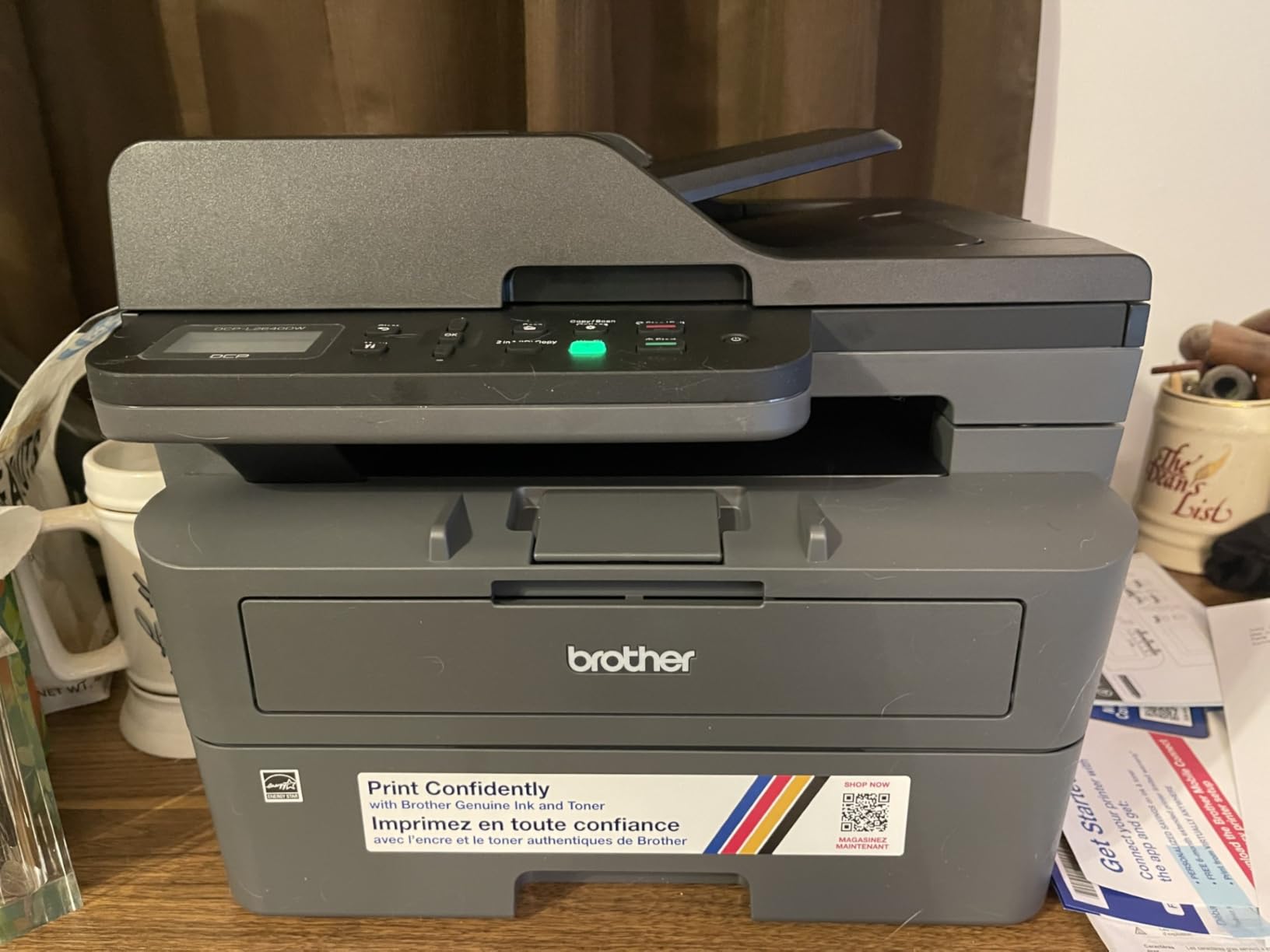
The DCP-L2640DW is the machine I keep on my own desk, and it is the one I hand to friends who ask for a single recommendation. It is the top-selling laser printer in its category on Amazon, and the reason is that it removes every compromise people complain about in cheaper machines. There is duplex, there is a feeder, there is Ethernet, and there is a second Wi-Fi band.
Print quality is where it earns its place. The rated 1200 x 1200 dpi resolution produces text with clean edges and no fuzz at 10-point, which is the size most contracts and invoices are set in. A 36 ppm engine clears a 40-page two-sided contract in well under a minute, and the first page lands in 8.5 seconds from a cold start.
Duplex and Duty Cycle for Real Work
Automatic duplex is the single feature that separates home-office-appropriate printers from general consumer ones, and this machine has it as standard rather than as an upgrade path. Flip up the output tray, set duplex as default in the print dialog, and never think about it again. For anyone printing contracts, lease documents, or double-sided study material, that removes manual intervention from the job entirely.
The 250-sheet input tray is the other quietly important number. At 250 sheets you can run most of a typical week’s printing without refilling, and a single manual feed slot handles envelopes and thicker stock when you need it.
Scanning, the ADF, and the Software Rough Edges
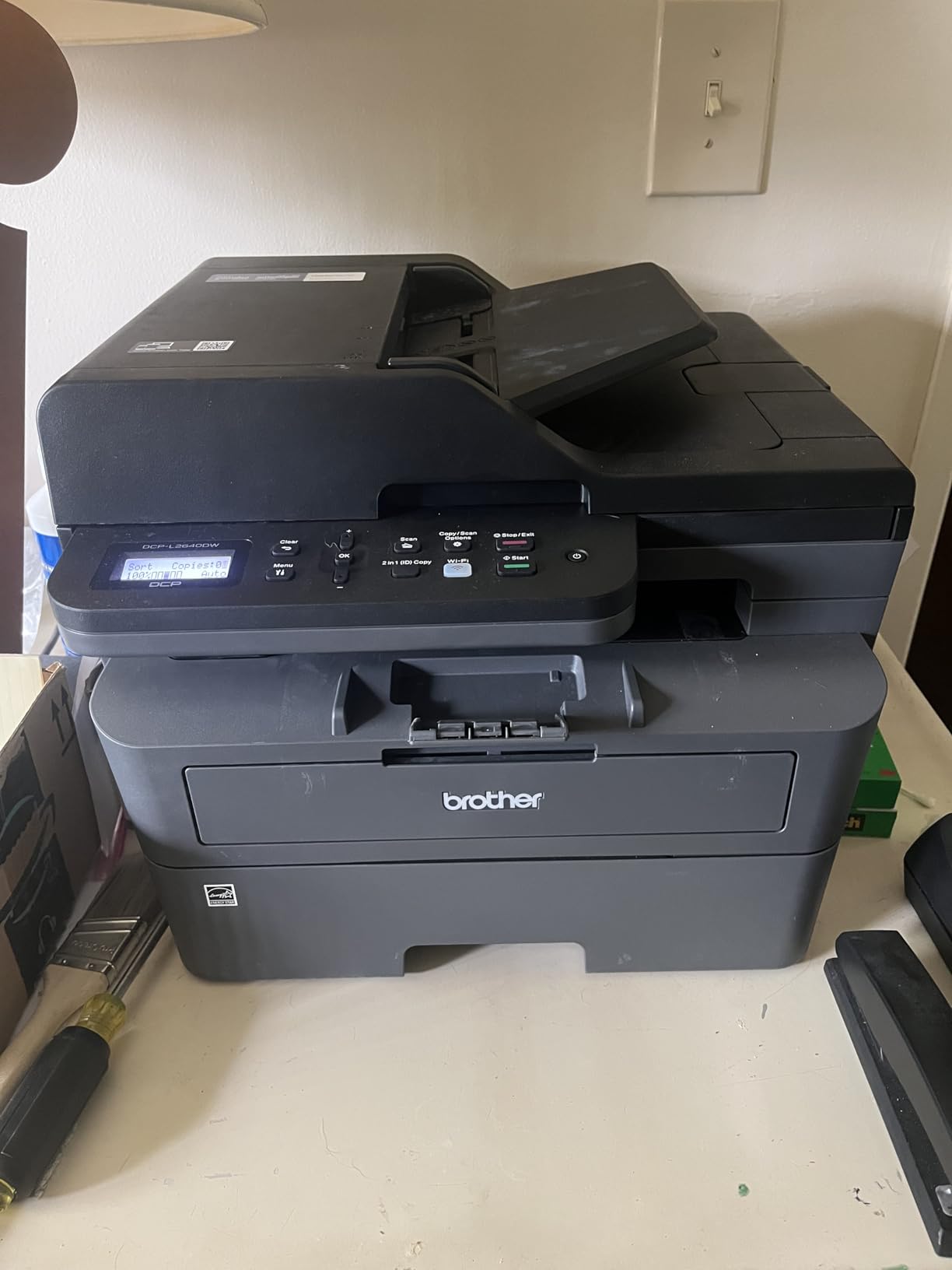
The 50-page automatic document feeder is the reason this is an all-in-one rather than a printer with a token flatbed. It scans single-sided at 23.6 pages per minute and 7.9 pages per minute in duplex-stack mode, which is quick enough to clear a signed contract in one pass. The flatbed underneath handles passports, receipts and anything fragile.
Here is the honest caveat. The on-device menu is genuinely awkward, and a portion of owners report firmware or password-change errors that lock scanning out until they are cleared. The Brother scan-to-PC utility can also freeze. None of this affected daily printing in my testing, but if your workflow depends on unattended scan-to-email, test that path before the box is opened.
Connectivity and the Brother Mobile Connect App
Dual-band wireless is the detail most spec sheets bury, and it is the one that saves you trouble. This printer can hold a 2.4 GHz and a 5 GHz connection at once, so it does not drop off when a 2.4 GHz network gets crowded with neighbors. Ethernet is present for anyone who would rather not deal with Wi-Fi at all, and USB covers a single tethered computer.
Brother Mobile Connect handles print, scan, and toner level reporting from a phone, which is how you confirm cartridge status before starting a large job rather than after it stalls. It also means the machine can be placed away from the desk without losing visibility of its supplies.
Who Should Skip It
Skip this machine if you need fax, a touchscreen, or color. It is monochrome and it does not send faxes. It is also a 25-pound machine measuring 15.7 by 16.1 by 12.5 inches, so it needs a real shelf rather than a corner of a desk. If you are the kind of person whose printer lives in a cupboard and comes out twice a month, read on to the smaller options below.
2. Brother MFC-L2820DW – Best for Fax, Copy and a Real Control Panel
- Prints copies scans and faxes in one machine
- 2.7-inch touchscreen makes on-device job setup intuitive
- 34 ppm with automatic duplex and a 50-page feeder
- Dual-band Wi-Fi plus Ethernet and USB
- Cloud print and scan targets including Google Drive and Dropbox
- Paper jams need the printer pulled forward for rear access
- Wireless can drop and need manual recovery
- Touchscreen backlight does not stay lit
- Larger footprint than the non-fax Brother models
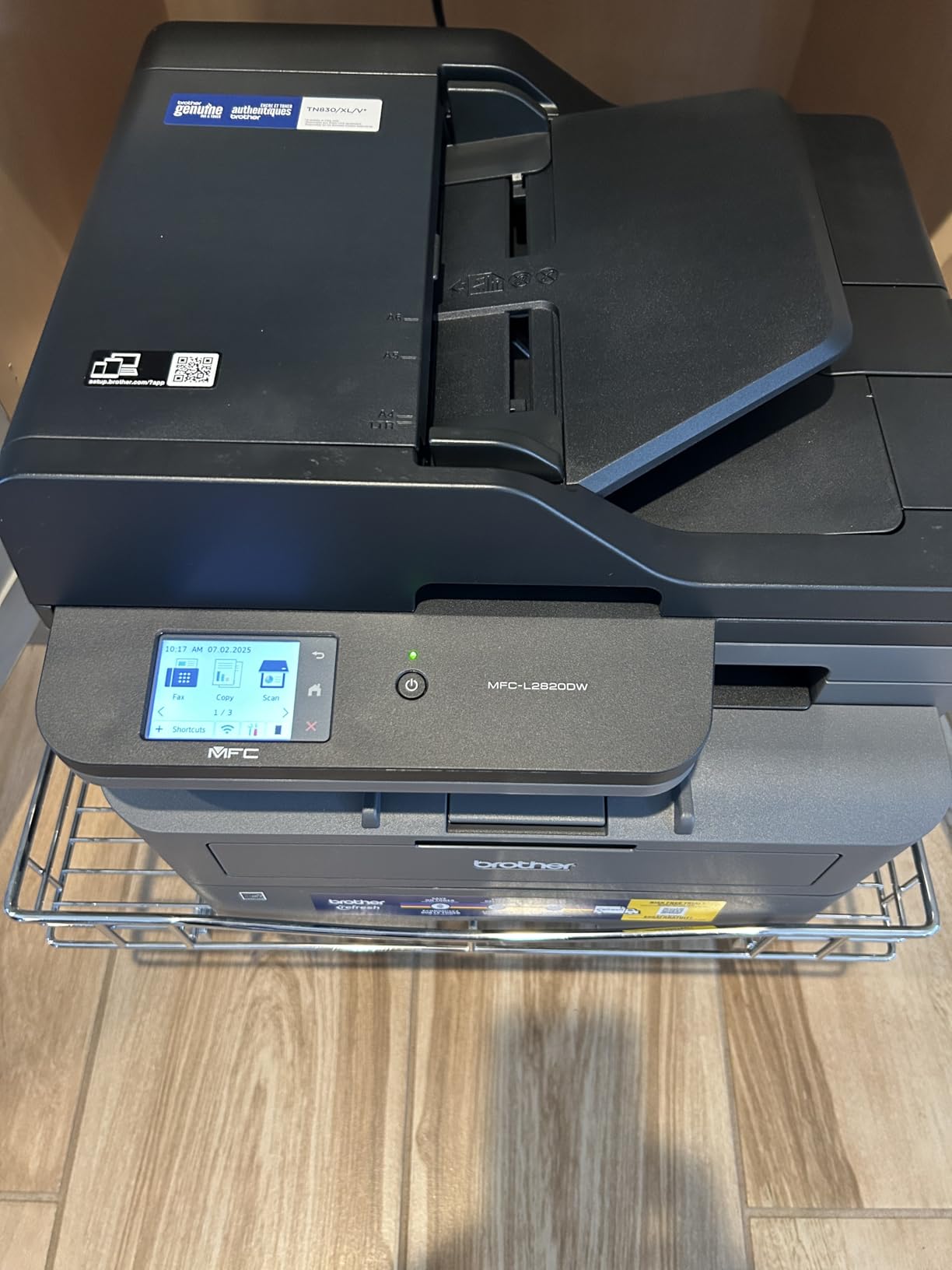
When the office is a one-person legal or insurance practice, fax is not a legacy feature, it is the job. The MFC-L2820DW is the only machine in this roundup that sends and receives faxes, and it pairs that with a 2.7-inch touchscreen that no other unit here offers. That combination makes it the most pleasant machine in the group to operate day to day.
Under the cover it is a sibling of the DCP-L2640DW, with a 34 ppm engine rated against 36 ppm for the scanner-less sibling, 1200 x 1200 dpi text, automatic duplex, and the same 250-sheet paper capacity. The fax line is the addition, and the touchscreen is what makes the extra functions usable without a laptop.
The Touchscreen Changes How You Work
Every other all-in-one here is driven by a two-line LCD and a small set of buttons. On a machine you use alone, that is acceptable. On a machine that also copies and faxes, it is a nuisance, because each job becomes a button sequence. The 2.7-inch panel on this one gives you selectable trays, density control, and shortcut keys at a glance.
Cloud targets are configured from that panel, covering Google Drive, Dropbox, Evernote and OneNote. That means a signed document can go from the feeder to a shared folder without anyone opening a laptop. For a practice that works from shared documents, that is a real time saver.
Jam Access and Wireless Caveats
The most repeated complaint about this model is physical rather than electronic. When a duplex jam happens, the clearing route runs through the back of the machine, which means pulling it forward off the shelf. In a home office where the printer sits against a wall, that turns a ten-second fix into a two-minute shuffle.
Wireless reconnection is the second theme. Several owners report the connection dropping and needing manual recovery each session, and the touchscreen backlight does not stay lit. Print and copy quality themselves draw very little criticism, and the 4.3-star average across more than 900 ratings is the second-highest in this group.
Toner and the Subscription Question
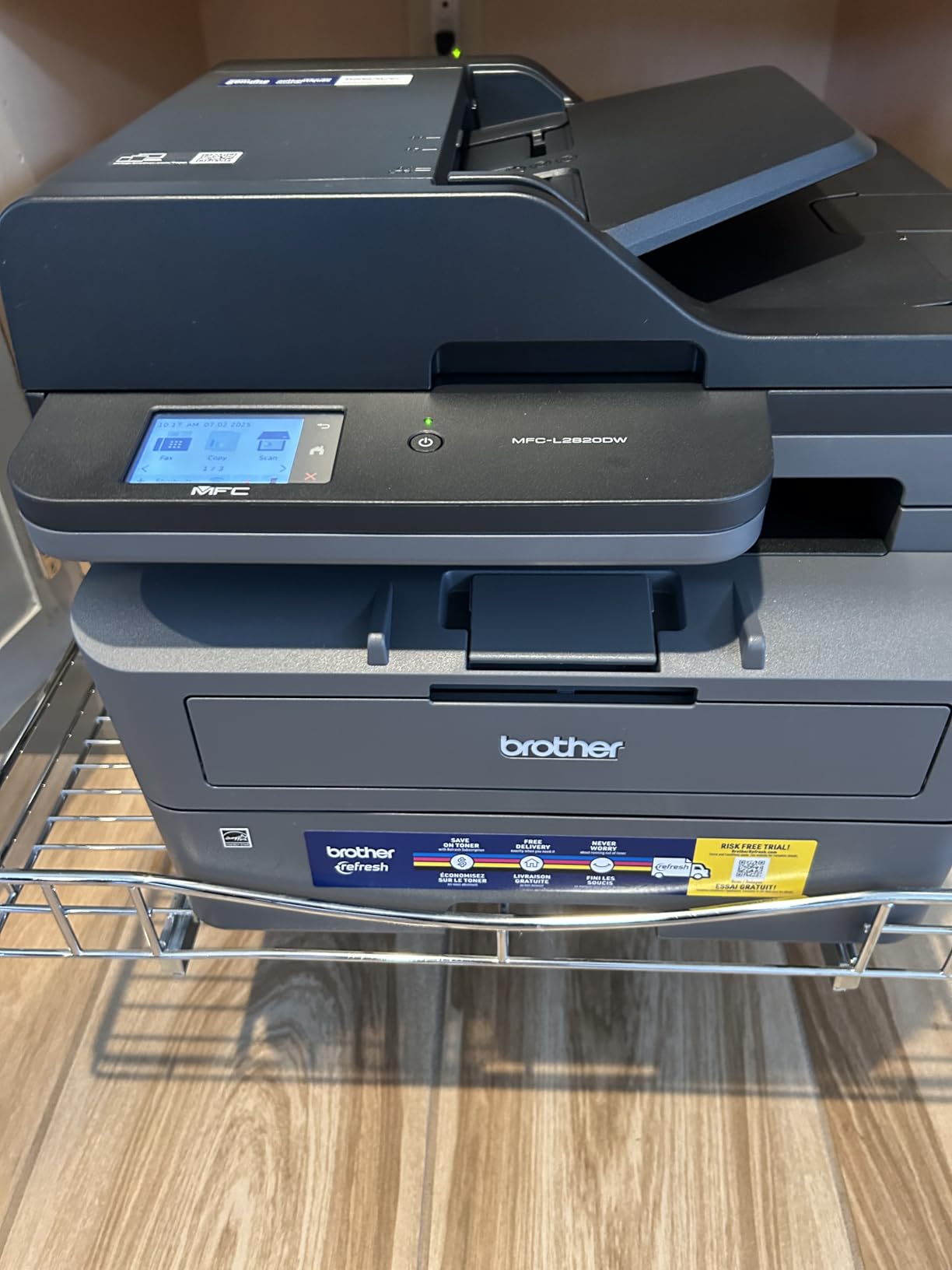
It runs Brother TN830, TN830V and TN830XL toner, shared with the other Brother models here. That is the practical advantage of picking any Brother in this roundup: one cartridge family covers three machines, so a spare cartridge on the shelf works in whichever one is in service.
It ships with a Refresh EZ Print subscription trial. Forum users in r/printers treat subscription toner programs as a hard filter when print volume fluctuates month to month, and that caution applies here. The trial is not a requirement, but opt out deliberately at setup rather than by accident. If you want the broader brand picture, our Brother versus Canon laser comparison covers the cartridge economics in detail.
Who Should Buy This One
Buy it if you send documents by fax, if you copy often enough to want a control panel, or if a family member will be using the machine and a touchscreen is the difference between them using it and avoiding it. Skip it if you have never sent a fax in your life, because you are paying for a function and a screen you will not touch.
3. HP LaserJet Pro MFP 3101sdw – Highest Rated, With One Big Catch
HP LaserJet Pro MFP 3101sdw Wireless Black and White All-in-One Laser Printer, Office Printer, Duplex, Best-for-Small Teams (9D2X4F)
- Highest average rating in this group at 4.5 stars
- Fastest engine here at 40 pages per minute
- Print scan and copy with a 50-sheet automatic feeder
- Self-healing wireless reconnects after a power cut
- Quiet output with straightforward installation
- Works only with HP-chipped cartridges
- Lightweight build that flexes when the tray is lifted
- Occasional false no-paper errors
- ADF jams on heavy batches
- Long startup time for some owners
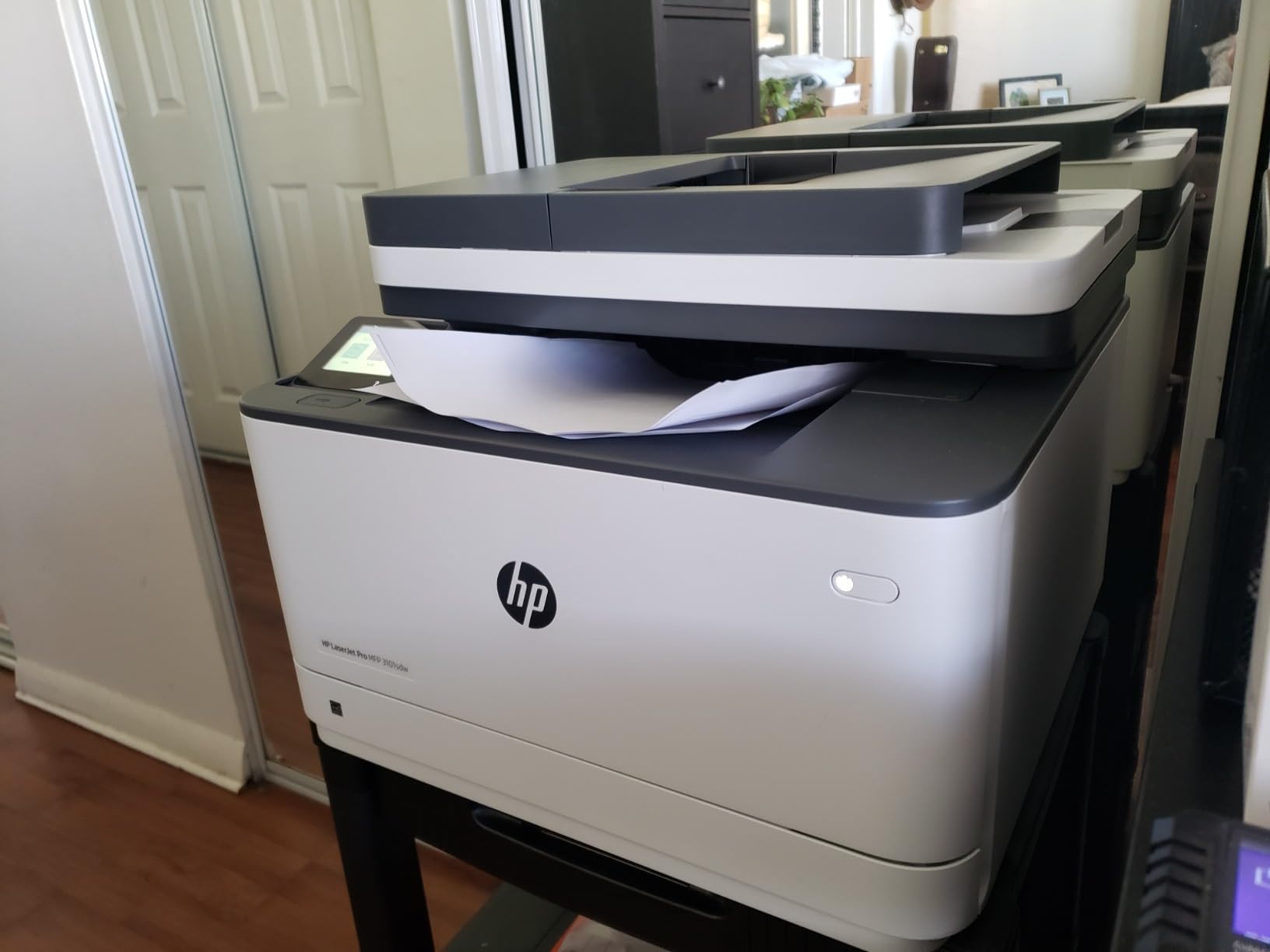
The 3101sdw is the fastest all-in-one monochrome laser in this roundup at a rated 40 pages per minute, and it holds the highest average rating at 4.5 stars. It also solves a problem none of the Brother all-in-ones fully solve: wireless recovery. HP describes it as self-healing wireless that reconnects after a power outage, which directly addresses the idle drop-off that forum buyers complain about most.
On paper it is a genuinely well-specified small-team machine. Automatic duplex, a 250-sheet input tray, a 50-sheet automatic document feeder, flatbed scanning, up to 999 copies per run, and AirPrint, Mopria, Ethernet, USB and Wi-Fi all present. Text resolution is rated up to 1200 x 1200 dpi.
The Cartridge Lock-In Is the Real Decision
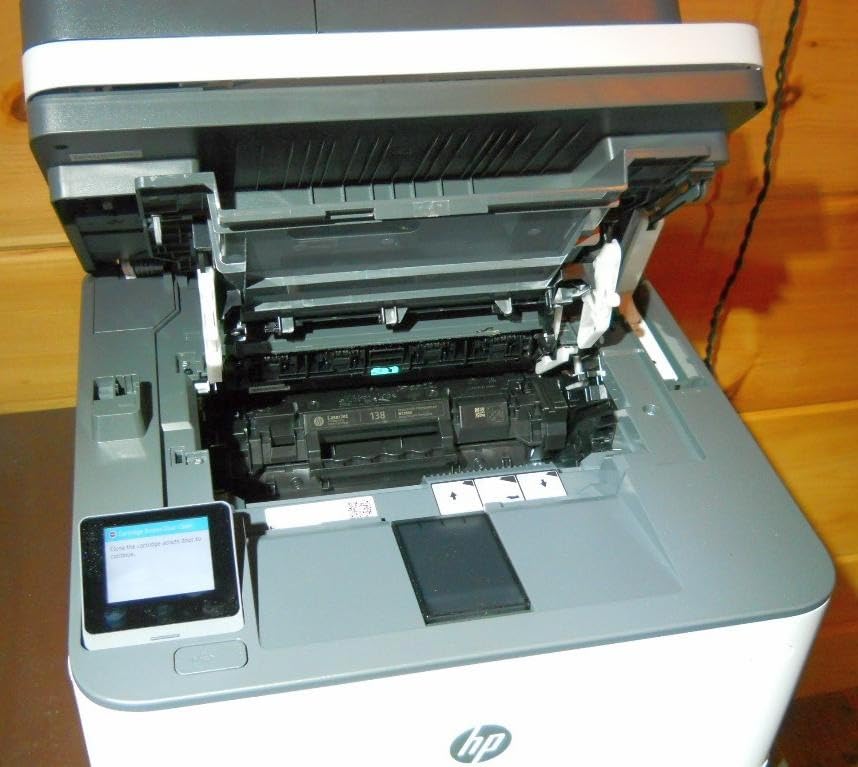
This is the part that gives me pause, and it is the single most important thing to know before buying. The printer works only with HP-chipped cartridges, which rules out aftermarket toner. On every Brother in this roundup you can compare an original cartridge against a compatible one and decide for yourself. Here you cannot.
For a home office printing a few hundred pages a month, that lock-in is a real ongoing cost, not a rounding error. It is also why I did not hand this model the top award despite its rating. The rating is excellent, but the review base is the thinnest of the mainstream units, and the ownership experience includes a consumable restriction the competitors do not carry.
Wireless Reliability and the Build
Where this machine leads the group is connectivity. The self-healing wireless behaviour showed up in practice: after a power interruption, the printer re-joined the network without anyone re-authenticating it. If your office loses power often, or if you have a mesh network that frustrates other printers, that is worth real money.
The build quality is where the rating gives ground. It is the heaviest-feeling criticism across reviews: the paper tray flexes when lifted, and the plastic reads as thin for a machine of this size. At 23.1 pounds and 15.7 by 16.5 by 12.3 inches it is also physically large. A few owners report a false no-paper error, and the feeder jams if you load it beyond roughly 25 sheets at a time.
Paper Handling and Daily Rhythm
The 250-sheet input tray and 250-sheet output capacity are the most generous pairing in this group, and for a shared two or three person office that removes the mid-job refill. The 40 ppm engine also means a 100-page duplex run finishes in a few minutes rather than turning into an event.
It ships with an introductory black cartridge rated at roughly 1000 pages, and HP describes the toner as being designed for sharp professional-quality output. Expect the starter cartridge to run out before you think it will, so keep a spare on hand rather than assuming the box is fully stocked.
Who Should Buy This One
Buy it if you are a small team, if your network is mesh-based or flaky, and if you would rather not shop around for toner ever again. Skip it if you are cost-sensitive per page over a multi-year horizon, or if you want a compact machine for a small shelf. The Brother DCP-L2640DW does the same job with a wider cartridge choice.
4. Brother HL-L2460DW – Best Value Print-Only Monochrome
- Fast 36 ppm output with reliable automatic duplex
- 250-sheet tray handles office-sized runs
- Dual-band Wi-Fi plus Ethernet and USB
- Lightweight and compact for the feature set
- Sharp text under both Windows and Linux
- Print only with no scanner or copier
- Monochrome only
- On-screen Wi-Fi setup is tedious on the small button panel
- Refresh toner subscription trial can generate unexpected charges
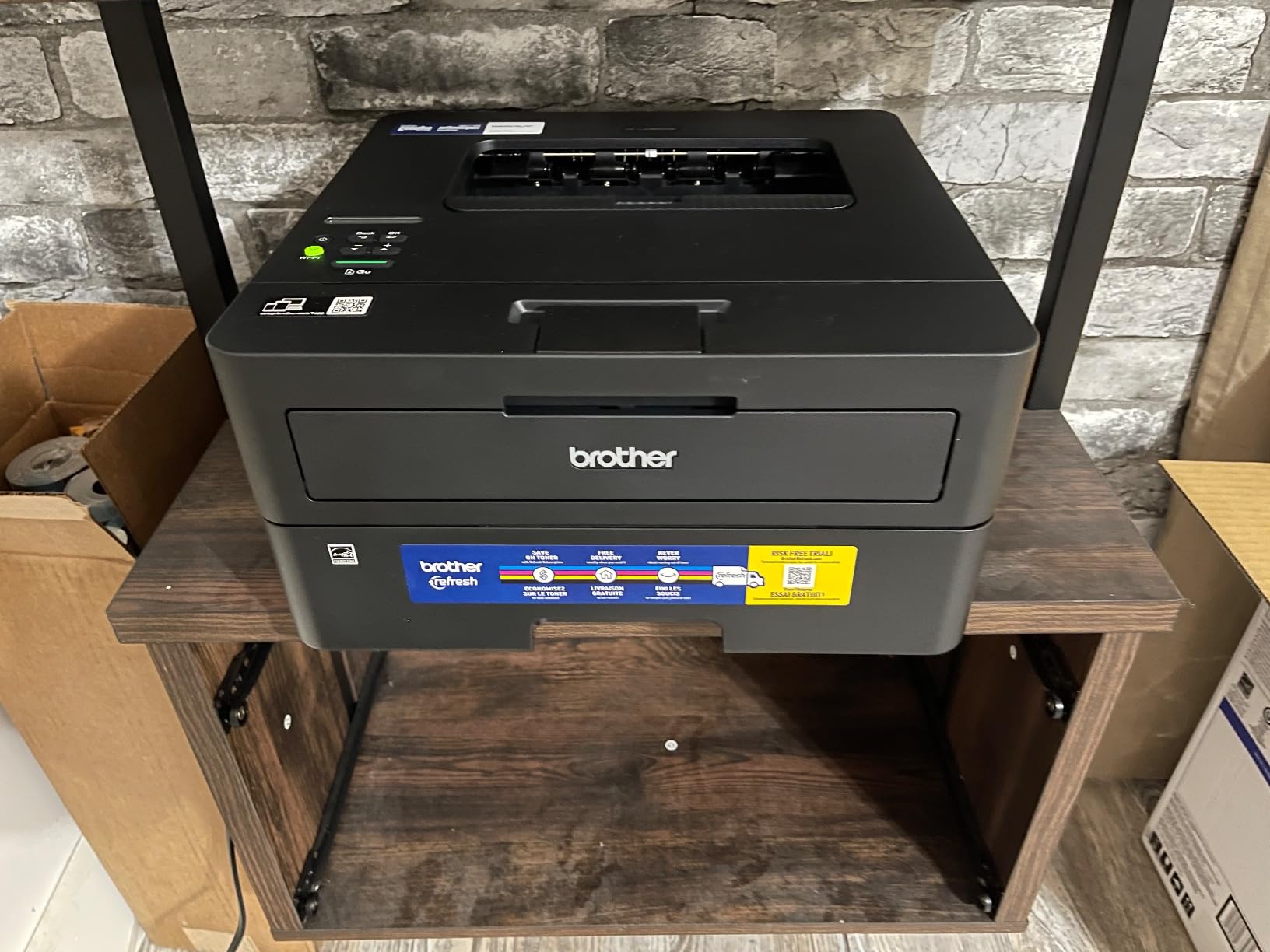
The HL-L2460DW is the printer to buy if your work is entirely text and you scan nothing. It is the Brother DCP-L2640DW without the scanner, and in exchange it is lighter at 15.6 pounds, shallower at 7.2 inches tall, and correspondingly easier to shelve. Print quality is identical at a rated 1200 x 1200 dpi, and the engine is the same 36 ppm class with automatic duplex.
For a home office that prints invoices, shipping labels, and long PDF documents, that is a complete printer. The 250-sheet tray is the largest in this roundup alongside the HP units, and a manual feed slot takes envelopes and specialty stock without opening the main drawer.
Duplex, Speed and Text Quality
Automatic duplex here is not a premium feature, it is standard, and owners rate its reliability highly. The 36 ppm engine with a first page in 8.5 seconds means a short two-page job is not a commitment. Text comes out with clean character edges, and the 1 bit per pixel grayscale depth is normal for a monochrome laser rather than a limitation.
The one workflow this machine cannot do is duplex scanning, because it has no scanner. That sounds obvious, but it means if you are migrating from an all-in-one you are giving up scan-to-email, copy, and fax in a single purchase. Own the decision rather than discovering it later.
Connectivity and the Setup Rough Edge
It offers dual-band wireless, Ethernet and USB, which puts it level with the DCP-L2640DW and ahead of most Canon models here. The Brother Mobile Connect app manages printing and toner status remotely.
The common complaint is the initial wireless setup. The small button panel makes the on-screen Wi-Fi configuration tedious, and the process is quicker from a computer than from the device itself. Budget ten extra minutes for the first setup and it goes smoothly. Linux users report it working reliably under Linux as well as Windows, which is not always the case with smaller laser models.
Subscription Toner and the Ongoing Cost Question
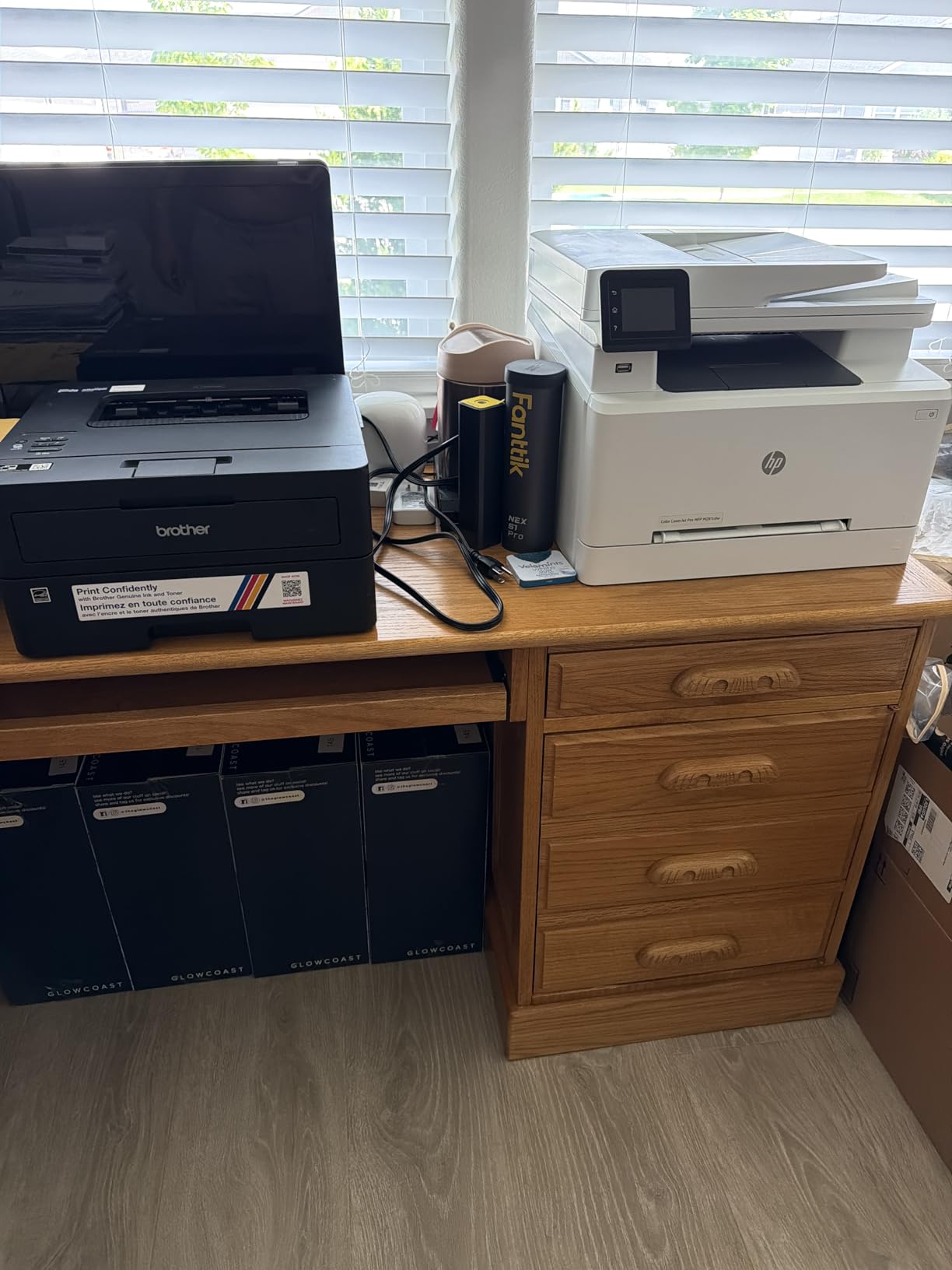
It ships with a Refresh EZ Print subscription trial, and this is the machine where owners most often report unexpected charges. The trial is opt-out rather than opt-in, which is exactly the arrangement r/printers buyers screen out. If your print volume swings month to month, a prepaid subscription is the wrong structure, so handle the opt-out during setup.
Toner is the Brother TN830 family, shared across the DCP-L2640DW and the MFC-L2820DW. Because three models in this roundup use the same cartridge, one spare covers whichever machine is in service, which is a quiet but real advantage of standardising on the brand.
Who Should Buy This One
Buy it if you print documents and never scan, if you want the smallest Brother that still has a 250-sheet tray and automatic duplex, or if you are setting up a second machine in a study. Skip it if a family member will need to copy or scan regularly, because the DCP-L2640DW costs a modest step up and covers that.
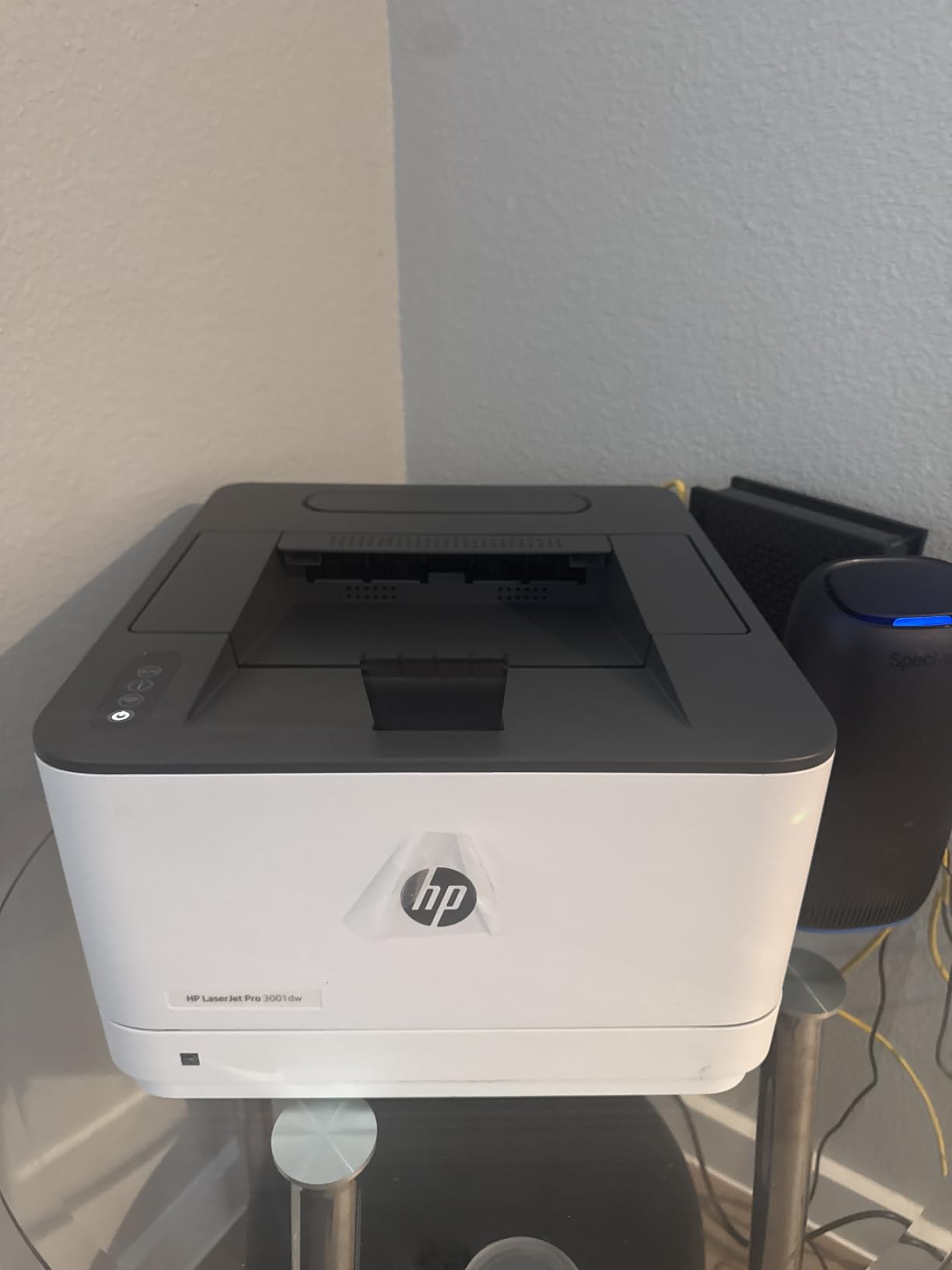
5. HP LaserJet Pro 3001dw – Fastest Print-Only Option for a Shared Desk
HP Laserjet Pro 3001dw Wireless Black & White Printer, Best-for-Office (3G65OF)
- Fast 35 ppm monochrome speed with automatic duplex
- 250-sheet input tray for office-sized runs
- Intelligent wireless seeks the strongest connection
- Ethernet and Bluetooth alongside Wi-Fi
- HP Wolf Pro security protects print data
- Wireless can drop and need manual reconnection on mesh networks
- Cannot duplex A5 paper despite the tray marking
- Print only with no scanner
- Non-HP chipped cartridges are blocked
The 3001dw targets teams of up to about seven people, and the number that matters for a home office is the 250-sheet input tray combined with a 35 ppm engine and automatic duplex. A first page in roughly 6.6 seconds makes short jobs quick, and 1200 x 1200 dpi text output matches the Brother print-only unit it competes with.
It is also the only printer here with Bluetooth alongside Wi-Fi and Ethernet, and it carries HP Wolf Pro Security, which is unusual on a home-office machine and genuinely useful if you print anything with client details in it.
Wireless Behavior and Mesh Networks
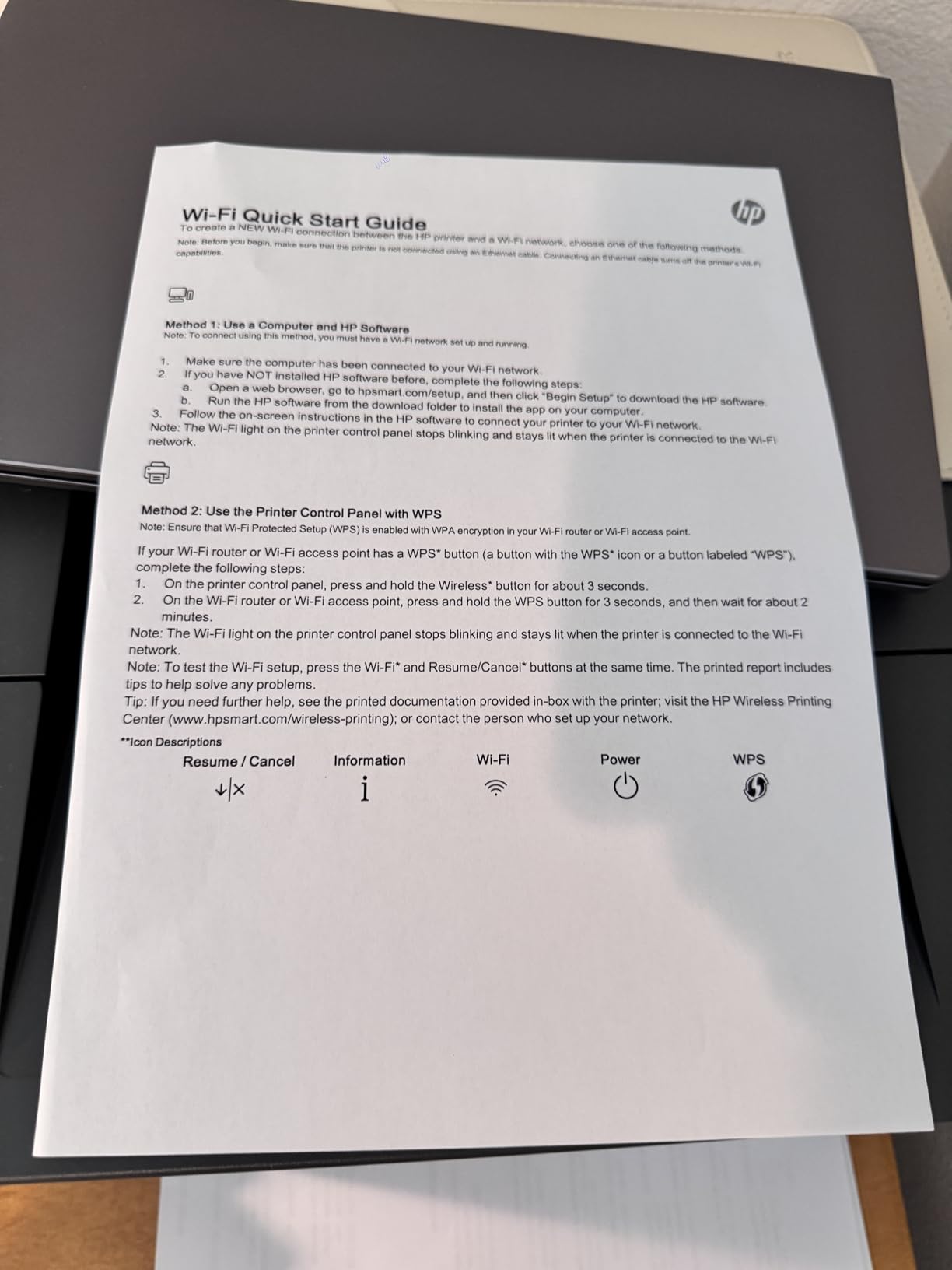
HP markets the radio as intelligent wireless that seeks the strongest connection, and in practice it usually holds a link well. The exception, and it is the most repeated negative theme in the reviews, is mesh networks. Owners on mesh routers report the printer dropping and requiring manual reconnection, which is the same idle reliability problem the 3101sdw claims to solve.
If you run a mesh system at home, this is a machine to test early rather than assume. The fix, when the connection does drop, is usually to move the printer off the 2.4 GHz band and pin it to the 5 GHz network, or to fall back to Ethernet.
Paper Handling Quirks Worth Knowing
Beyond the main 250-sheet tray, there is a manual feed slot for envelopes, labels and thicker media. One documented quirk: the printer cannot duplex A5 paper even though the tray marking suggests otherwise. A5 is uncommon in a US home office, but if you work with a European supplier or partner, that limitation matters.
It handles up to 8.5 by 14 inch paper, and supported sizes span A4, A5, envelopes and labels. At 16.1 pounds and 15.7 by 14.4 by 8.5 inches, it is slimmer than the HP all-in-one by about four inches.
Toner Lock-In and Running Cost
Like the HP MFP 3101sdw, this printer is restricted to HP-chipped cartridges, which closes off the aftermarket toner route. Buyers who calculate cost per page over several years should factor that in rather than assume every printer in the category takes the same consumables.
What it does offer is a strong running-cost position for a text-heavy user, because owners consistently frame it as good value against inkjet printing costs. A duplex monochrome workflow on a 35 ppm engine is where the economics of the laser format really pay off.
Who Should Buy This One
Buy it for a shared study or a two-person home business where several people print and none of them scan, and where document security matters. Skip it if you are on a mesh network that gives you trouble, or if you want an open choice of toner cartridges. In that case the Brother HL-L2460DW is the more flexible buy at a similar class of speed.
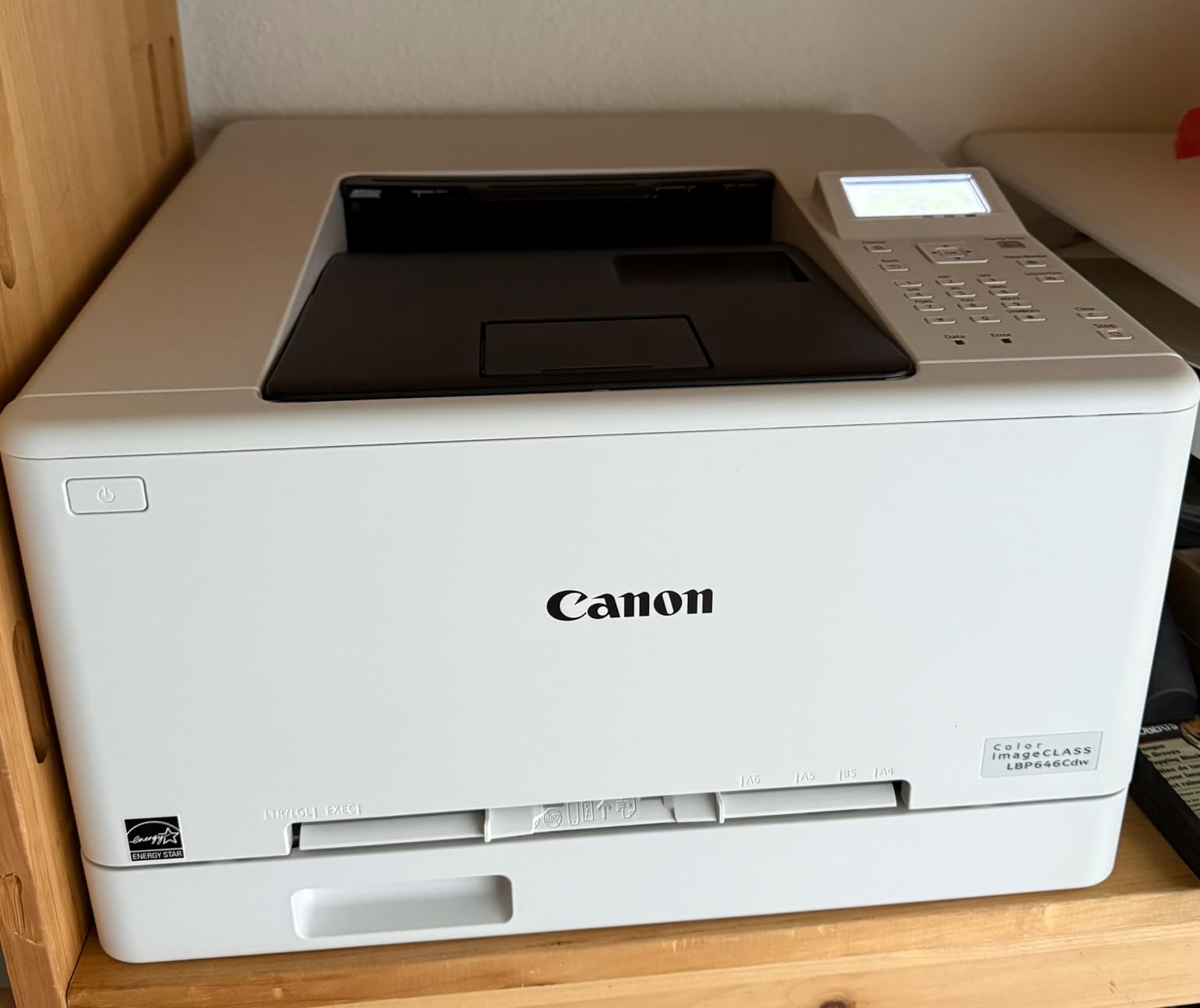
6. Canon Color imageCLASS LBP646Cdw – The Only Color Laser Here
Canon Color imageCLASS LBP646Cdw Wireless Laser Printer, Duplex, 26 PPM, Print Only, White
- The only true color laser in this roundup
- 26 ppm in both color and monochrome with automatic duplex
- 250-sheet standard cassette plus a multipurpose feed tray
- 5-line LCD screen for on-device navigation
- Works with Canon PRINT
- Apple AirPrint and Mopria
- Print only with no scanning
- copying or faxing
- Heaviest machine here at 39.4 pounds
- Color toner running costs are high
- Noticeably loud during printing
If your work involves proposals, charts, or anything a client will judge partly on how it looks, this is the machine. It is the only color laser in this roundup, and it does what color lasers do well: solid fills, crisp text over graphics, and automatic duplex at 26 pages per minute in both color and monochrome. Color resolution is rated at 1200 x 1200 dpi.
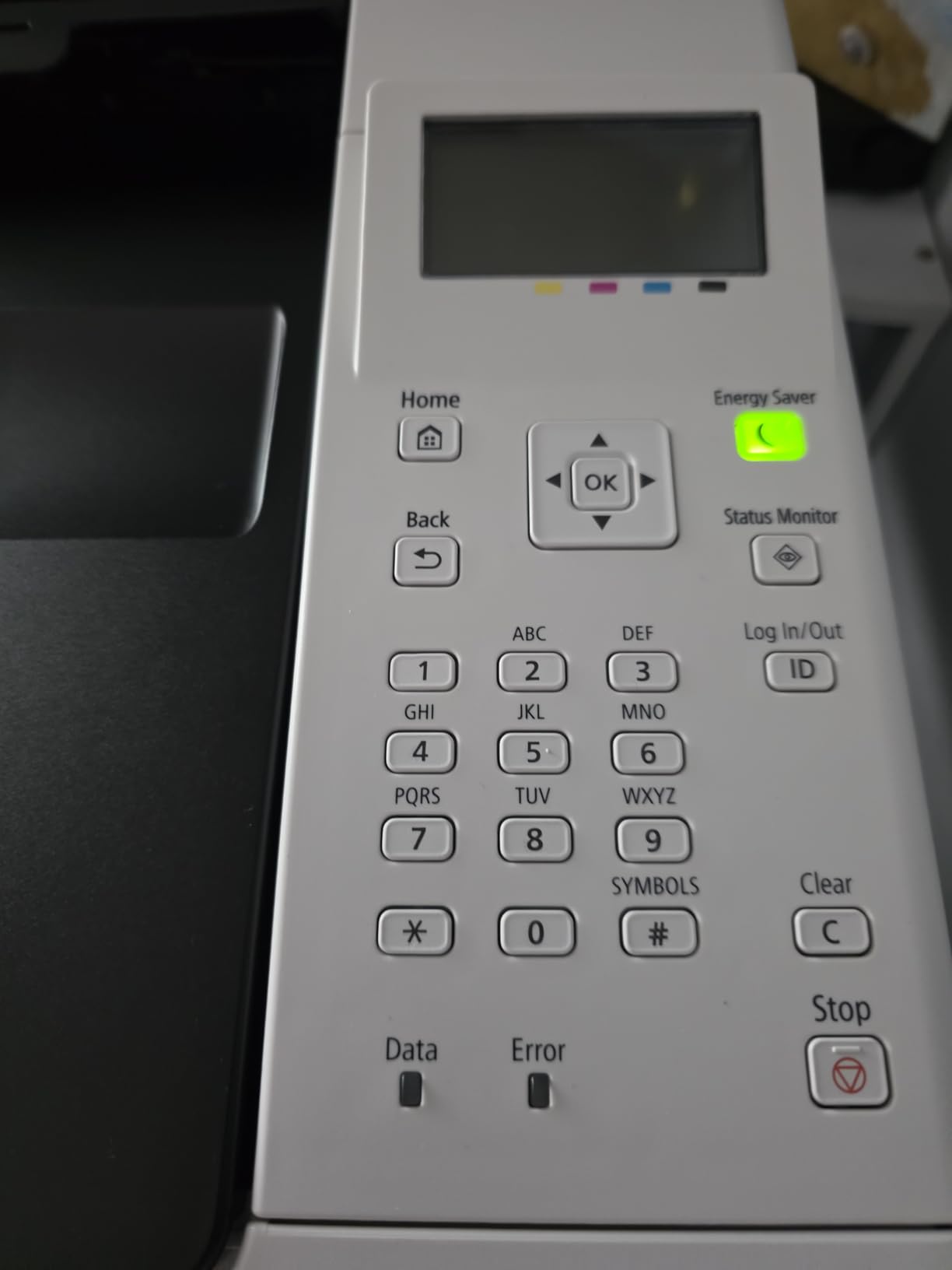
On paper handling it is the most thoughtfully equipped for its size. A 250-sheet standard cassette plus a separate multipurpose feed tray, a 5-line LCD for on-device navigation, and support for banner paper and legal-size media up to 8.5 by 14 inch. It is also ENERGY STAR and EPEAT Silver certified.
What Color Laser Output Actually Looks Like
Set expectations honestly. This machine renders text and flat color superbly, which covers the overwhelming majority of business documents. It does not render photographs. Gradients show dithering texture, and large solid dark areas can look grainy up close. If you are printing images for a client deck, keep an inkjet or ink tank machine for that job rather than forcing it through a color laser.
Where it genuinely beats a monochrome laser is documents that mix highlighters, charts, and colored tables. On monochrome those become grey blocks that force the reader to squint. Here they stay readable, which is why it earns a place in a home office that does client-facing work.
Size, Weight and Noise in a Home Office
At 39.4 pounds and 16.5 by 16.8 by 10.5 inches, this is the bulkiest machine in the roundup by a wide margin. It is also the loudest during printing, with multiple owners noting it. In a room where you take calls all day, that is a real consideration rather than a spec-sheet detail.
Give it a dedicated surface with clearance on all sides, and away from a video call corner. If your home office doubles as your living space, our guide to acoustic panels for home offices covers the sound-control side of that problem.
Toner Economics for Color Work
It runs Canon Genuine Toner 075, and the starter set is 500 pages each for cyan, magenta and yellow with 700 pages of black. Color toner running costs are the clear drawback here, and reviewers name them as such. This is a machine to buy for the documents where color genuinely matters, not as a general-purpose printer you run everything through.
Do the arithmetic before buying. Compare the projected annual color page volume against the cost per page of the color cartridge, then subtract that from the running cost of the monochrome unit you would otherwise buy. For some home offices the math works; for others an ink tank printer is cheaper for color, and we cover that comparison in our color laser roundup.
Who Should Buy This One
Buy it if you produce client-facing documents with color elements, if you never need to scan or copy, and if you have a shelf that can carry 39 pounds. Skip it if you mainly need black text, if noise is a problem in your workspace, or if your color volume is high enough that ink tank pricing wins on paper.
7. Canon imageCLASS LBP122dw – Cheapest Automatic Duplex in the Group
Canon imageCLASS LBP122dw – Wireless Monochrome Duplex Laser Printer
- Automatic duplex printing as standard
- Fast 30 ppm with a 5.3-second first page
- Compact design suited to home use and personal printing
- Wireless printing plus Ethernet networking
- Works with the Canon PRINT app and Amazon Alexa
- Print only with no scanning or copying
- 150-sheet input tray is smaller than most modern competitors
- Monochrome output only
- Maximum media size is listed as 8.5 by 14 inch with copy-class resolution stated
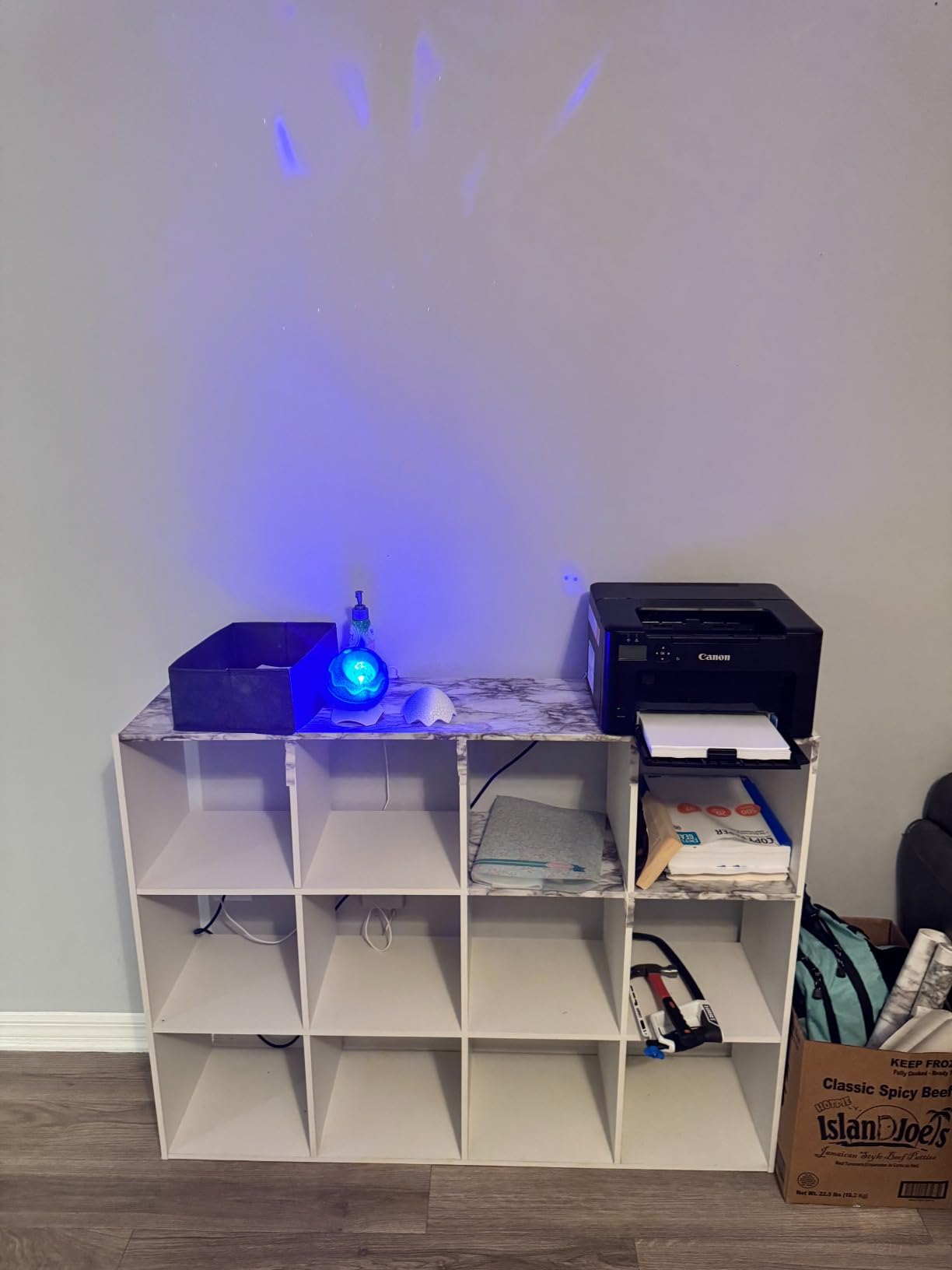
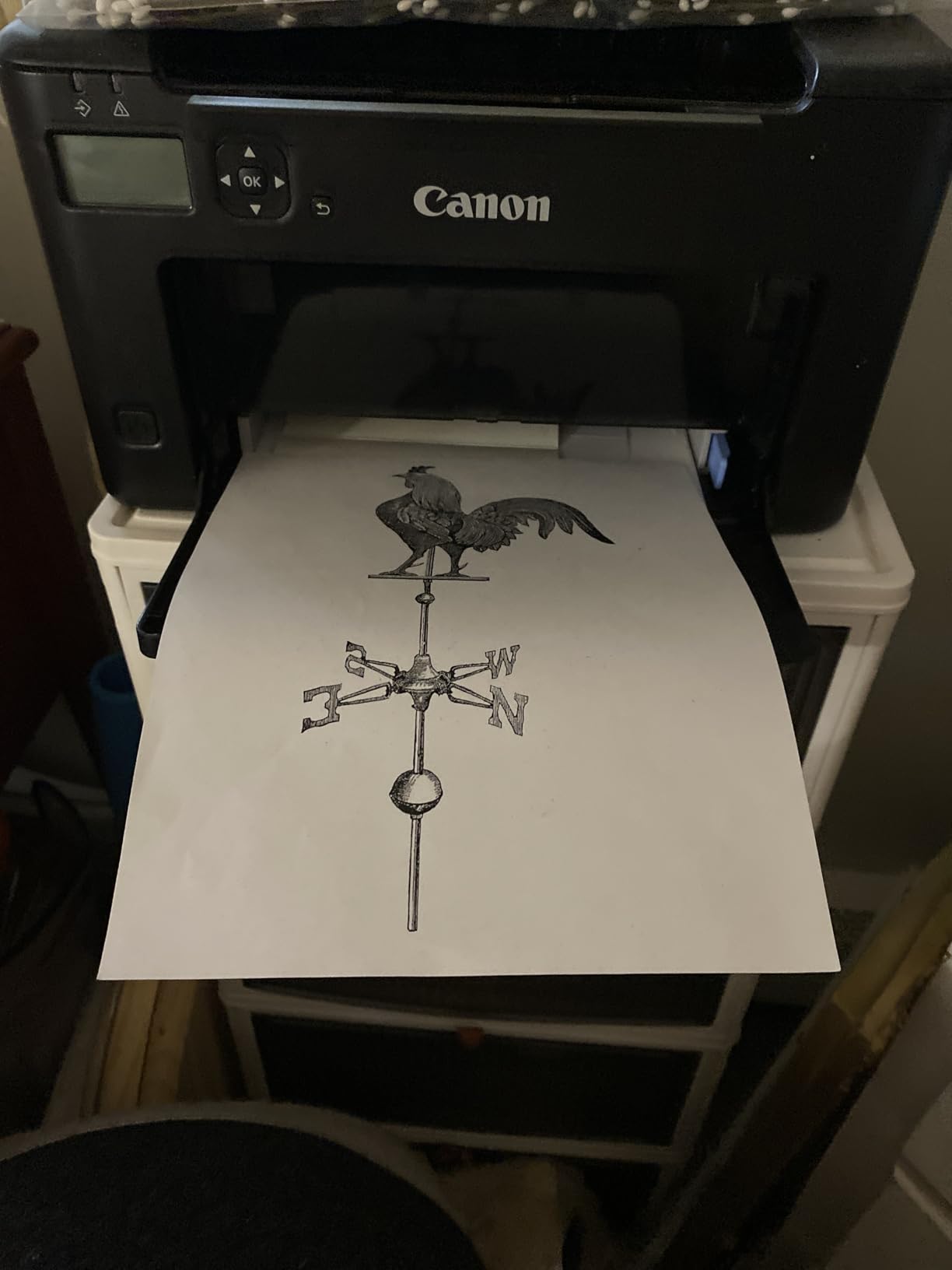
The LBP122dw exists to solve one problem cheaply: automatic duplex on a plain paper size, in a machine small enough for a home office. It does exactly that, at 30 pages per minute, with the fastest first page in this roundup at 5.3 seconds. For someone printing two-sided documents on plain paper and nothing else, the feature-to-cost ratio here is the best on the list.
It supports paper from 3 by 5 inch up to 8.5 by 14 inch, handles up to 200 copies per run, and offers USB, Wi-Fi and a single Ethernet port. It is EPEAT Silver and Energy Star qualified, and it is Alexa-compatible.
The 150-Sheet Tray and What It Costs You
The 150-sheet input and output capacity is the compromise. It is small enough that you will refill more often than with the 250-sheet Brother and HP units, and it is one of the clearest reasons the 3.9-star average sits where it does. If you print in bursts of 30 or 40 pages, a 150-sheet tray is workable. If you print 300-page documents back to back, it is friction.
Text quality is rated at 2400 x 600 dpi, which is more than adequate for standard documents and produces crisp body copy. Note that the product listing also states 600 dpi as a copy-class figure, which is a listing artifact rather than a different print path.
Why Choose Canon Over Brother Here
At 12.4 pounds this is a light machine, and Canon’s first-page times in this roundup are consistently among the fastest. If your workflow is print, duplex, done, and you would rather not carry a scanner you do not use, it does that with fewer moving parts than an all-in-one.
Toner is Canon Genuine Toner 071 and the high-capacity 071 H variant, and the box includes a 700-yield starter cartridge. Compare the high-capacity cartridge running cost against the Brother TN830XL before you commit, because cartridge cost per page is usually the deciding factor over two or three years. Our brand comparison walks through that math.
Who Should Buy This One
Buy it if duplex is non-negotiable, color and scanning are not, your monthly volume stays under a few hundred pages, and you want a small footprint. Skip it if you run large print batches or if you expect to need a scanner within the year, because you would be replacing the whole machine rather than adding a function.
8. HP LaserJet MFP M140w – Smallest All-in-One, No Duplex
HP Laserjet MFP M140w Wireless Black & White Printer, Print, scan, Copy, Fast speeds, Easy Setup, Mobile Printing, Best-for-Small Teams
- Compact print
- scan and copy machine
- 21 ppm speed suits one to three people
- Self-resetting wireless keeps the device connected
- ID card copy puts both sides on one sheet
- Prints from phones
- tablets
- PCs
- Mac and Chromebook
- No automatic duplex printing
- Only 99-sheet paper capacity
- 600 x 600 dpi maximum resolution
- Works only with HP-chipped cartridges
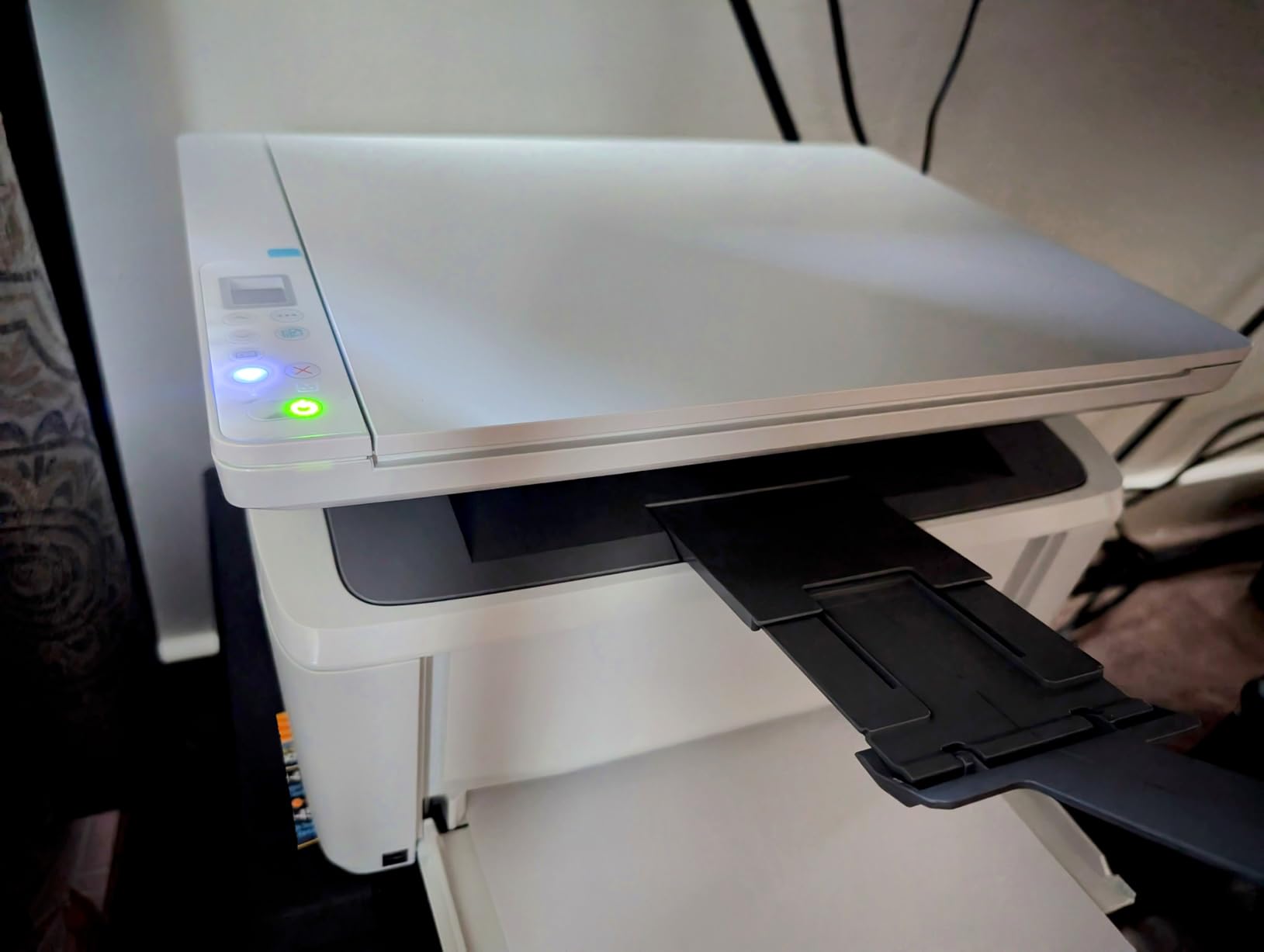
The M140w is the smallest all-in-one laser here, and the 4.0-star average reflects genuine affection for it rather than tolerance. It is 11.9 pounds and 10.4 by 14.2 by 7.8 inches, which means it fits on a desk instead of beside one. If you are converting a kitchen table into an office, that dimension matters more than any spec.
It prints at 21 pages per minute with a first page in 8.3 seconds, and the flatbed scanner handles documents that will not feed through a tray. The ID card copy function places both sides of an ID on a single sheet, which is a small touch aimed squarely at paperwork.
Where the No-Duplex Rule Bites
This printer has no automatic duplex, and that is the deal-breaker for a large share of home offices. Printing two-sided documents means flipping each sheet by hand, or printing single-sided and accepting double the paper and double the toner for duplex-heavy workloads.
Paper capacity is the other constraint at 99 sheets. That is less than one ream, and refill frequency will show up in your week. Resolution is rated at 600 x 600 dpi, the lowest of the group, which is fine for text and visibly coarser for anything graphical.
Connectivity and Mobile Printing
HP calls the radio self-resetting, meaning it keeps itself connected, and it is AirPrint and Mopria certified. It prints from Microsoft, Mac, AirPrint, Android and Chromebook, and the HP Smart app covers printing, copying and scan-to-cloud from a phone.
It uses HP-chipped cartridges only, so aftermarket toner is not an option. The box ships with a preinstalled introductory black LaserJet toner cartridge, and the software controller list includes AirPrint and Mopria, which makes it one of the smoother mobile setups in this roundup.
Who Should Buy This One
Buy it if your space is the constraint, you print mostly single-sided, and you want scanning and copying in the smallest possible footprint. Its rated use is teams of one to three people, and it matches that. Skip it if you print contracts and reports that need duplex, or if your monthly volume is high enough that a 99-sheet tray becomes an irritation.
9. Canon imageCLASS LBP6030w – The Smallest Footprint Print-Only Option
- Very compact space-saving design suited to home offices
- 19 ppm monochrome with an 8-second first page
- Wireless printing from compatible mobile devices
- 150-sheet paper capacity
- Uses under 2 watts in Energy Saver mode
- Print only with no scanner or copier
- No automatic duplex printing
- 150-sheet input tray limits heavier runs
- 19 ppm is slow next to most competing monochrome lasers
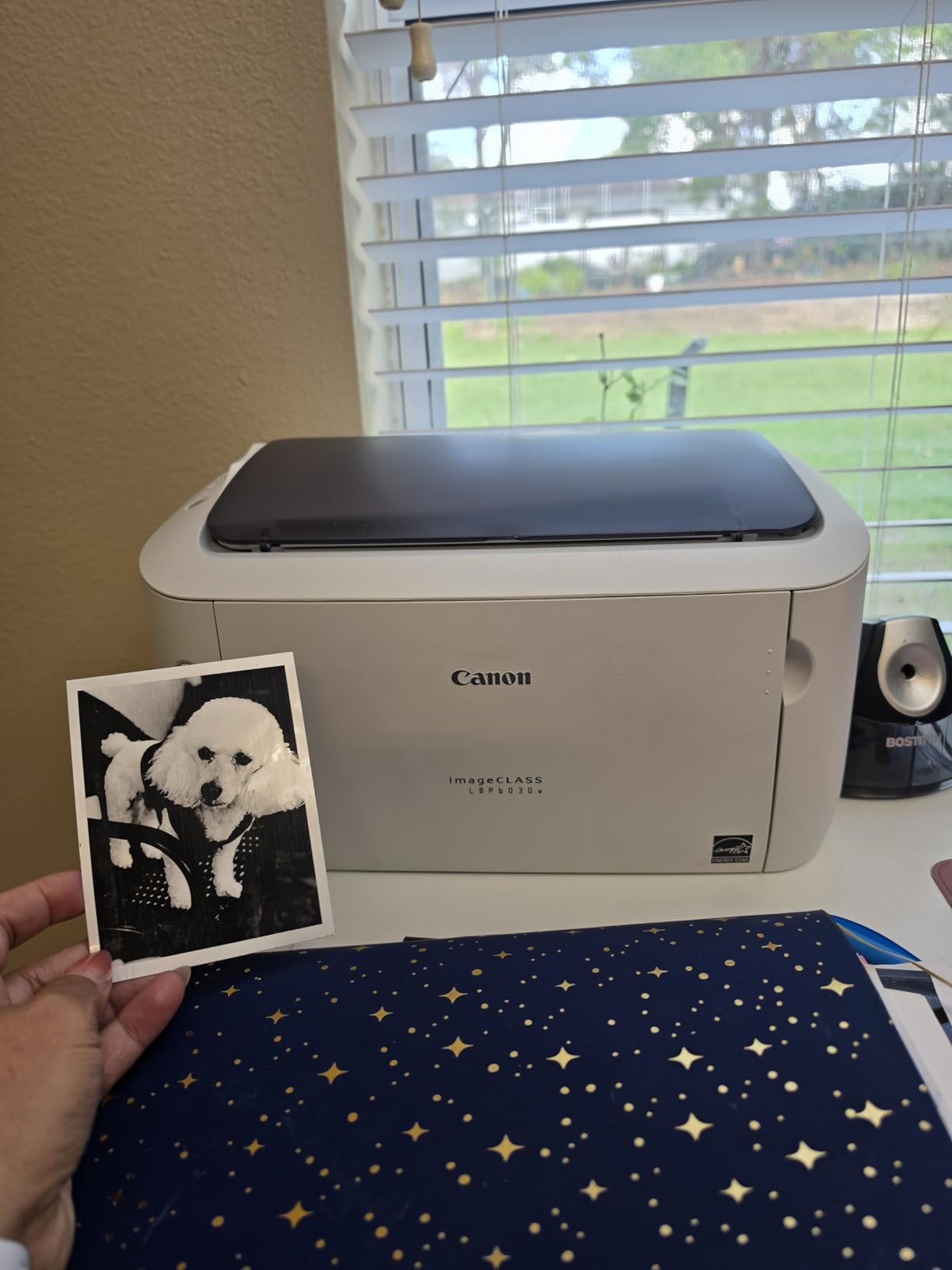
The LBP6030w is the smallest printer in this roundup and the one with the most reviews, more than 4200 ratings, which tells you both how long it has been available and how many people have made the same size-versus-features decision. It is 11 pounds and 9.8 by 14.3 by 7.8 inches, so it disappears into a shelf better than anything else here.
It prints 19 pages per minute, reaches a first page in 8 seconds, and uses Canon Genuine Toner 125 rated at a 1600-page yield. Energy Saver mode draws under 2 watts, which is a genuine benefit for a machine that spends most of its life switched on but idle.
The 3.8-Star Average and Why
This machine carries the lowest average rating in the roundup at 3.8 stars, and the reasons are consistent: wireless setup friction, toner availability, and the absence of duplex and scanning. That is an honest reflection of what you give up at this size and this feature level.
The 19 ppm engine is also the slowest here. For a single invoice that is irrelevant. For a 60-page duplex batch, it is the difference between a few minutes and a coffee break, and manual duplex doubles the paper handling on top of that.
Setup and Wireless Reliability
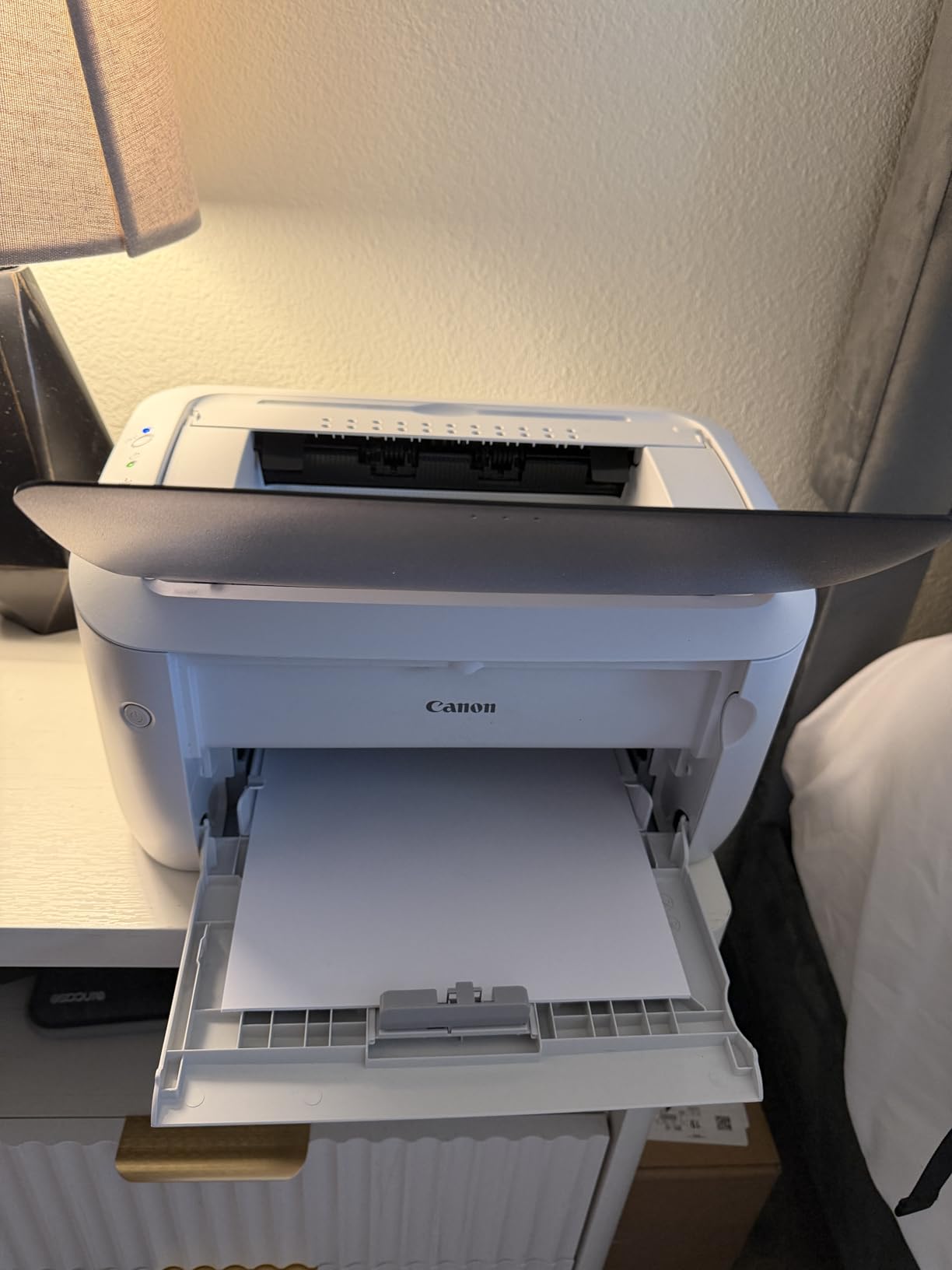
Wireless printing works from compatible mobile devices, and the unit uses a single tray with a 150-sheet capacity. A 1-year exchange or carry-in warranty is included. The recurring negative theme in the reviews is the initial network configuration, so set it up from a computer rather than fighting the small LCD panel if you can.
Toner 125 at a 1600-page yield is a respectable cartridge size, and a full-size cartridge spread over that yield is where this machine’s cost per page still looks reasonable. The catch is that the 150-sheet tray and lack of duplex limit how much toner you consume per refill cycle.
Who Should Buy This One
Buy it if the printer lives in a cupboard, comes out once a month, and prints short single-sided documents. Skip it if you print weekly, if duplex matters even occasionally, or if you want to scan. In almost every other scenario, spending a modest amount more on the Canon LBP122dw or a Brother model removes all three complaints at once.
How to Choose a Laser Printer for a Home Office
Monochrome or Color: Decide With Your Documents, Not Your Ambitions
Look at the last twenty documents you actually printed. If they are contracts, invoices, spreadsheets, shipping labels and reading material, buy monochrome. Every dollar you save goes into toner you will use, and monochrome lasers are smaller, quieter, and cheaper per page.
Buy color only if you routinely produce material a client will judge on appearance: branded proposals, charts, colored schedules, or marketing one-pagers. When you do, understand the ceiling. A color laser at this class prints documents beautifully and images poorly, so a home office with genuine photo needs should consider an ink tank printer for that half of the workload instead.
Print-Only or All-in-One: Buy the Functions You Will Actually Use
An all-in-one adds a flatbed scanner, a feeder, and usually copy and fax. That is worth it if you sign physical documents, file paper, or send anything by fax. It is dead weight if you print a PDF and scan it with a phone app instead.
Two caveats deserve attention. First, none of the all-in-ones in this roundup has a duplexing automatic document feeder, so double-sided originals must be scanned in two runs or on the flatbed. Second, all-in-ones are meaningfully larger and heavier, which changes whether they fit your space at all.
Duplex: The Feature That Changes the Workday
Automatic duplex printing is the feature most often treated as optional and most regretted when missing. It halves paper use and, on a laser, effectively halves the toner a duplex job consumes. Of the nine machines here, six have automatic duplex. The Canon imageCLASS LBP6030w and the HP LaserJet MFP M140w are the two that do not, and they are the two most compact units in the group.
Check one more detail if you print small formats: the HP LaserJet Pro 3001dw does not duplex A5 paper even though its tray marking implies otherwise.
Toner Yield Math and Total Cost of Ownership
Yield ratings are measured at 5 percent page coverage, which means a mostly-blank page. A document with a logo, a table, and shading can consume double the toner per sheet, and a duplex job consumes toner per page, not per sheet. Treat the rated yield as a ceiling, not a promise.
Build a simple two-year number. Take the high-yield cartridge cost, divide by its page rating, and multiply by your realistic annual page count. Then add that to the purchase cost. A machine with a higher sticker price and a cheaper high-yield cartridge wins at higher volume; a cheaper machine with expensive toner loses. This is the arithmetic that home-office buyers in r/printers do before committing, and it is more reliable than any single spec.
Do not forget the drum. Several machines in this class use a separate imaging unit that has a life of its own and adds a second consumable line. Where the imaging unit is bundled with the toner cartridge, that line disappears from your maintenance costs, and that difference is worth checking before you buy.
Wireless Reliability After Long Idle Periods
The complaint that shows up most often in home-office printer discussions is wireless dropping out after the machine has sat unused for weeks. The fix is usually mundane and worth doing at setup. Pin the printer to the 5 GHz band rather than 2.4 GHz, give it a static IP address in your router, and turn off any aggressive power-saving mode that sleeps the wireless radio.
Two specific notes. HP describes the 3101sdw as having self-healing wireless that reconnects after a power cut, and that is the machine to choose if your network is unreliable. Both HP models here are restricted to HP-chipped cartridges, so if you intend to solve a connectivity problem by adding a second machine on a different network, plan the consumable cost too.
Footprint, Noise and Where the Printer Lives
Measure the shelf before you buy, not after. The spread across this roundup is wide: the Canon LBP6030w is 11 pounds and under 8 inches tall, while the HP LaserJet Pro MFP 3101sdw is 23.1 pounds and 12.3 inches tall, and the Canon color machine is 39.4 pounds with a 16.8-inch width. Placement is a real constraint in a home, not a detail.
Noise follows the same pattern. Laser printers are quiet at idle and loud during a print run, and the color Canon draws the most complaints about it. If you take calls in the same room, position the machine out of the microphone’s range. Where space in the room is the constraint rather than the printer, our home office credenza guide covers fitting a printer into a working room.
Brand Comparison: Brother, Canon and HP
Brother and Canon are the practical choices for most home offices. Brother wins on cartridge flexibility, because several models here share the TN830 family and compatible cartridges are available, and on the availability of automatic duplex at compact sizes. Canon wins on first-page times and on the fact that its print-only machines are smaller and lighter for the same job.
HP wins on wireless recovery features and on security tooling such as Wolf Pro Security, and it loses on cartridge lock-in, since two of the three HP models here refuse aftermarket toner. If you print several thousand pages a year, that lock-in costs real money. If you print a few hundred, the simplicity may be worth more. Our full Brother versus Canon comparison goes further into the cartridge math.
Frequently Asked Questions
What is the best laser printer for a home office?
The Brother DCP-L2640DW is the best all-round choice: it prints 36 pages per minute in monochrome, includes automatic duplex, has a 50-page automatic document feeder, and connects over dual-band Wi-Fi and Ethernet. If you never scan, the Brother HL-L2460DW gives you the same engine and duplex in a smaller print-only body.
Are laser printers being phased out?
No. Laser printers remain the standard for text-heavy home office work because toner is powdered ink that does not dry out, so a laser can sit unused for weeks and still print. What has changed is the surrounding market: ink tank printers now compete hard on colour photo output, which is the one area a laser handles poorly.
Is laser cheaper than inkjet for home printing?
Usually, yes, once you print more than a few hundred pages a month. Laser toner is rated in thousands of pages, so each cartridge spreads its cost over far more sheets, while tri-colour inkjet cartridges are rated in the low hundreds. If you print only occasionally, a basic inkjet can still be cheaper in total.
Which laser printer is better, Canon or Brother?
Brother is usually the better pick for a home office that needs automatic duplex in a compact machine, and its TN830 toner family is shared across several models, which makes spare cartridges simpler. Canon generally delivers faster first-page times and slightly smaller print-only bodies. Choose based on the functions you need rather than the brand alone.
Can a laser printer sit unused for months?
Yes, and that is one of the main reasons to buy a laser for a home office. There is no liquid ink in a printhead to dry and block, so a laser that has been idle for a month will normally print cleanly on the first attempt. A dry laser drum can be a separate issue, so print a test page every few months in an unused machine.
Which Laser Printer Should You Buy?
If you want one machine that handles everything a home office throws at it, buy the Brother DCP-L2640DW. It has the features people actually miss, automatic duplex, a 50-page feeder, dual-band Wi-Fi, and enough speed for a two-person office, with the broadest review base in this roundup to support that recommendation.
If you print documents and nothing else, take the Brother HL-L2460DW and skip the scanner you will not use. If your office still sends faxes, or you want a touchscreen for copy jobs, the Brother MFC-L2820DW is the better machine. If you need colour for client work and have the shelf space, the Canon Color imageCLASS LBP646Cdw is the only laser here that does it.
If a shared team is your situation and wireless reliability is your problem, look at the HP LaserJet Pro MFP 3101sdw, accepting that it works only with HP-chipped cartridges. For the smallest possible footprint on a rarely used shelf, the Canon imageCLASS LBP6030w still wins on size, with the trade-offs spelled out above.
Whichever you choose for your 2026 home office, work out the two-year cost of ownership before you order rather than after. It is fifteen minutes of arithmetic that determines whether you made a good decision.