10 Best Desks for Dual Monitors (October 2026) Ultimate Guide
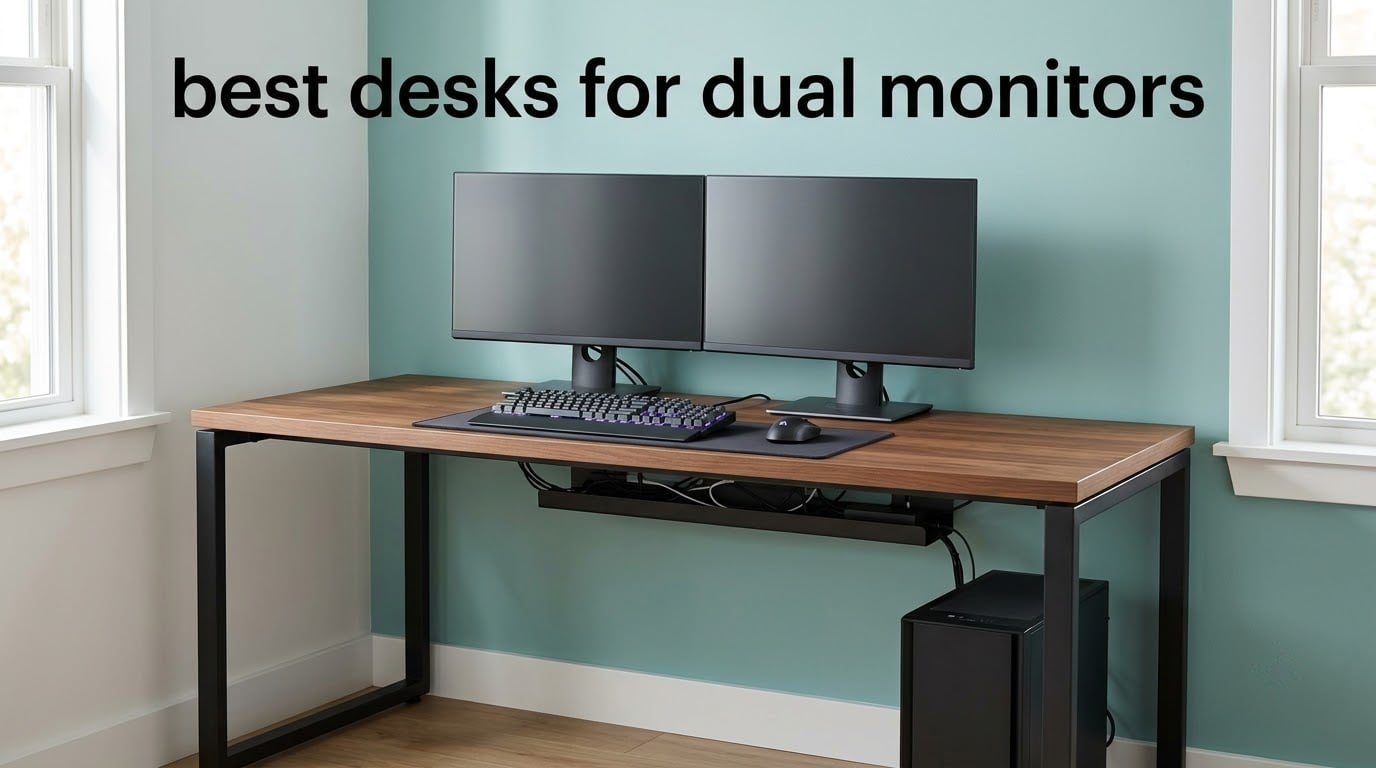
If you are shopping for the best desks for dual monitors in 2026, the first thing to settle is width. Two 27-inch screens need roughly 53 to 60 inches of surface depending on bezel size, and most of the 48-inch desks marketed as dual-monitor furniture fall a few inches short once you count the clamp clearance behind each screen. I have spent the last several months working through dual-monitor setups in a small home office and a shared studio, measuring surfaces with a tape rather than trusting listing photos, and the difference between a desk that works and a desk you tolerate shows up in three numbers: width in inches, lift capacity in pounds, and the usable height range.
This roundup covers ten desks, all of them wide enough to be honest about the two-monitor question, and it includes fixed-height L-shaped models, sit-stand frames, and one desk aimed squarely at gamers. Every pick below lists its real dimensions, its stated load rating, and the mounting details that decide whether a monitor arm will actually attach to it.
We also cover the arithmetic nobody else publishes: how wide a desk needs to be for a specific monitor pairing, how to total up the weight of your screens, arms, tower, and desk mat, and how to tell in thirty seconds whether a desktop will take a C-clamp or quietly ruin it. If you are still deciding between a laptop dock and a full second display, our laptop docking station guide covers that side of the setup.
Our Top 3 Best Desks for Dual Monitors in 2026
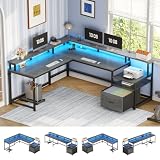
SEDETA 66 Inch L Shaped Desk
- 66 inch reversible L shape
- 300 lb capacity
- 4 outlets and 2 USB ports

HUANUO 60 x 30 Electric Standing Desk
- C-clamp compatible rear platform
- Real plywood top
- 27.5 to 46.4 inch lift range

ErGear 48 x 24 Electric Standing Desk
- Electric sit-stand lifting
- Alloy steel frame
- 4 memory height presets
We picked the SEDETA as our top choice not because it has the highest star rating, but because it is the widest listed surface in this group with the highest stated capacity, and it carries more than 4,000 reviews. The HUANUO takes second on the strength of its rear platform, which is the only desk here we would put a C-clamp arm on without hesitation. The ErGear rounds out the top three as the most-reviewed electric frame in its category, with the caveat that 48 inches is a tight fit for a large monitor pair.
Comparing All 10 Desks for Dual Monitors in 2026
| Product | Specifications | Action |
|---|---|---|
| SEDETA 66 Inch L Shaped Desk |
|
Check Latest Price |
| ErGear 48 x 24 Electric Standing Desk |
|
Check Latest Price |
 Veken 55 Inch Electric Standing Desk Veken 55 Inch Electric Standing Desk |
|
Check Latest Price |
 Furologee 66 Inch L Shaped Desk Furologee 66 Inch L Shaped Desk |
|
Check Latest Price |
 Coleshome 71 Inch Computer Desk Coleshome 71 Inch Computer Desk |
|
Check Latest Price |
| HUANUO 60 x 30 Electric Standing Desk |
|
Check Latest Price |
 ODK 53 Inch L Shaped Gaming Desk ODK 53 Inch L Shaped Gaming Desk |
|
Check Latest Price |
 Huuger 63 Inch L Shaped Desk Huuger 63 Inch L Shaped Desk |
|
Check Latest Price |
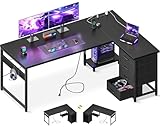 AODK 61 Inch L Shaped Gaming Desk AODK 61 Inch L Shaped Gaming Desk |
|
Check Latest Price |
 LVB 60 Inch Office Desk LVB 60 Inch Office Desk |
|
Check Latest Price |
1. SEDETA 66 Inch L Shaped Desk – Best Overall Fit for Two 27 Inch Monitors
SEDETA 66″ Reversible L Shaped Computer Desk with Power Outlet, File Drawer
- Widest surface in the group at 66 inches
- Reversible L shape suits either corner
- Metal frame stays solid while typing
- Monitor shelf plus file drawer and CPU stand
- Fixed height with no sit-stand option
- Assembly takes 30 to 40 minutes
- 80 pound weight makes it hard to move
The first thing I noticed when I set up the SEDETA was that I never had to angle a screen inward to make it fit. Two 27-inch panels sat flat, square to the front edge, with room to spare on the outer sides. That is the single most useful thing a dual-monitor desk can do, and it is the reason this desk leads my list.
It is a fixed-height L-shaped desk rather than a sit-stand frame, which is a real trade-off if you alternate between sitting and standing. In exchange you get a 1 inch engineered wood top on a metal frame rated to 300 pounds, and that combination does not wobble when you type hard. My own concern about a heavy clamp arm denting the surface is much lower here than on the thinner tops in this group.
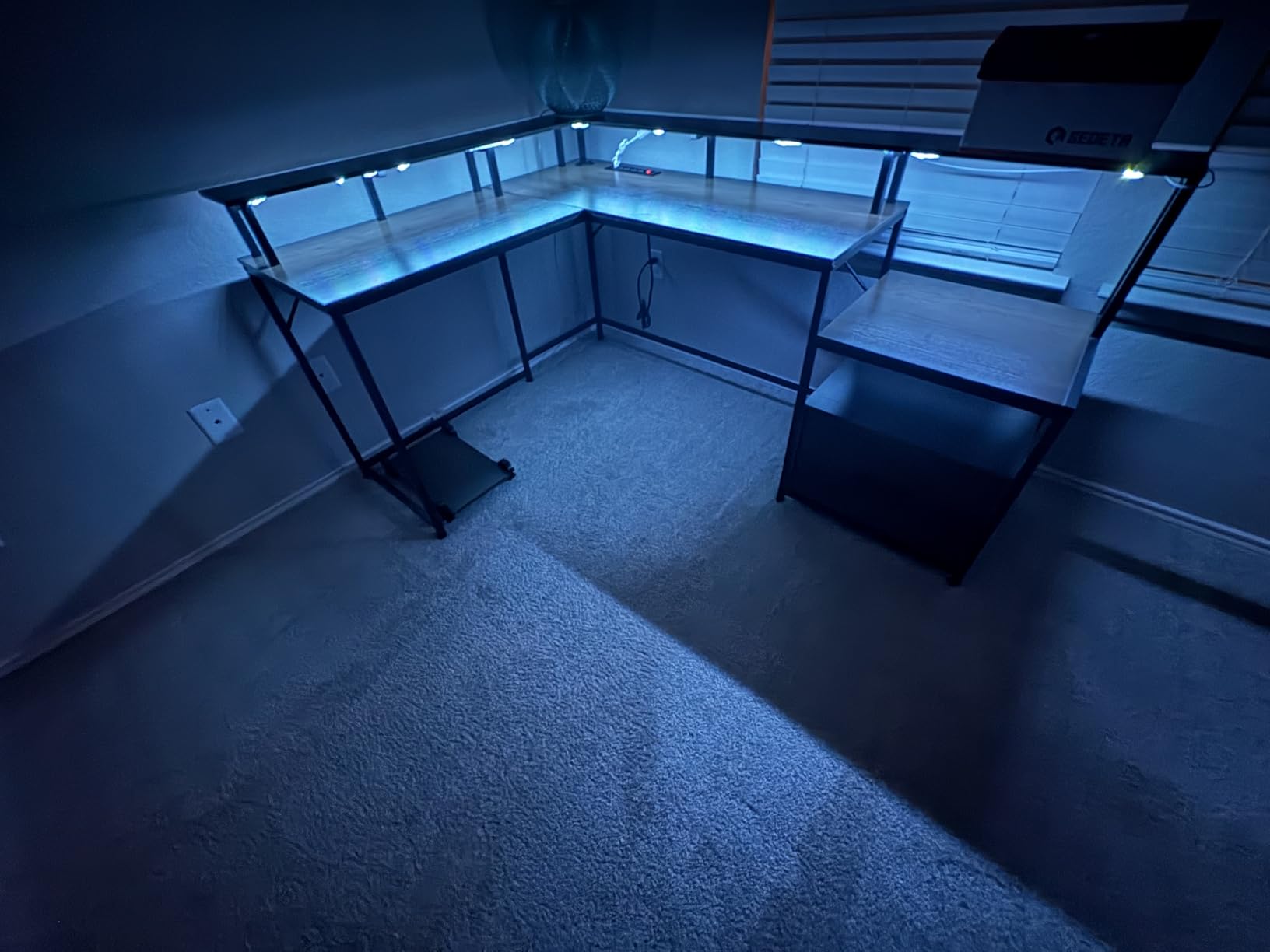
The L return is reversible, so the shorter arm of the desk can point either direction depending on which corner you are filling. In a bedroom constrained to about 60 to 65 inches of wall, the return is what makes the whole layout possible: the long run takes both monitors and the return takes the keyboard when you want a more compact footprint.
Surface Area and Why 66 Inches Works
The listed dimensions are 48 by 66.9 by 34.6 inches, with a 66 by 48 inch top size, which leaves a genuine margin over the 55 to 60 inches you need for two 27-inch monitors. That margin is not wasted. It is where the mouse pad lives, where the laptop sits when you are not using a dock, and where a notebook and coffee cup fit without pushing a screen back toward the edge.
Because the top is 1 inch thick, the rear edge can take a clamp mount without the frame having to be reinforced. Thinner tops, especially in the 0.5 and 0.6 inch range, are where monitor arm complaints start, and this is not one of them.
Power, Storage and the 300 Pound Frame
Four AC outlets and two USB ports are built into the desktop. With two monitors, a tower, peripherals, and a phone charging, you are looking at five or six cables at the wall, and having the outlets at desk level removes the strip-on-the-floor arrangement that most dual-monitor setups default to. It is not glamorous, but it is the feature I use most.
Storage is unusually complete for an L-shaped desk: a file drawer, a printer cabinet, two tier storage shelves, a CPU stand, a monitor shelf, and a headset hook. The 300 pound rating leaves headroom for a tower plus two arm-mounted screens, which is the load scenario most buyers underestimate.
The RGB light strip with more than 60,000 colors and music sync is the one purely decorative item here. It runs along the underside of the main surface, so it lights the floor rather than the wall, and it works well as a low ambient glow in a dark room without a separate lamp.
For Whom This Desk Is and Is Not Right
Buy this if you are working with two 27-inch monitors in a room where wall width is the binding constraint, and if you want a corner workstation that does not require wall mounting. It is also the easiest option here for two people at a shared desk, since the L return creates a natural second position.
Skip it if you alternate between sitting and standing. There is no height adjustment at all, and the assembly step is real work: reviewers consistently put it at 30 to 40 minutes even with numbered parts and pre-drilled holes. At 80 pounds, plan where it goes before you build it, because moving it afterward is a two-person job.
2. ErGear 48 x 24 Inch Electric Standing Desk – Most Reviewed Electric Frame
- Most reviewed frame in the category
- 4 memory presets for one touch recall
- Alloy steel columns stay stable at full height
- Simple assembly with included tools
- 48 x 24 inches is tight for two large monitors
- No drawers or shelves for peripherals
- Building an L setup requires two units
The ErGear is the desk I recommend when someone tells me they already owns two 24-inch monitors and wants to add height adjustment without replacing everything else. The lift is smooth, the presets work, and more than 12,000 reviews describe very few failures. My reservation is about surface size, not build quality.
At 48 by 24 inches, this is a genuine two-monitor desk only for the 24-inch-and-under pairing. Two 27s will overhang or force the screens inward, and a 32-inch plus a 27-inch is out of the question. If your monitors are smaller, the 24-inch depth is comfortable: monitor bases, keyboard, and mouse all fit without crowding.

The height range of 28.35 to 46.46 inches covers almost everyone. A sit height around 28 inches suits shorter users, and 46 inches at the top works for most standing users without the desk feeling like it is at the end of its travel.
Where 48 x 24 Inches Falls Short for Two Monitors
The math is simple. Two 24-inch panels are about 42 inches wide, leaving six inches of margin on a 48-inch surface. Two 27-inch panels are about 48 inches wide, which means the monitors span the entire desk with no gap and no edge margin. You can do it, but you are accepting bezels touching and screens at the very outer limits.
Depth is the second issue. At 24 inches you have room for a monitor base and a keyboard, but a large curved monitor with a wide base pushes the keyboard back toward the edge. Users frequently report the depth as the top complaint, and it is a fair criticism.
There is also no built-in storage. That is not a problem if you plan to add an under-desk drawer or a separate cart, but it does mean the desk itself contributes nothing to keeping the surface clear.
Frame Durability and Lift Cycle Testing
The frame is alloy steel, and the manufacturer states the lifting columns were tested for 100,000 lift cycles. Whether or not you hit that number in your own lifetime, the absence of complaints about failing motors across 12,000 reviews is a meaningful signal, and it is why this desk is the safest electric pick in the group.
Four memory presets mean you set your sit height and stand height once and switch with a single press. The motor is described as quiet, which matters if you share a room or take calls from the desk.
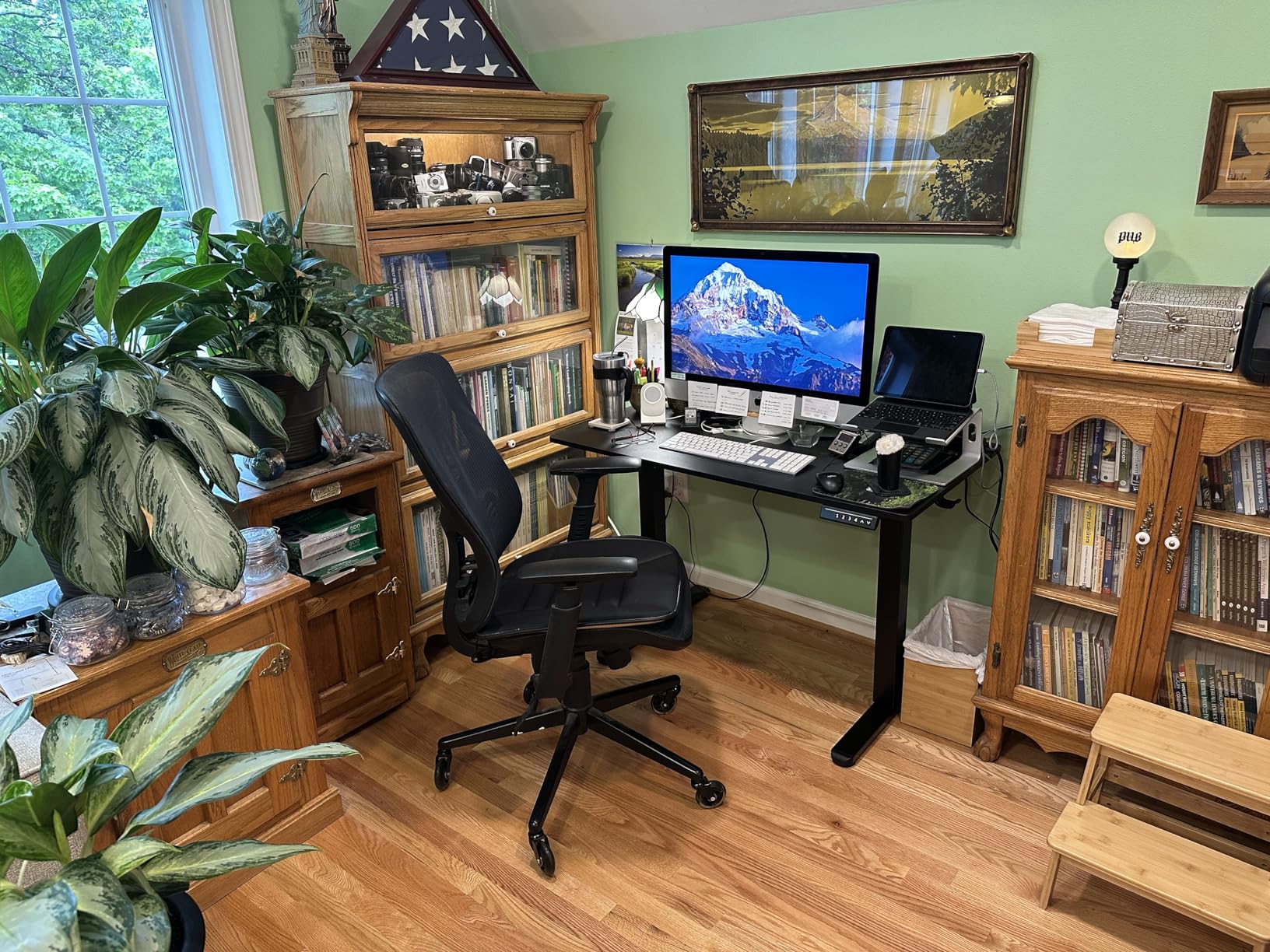
Materials are low-VOC, a small but real benefit for a desk you will breathe across for eight hours a day. Assembly is screwdriver-only with tools included, and reviewers report it as one of the simpler builds in this category.
For Whom This Desk Is and Is Not Right
This is the right choice for two 24-inch monitors, a laptop plus one display, or a person who wants a reliable electric frame at the most established rating profile here. It also works well as one half of a two-desk L setup if you have the space to buy two.
It is the wrong choice if you have 27-inch or larger panels and plan to keep them. The frame will hold them; the surface will not. In that case, step up to a 60-inch model rather than trying to make 48 inches work.
3. Veken 55 Inch Electric Standing Desk – Best Wide Sit-Stand Surface
Veken 55 Inch Large Electric Standing Desk, Gaming Table, White
- 55 inches fits a full dual monitor layout
- Quiet motor under 52 dB with memory presets
- Built in cable management
- 10 to 30 minute assembly
- Top is two joined boards and can show a seam
- 23.6 inch depth is snug with large bases
- 154 lb capacity is low for the class
The Veken is the desk I point people to when they want to sit and stand with two monitors but do not want a corner desk. Fifty-five inches is enough for a 24-inch and a 27-inch comfortably, and enough for two 27s if you accept a modest overlap in bezels.
It is one of only two products in this roundup with a stated two-year warranty, which is a genuine reliability signal in a category where many listings simply say limited. The stainless steel frame and carbon steel legs hold up at full extension in normal use.
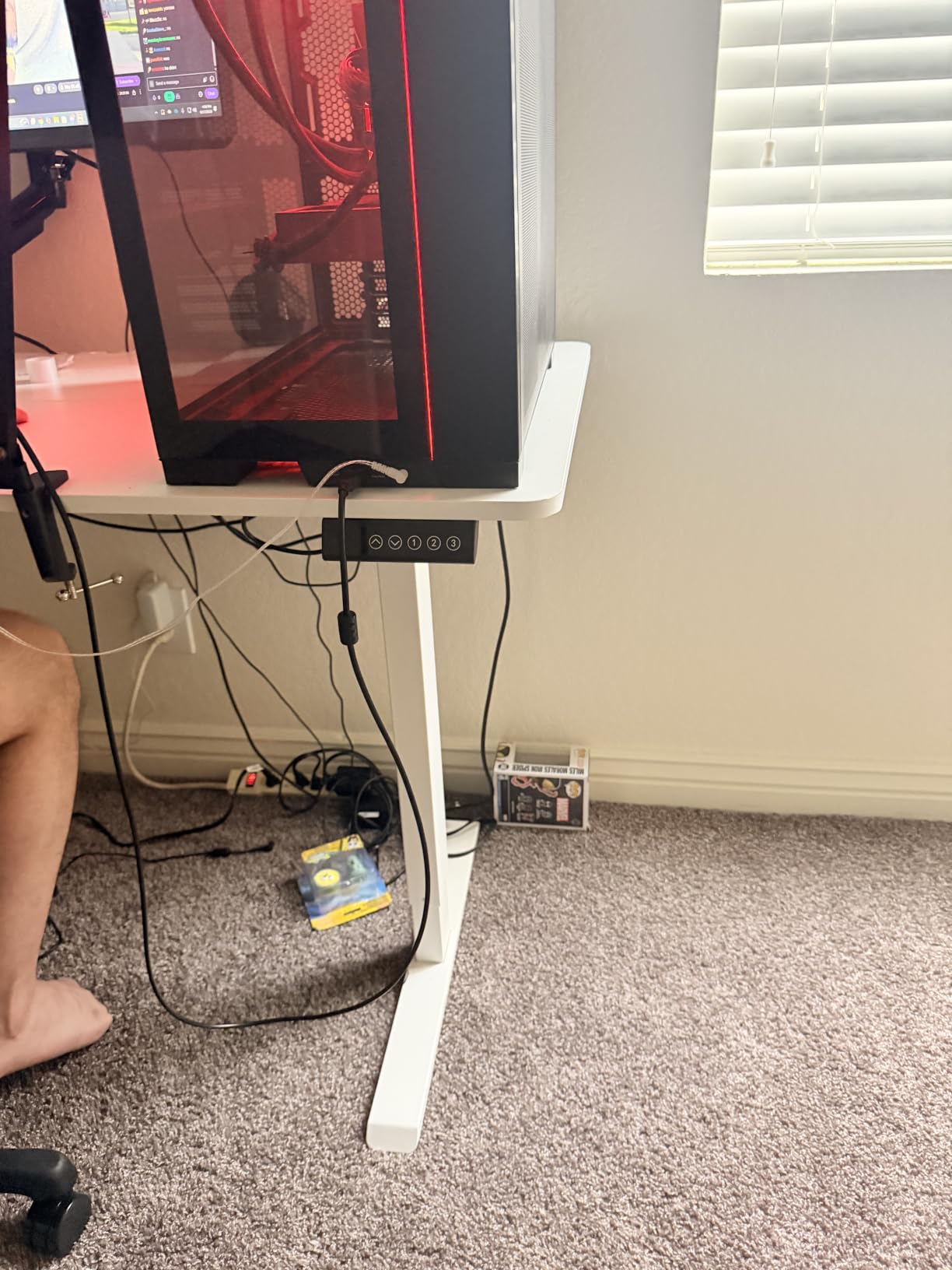
Two headphone hooks, a cable clip, and integrated cable management come as standard, which addresses the most common complaint people have about two-monitor desks: the pile of DisplayPort and power cables behind the setup. At 55 inches you have more surface to hide a power strip than on a 48-inch model.
55 Inches of Surface at 23.6 Inches Deep
Width is the reason to buy this desk. Fifty-five inches is the entry point for a real dual-monitor sit-stand layout, and the difference between it and a 48-inch frame is roughly one monitor plus its stand. Depth stays at 23.6 inches, which is standard for this class but tight for a 32-inch curved monitor on a wide base.
The 0.6 inch top is on the thinner side. If you plan to clamp a heavy dual monitor arm, measure the top thickness first and confirm the clamp range, because a thin top has less material to bite into and less resistance to bowing over time.
Motor Noise, Presets and the Two-Panel Top
The motor is rated under 52 dB, which is quiet enough for a shared room. Four height positions with memory presets mean you can set your two working heights and recall them instantly, which is the feature that actually determines whether people keep using a sit-stand desk after the first month.
Reviewers most often mention the top being made of two joined boards, which can show a visible seam down the middle. Cosmetic, mostly, but on a 55-inch surface it is the kind of detail you notice when the light hits it. The other recurring note is the 154 pound capacity, which is lower than most competitors at this size and is worth factoring in if you plan a heavy arm plus a tower.
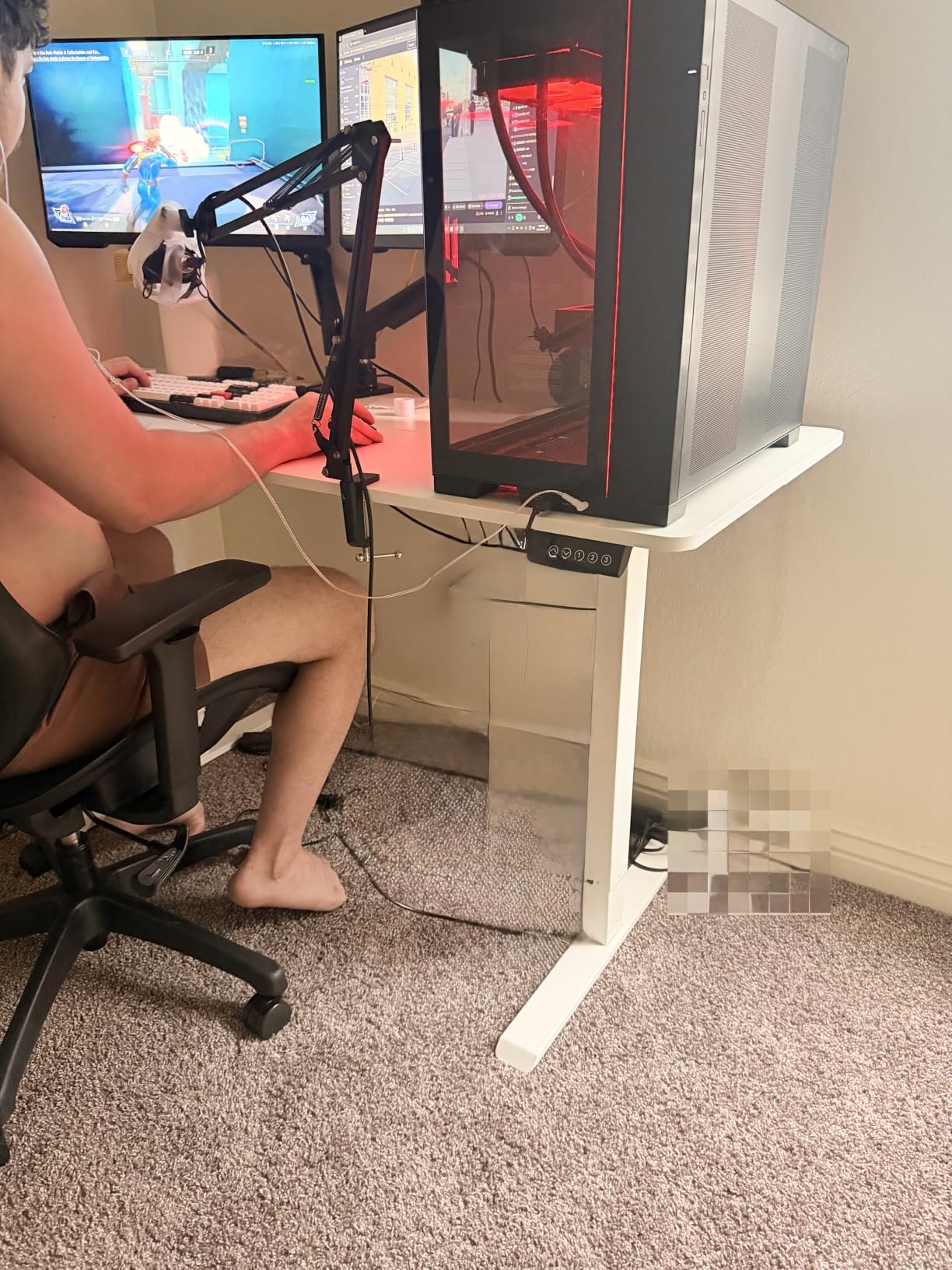
Assembly is reported at 10 to 30 minutes with clear instructions, one of the quicker builds here. The desk weighs 42.1 pounds, which is light enough to reposition between rooms if the casters are suitable for your floor.
For Whom This Desk Is and Is Not Right
Choose the Veken if you want a traditional rectangular sit-stand desk, you are working with a laptop plus a second display or a mixed monitor pair, and you value a stated two-year warranty over maximum capacity.
Pass on it if your setup is two 32-inch panels, since neither the width nor the 154 pound rating supports that comfortably. Deep monitor bases and gaming peripherals also crowd the 23.6 inch depth more than they would on a 30-inch model.
4. Furologee 66 Inch L Shaped Desk – Best With Built-In Monitor Risers
Furologee 66” L Shaped Desk with Power Outlet and 2 Drawers, Rustic Brown
- Two movable monitor stands raise screens to eye level
- Reversible L shape
- Adjustable shelves fit a full tower
- Adjustable feet steady uneven floors
- Only 18.11 inches deep for a 66 inch desk
- 0.6 inch particleboard top is light
- Two people recommended for assembly
The Furologee solves a problem the others mostly leave to you. Its two movable monitor stands let you place each screen anywhere along the back of the desk and raise it to eye level, which means you do not need to buy arms to get a correct monitor height. For a first dual-monitor setup, that is worth more than another drawer.
Like the SEDETA, the L shape is reversible so you can decide which side the storage occupies after the desk is assembled. That flexibility matters in dorm rooms and rental apartments where you cannot move a desk to suit the desk.
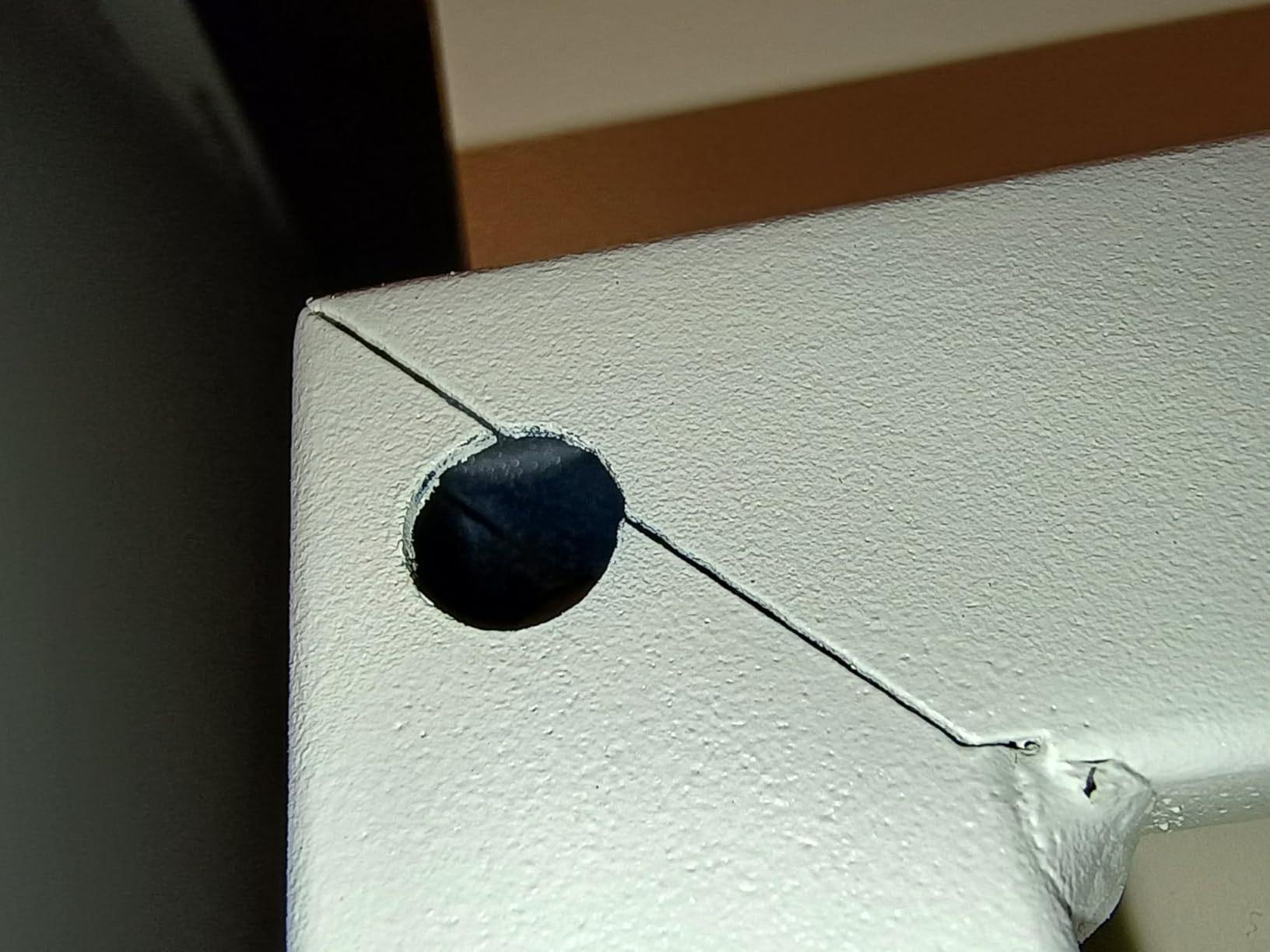
The height range of 28 to 30 inches is a fixed band, not an adjustment, so treat it as a sitting desk with a taller-than-average top. That taller surface is precisely what makes the integrated risers useful for shorter users who struggle to get a stock monitor stand up to eye level.
Two Movable Monitor Stands and Eye Level
Correct monitor height is the most common ergonomic mistake in a home office, and it causes the neck and shoulder strain that shows up after a few months. Monitor arms solve it permanently, and these stands solve it cheaply, but they are still stands: they occupy desk depth, and they are not adjustable once a monitor is mounted on them.
Three power outlets and two USB charging ports are built into the desktop, which handles the cable load of two monitors comfortably. The adjustable shelves on the return are designed to take a full-size computer tower, so you are not balancing the tower on the floor.
Depth and Particleboard Trade-Offs
Eighteen inches of depth is the most significant limitation here. On a 66-inch top, that is a shallow surface by any measure, and it is where large monitor bases crowd your mouse pad. The movable stands help, since you can slide a screen toward the back edge, but you cannot create depth that is not there.
The 0.6 inch particleboard top is lighter and less rigid than the plywood or 1 inch engineered wood on the SEDETA, the HUANUO, and the Huuger. For a clamped arm under sustained load, that difference is real. The fabric file drawers also show fingerprints, which is cosmetic but noticeable on a dark finish.
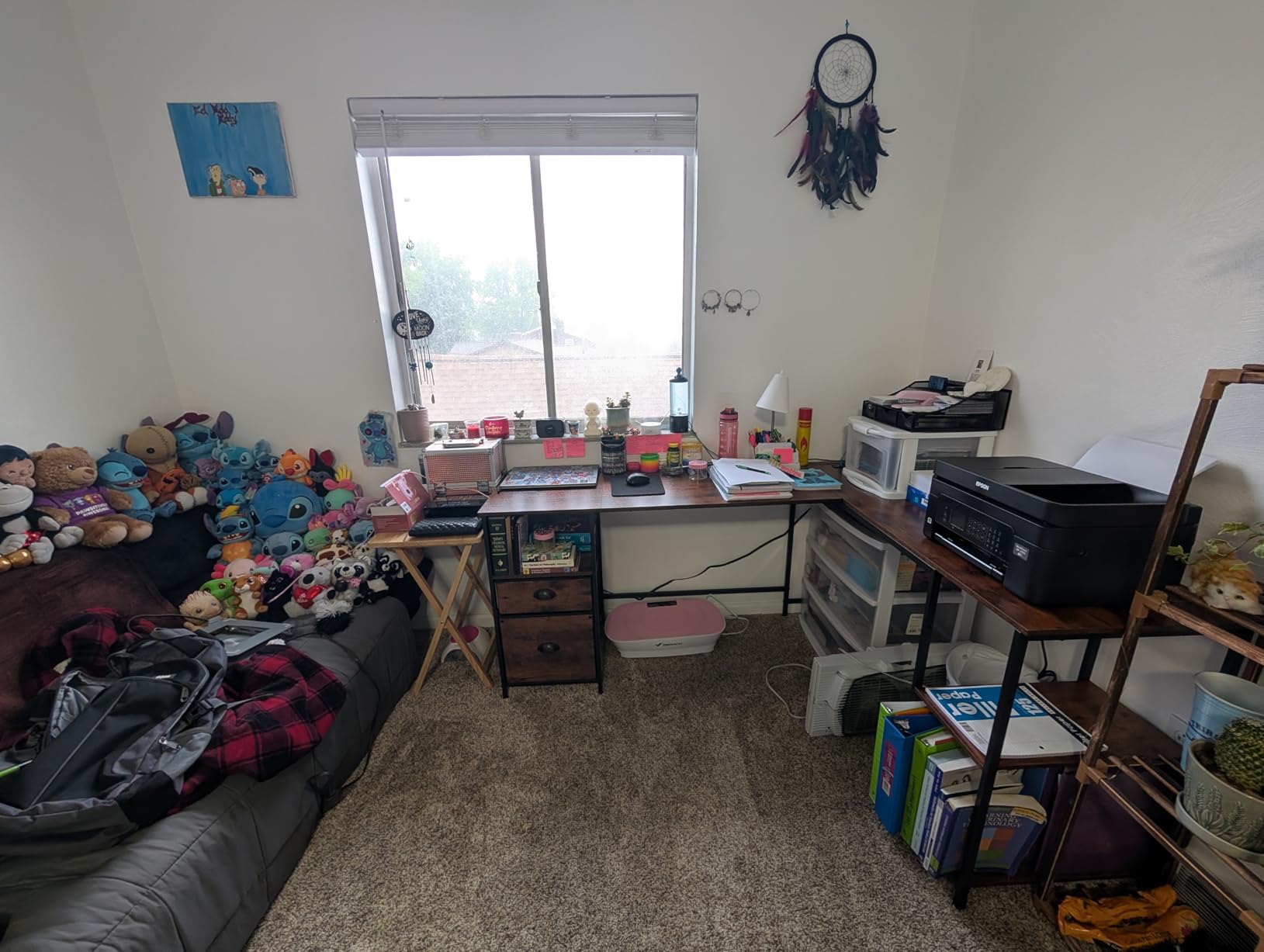
Reviewers mention the adjustable feet as a genuine benefit on carpet and uneven floors, where a desk with fixed pads will rock. Assembly is a two-person job, so plan for a second set of hands rather than an evening alone.
For Whom This Desk Is and Is Not Right
Pick the Furologee if you are building a first two-monitor setup, want a corner desk with plenty of width, and would rather solve monitor height with built-in stands than a separate arm purchase. It is also a good dorm or rental piece because it is reversible and it does not need to be bolted to anything.
Choose something else if you plan to use a clamped dual monitor arm, since a 0.6 inch particleboard top is the least forgiving surface in this group for that kind of load. It is also a poor fit for large gaming monitors with wide bases because of the shallow depth.
5. Coleshome 71 Inch Computer Desk – Best for Maximum Surface Width
Coleshome 71 Inch Computer Desk with USB Ports, Large Office Desk, Long Study Student Writing Desk, Rustic Brown
- Widest single panel in the roundout
- Triangle structure steel frame adds rigidity
- Built in outlets and charging ports
- About 30 minute assembly with tools included
- Fixed height with no adjustment
- No drawers or shelving at all
- Long one piece top needs a large room
When the forum consensus says go as large as the room allows, this is the desk that answers. Seventy inches of continuous surface is the widest here, and it is the only one that comfortably holds two 32-inch monitors side by side with a printer or a second machine.
It is a simple, honest piece: a long engineered wood panel on a powder-coated steel frame with triangle-structure bracing, three built-in AC outlets, one USB-A port, and one Type-C port. There is no lift mechanism, no drawers, and no shelves. What you get is width and stability, nothing more.
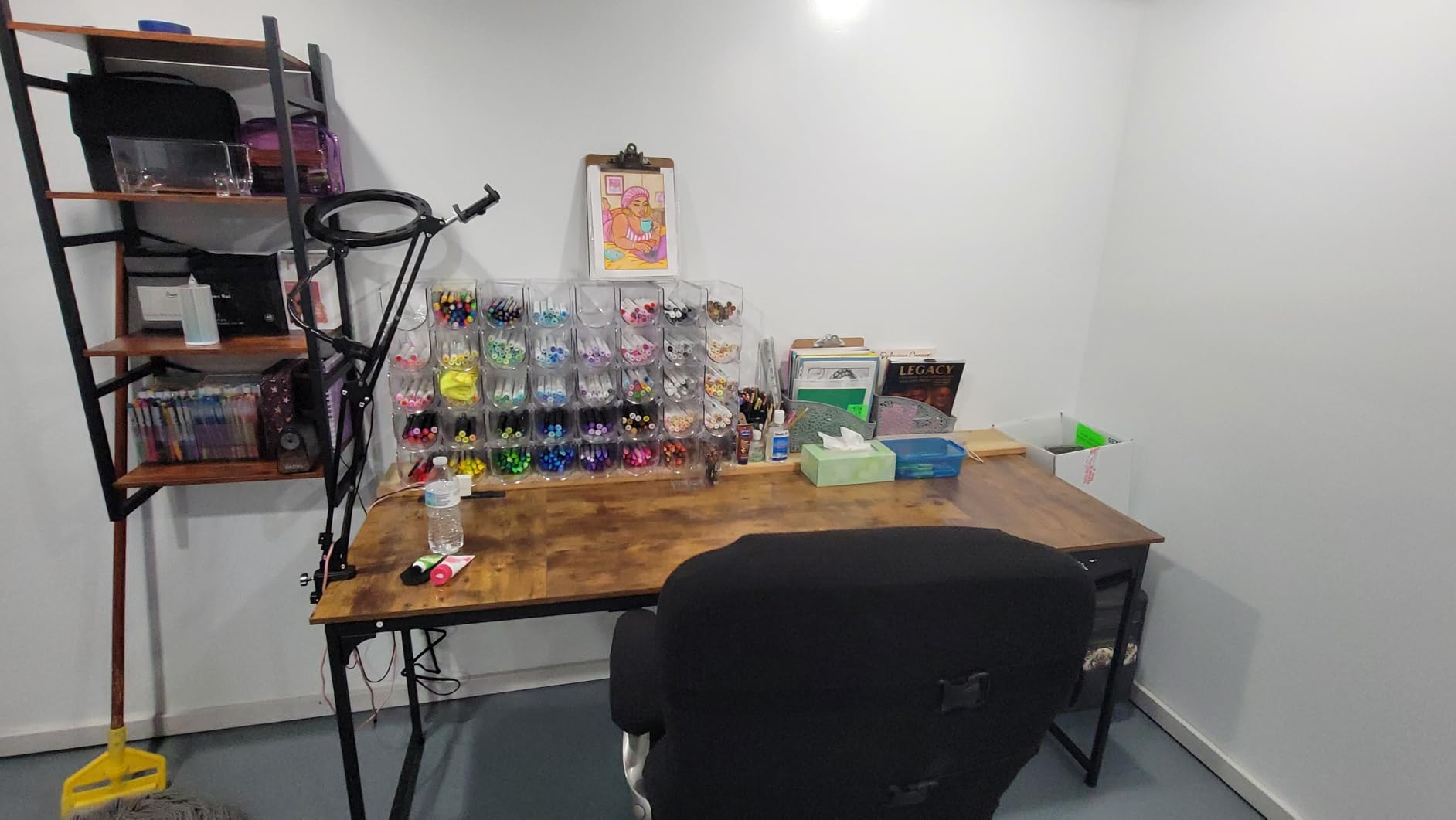
The one-year warranty with reported 24-hour customer support is a modest but real commitment, and for a fixed-height desk that is more than most listings in this category offer.
70.9 Inches of Panel and Room Planning
Seventy inches is not a small object. The listed dimensions are 23.6 by 70.9 by 29 inches, and the panel is a single long piece, which means you need to measure doorways and the route into the room before ordering. This is a two-person maneuvering job, not a solo lift.
What you gain is flexibility: two 27s with a genuine gap between them, a 24 and a 32 side by side, or a single large monitor with room for a second machine or a full printer on the same surface. It is also a natural two-person desk, which is a use case the L-shaped models serve less cleanly.
Power, Frame and Assembly Reality
The triangle-structure support under the frame is what keeps a 71-inch top from bowing, and reviewers who have used it with two monitors report no flex. That rigidity also makes it a better candidate for a clamped monitor arm than the thinner L-shaped tops, since the frame has less span to twist.
Assembly is reported at about 30 minutes with all tools included, and the manufacturer lists it as a one-person job, though a second person will make the panel handling easier. The built-in headphone hook is a small touch that keeps headsets off the floor.
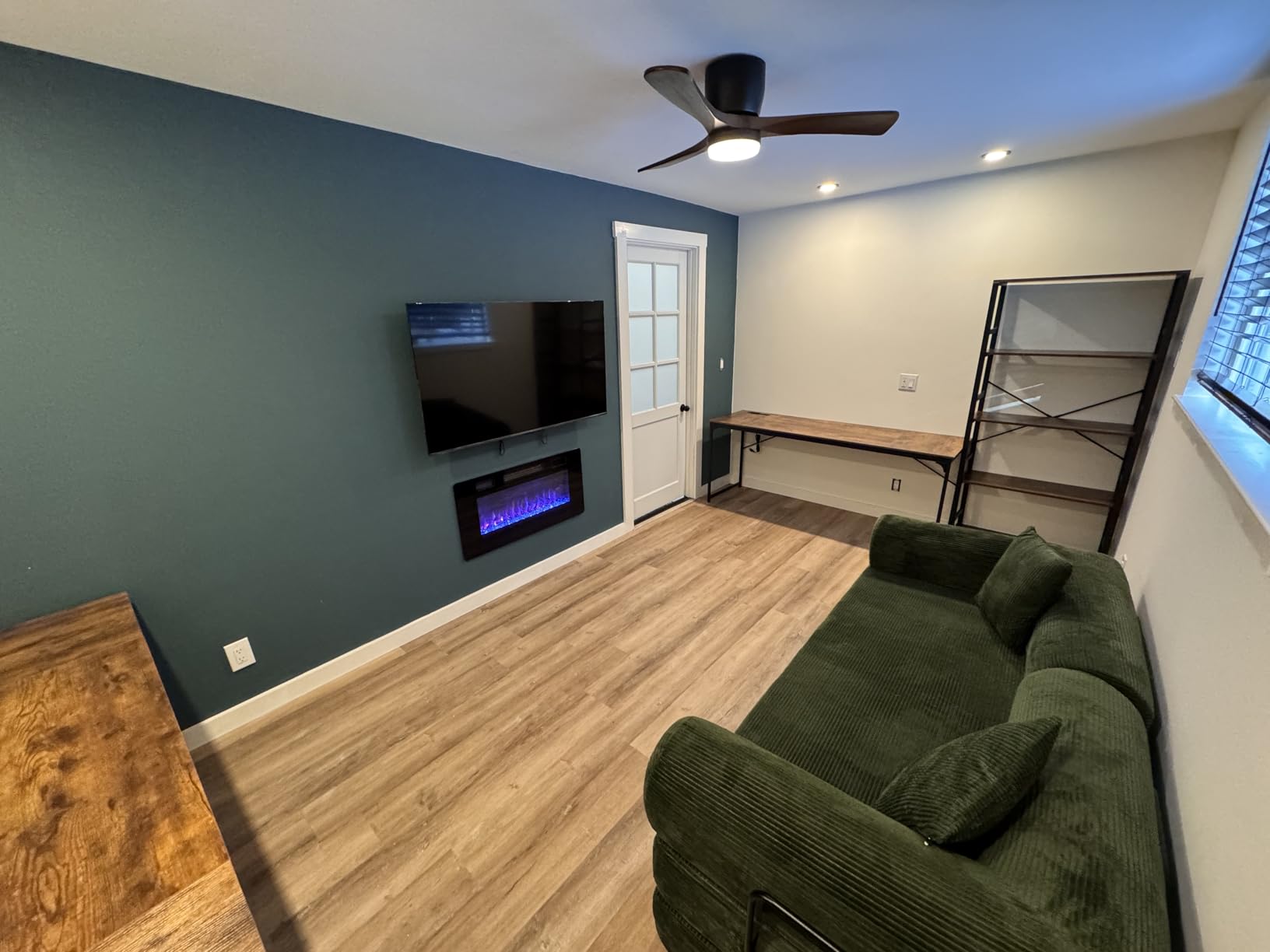
The 29 inch height is slightly taller than a standard desk, which is helpful for monitor placement and slightly less comfortable for shorter users who need to raise their chair. Budget for that when you set the desk up.
For Whom This Desk Is and Is Not Right
Buy the Coleshome if your room can take a 71-inch footprint and you want the simplest possible answer to a wide dual-monitor or shared-workstation need. It is also the best option here for a 24-inch and 32-inch pairing without cramping either panel.
Skip it if you need storage, height adjustment, or a compact footprint. A desk with no drawers and no shelves means every cable, drive, and notebook ends up on the surface you just paid extra to make wide. If your room is under about 70 inches of free wall, look at a 60-inch model instead.
6. HUANUO 60 x 30 Inch Electric Standing Desk – Best for Monitor Arms
- Rear platform is built for a C-clamp mount
- Real plywood top resists denting
- 30 inch depth fits large monitor bases
- Four presets plus a wide lift range
- Drawers are shallow fabric bins
- Some units report slight wobble at full height
- Assembly takes real time
This is the desk I recommend the moment someone says they want a monitor arm. The HUANUO has a 2.36 inch extended rear platform that exists specifically to give a C-clamp somewhere to grip, and that single design decision removes the most common install failure in a dual-monitor setup.
Sixty by thirty inches is also the best-balanced surface here. Sixty inches fits two 27-inch panels, and thirty inches of depth is enough for a large monitor base, a full keyboard, and a mouse pad without compromise. Most other L-shaped options in this roundup are only about 19 inches deep.
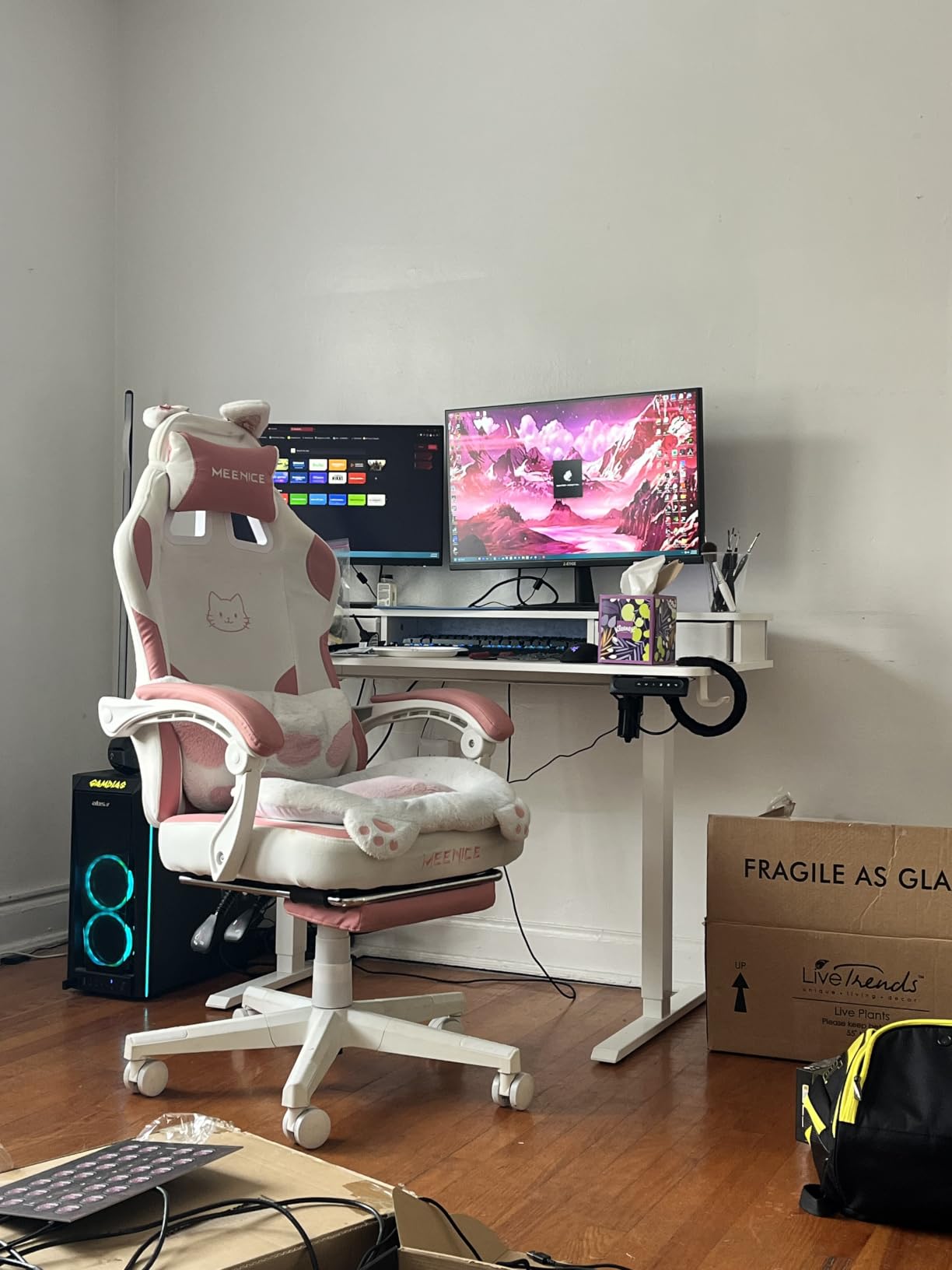
The top is real plywood with a polished finish rather than particleboard, and on a desk that is meant to take clamping pressure that matters. The frame is automotive-grade cold-rolled steel with a stated 176 pound capacity, which is a comfortable margin above a typical dual-monitor load.
There is a built-in riser for eye-level screens if you do not use arms, plus curved ergonomic edges along the rising desktop, four height presets, two side hooks, and a rear cable pass-through.
C-Clamp Clearance and the 2.36 Inch Rear Platform
Monitor arms fail at the desk for two reasons: the desktop is too thin, or there is a raised rear lip with no flat surface to clamp. This desk is built for the second case. The extended rear section gives the clamp a full 2.36 inch of material, which is exactly the kind of deliberate accommodation that most listings never mention.
Before you clamp anything, measure your top thickness and check it against the clamp range, and confirm that the clamp jaw clears the rear lip. On this desk it does. That single check saves the most common dual-monitor complaint we hear from people building their first arm setup.
Lift Range, Plywood Top and Memory Presets
The range of 27.5 to 46.4 inches covers most body sizes, and the four presets let you store your sit and stand heights. At 30 inches deep, the surface stays usable when raised, which is not something you can say about every narrow sit-stand desk in this category.
The most common owner complaint is the drawers. They are fabric bins rather than solid boxes, and the plastic stops that hold them in frequently arrive broken. Treat the storage as a place for a mousepad and cables rather than for files, and you will not be disappointed.
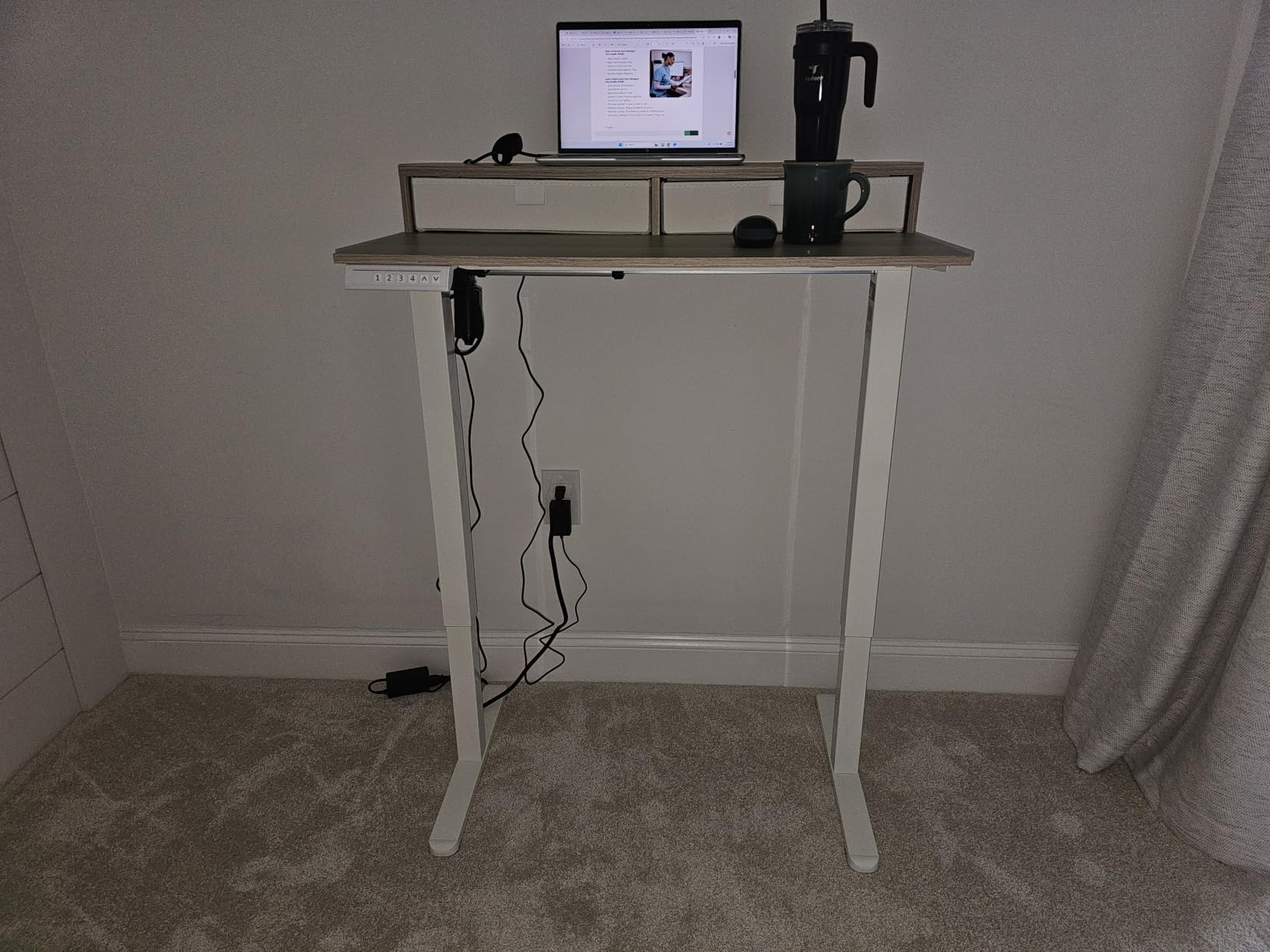
A small number of owners report slight wobble at full standing height. If you are sensitive to that, tighten the leveling feet and check that the frame is fully seated, and test the wobble before you commit to it.
For Whom This Desk Is and Is Not Right
This is the desk for someone who wants a proper dual-monitor arm on a sit-stand surface, or who works with a 24 and a 27 and wants room for a large monitor base. The plywood top also makes it a good match for editors and developers who type hard all day.
Do not buy it expecting real file storage or a workbench-drawer experience. If your day involves paper files, or you need a keyboard tray that does not eat legroom, this is the wrong desk and the Huuger or AODK alternatives fit better.
7. ODK 53 Inch L Shaped Gaming Desk – Best for RGB Gaming Setups
- Highest rated desk in the group
- X-shaped alloy steel frame resists wobble
- Adjustable RGB strip with memory
- Reversible side modules
- Fixed height with no sit-stand
- 18.9 inch depth is shallow
- Assembly runs longer than claimed
The ODK carries the highest average rating in this roundup, and the reason is straightforward: the frame does not move. An X-shaped alloy steel base with adjustable foot pads is the configuration we see most often on desks that stay rock solid with a heavy keyboard and aggressive typing.
At 4.7 stars, it is also the one desk here where reviewers describe the frame as noticeably stable rather than adequate. The 300 pound rating is a real number on a genuinely rigid frame, not a marketing estimate on a particleboard panel.
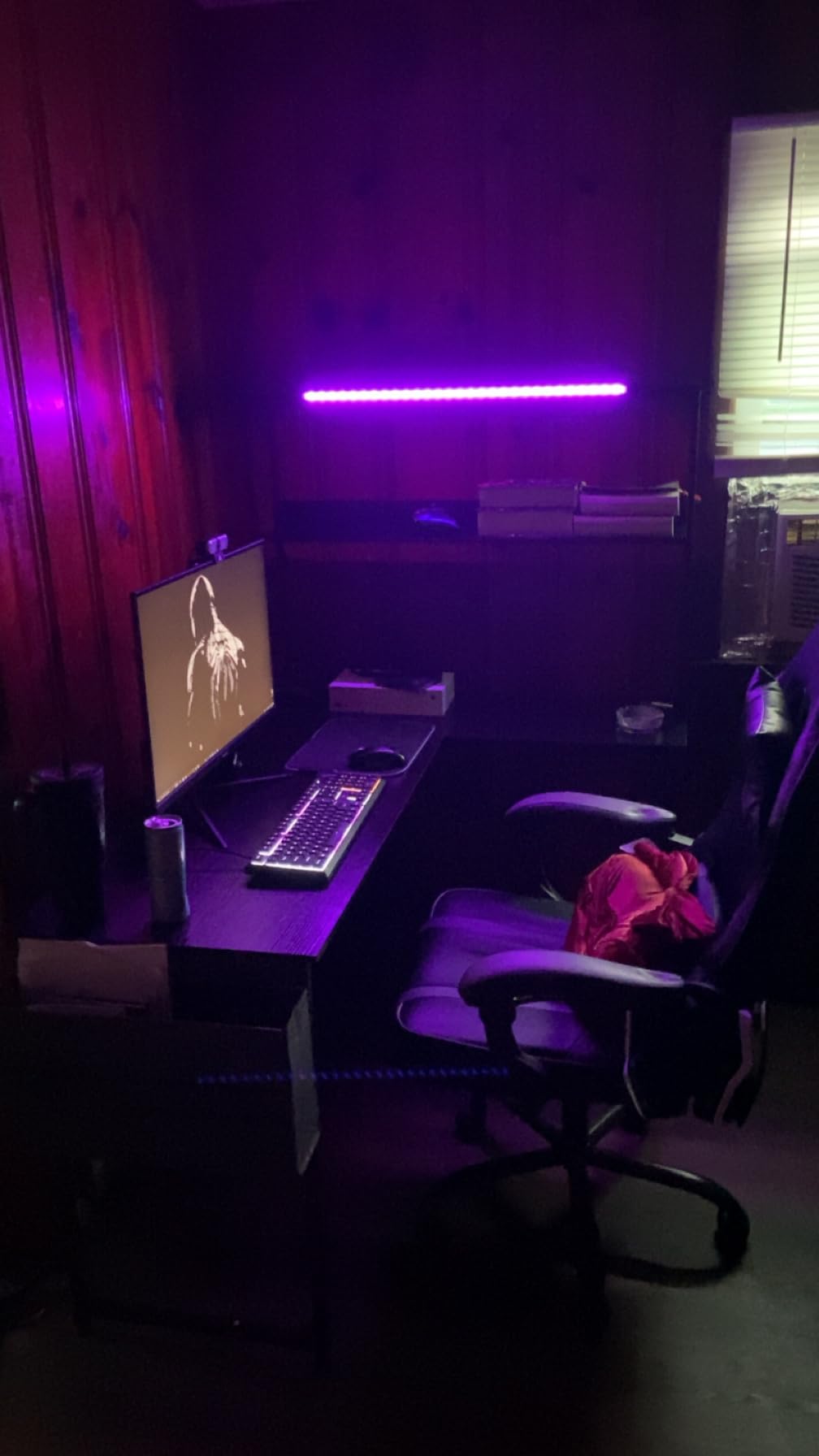
The reversible side modules are the practical detail. Two cabinets, dual shelves, a CPU stand, an accessory hook, and a tool bag can all be configured to either hand, which means you can decide the layout after the desk is in the room rather than before.
Dual Monitor Surface and Lighting
The main run measures 29.8 by 53 inches. Fifty-three inches is narrower than the 60-inch models here, so this suits a 24-inch and a 27-inch, or two 24s with a good gap, rather than two full-size 27-inch panels with breathing room. Know that going in, and it stops being a disappointment.
The RGB strip offers 10 color presets, 8 brightness levels, and 10 dynamic modes with memory, controlled from three AC outlets and two USB ports with dedicated cable management channels. For a gaming room where the monitors are the light source, the under-desk glow does more work than a cheap lamp would.
X-Frame Stability and the 300 Pound Rating
Stability is the reason this desk rates so well. Adjustable foot pads let you level it on carpet or a slightly uneven floor, which is where most wobble complaints in this category actually originate. Once leveled, the X-frame resists the side-to-side motion that makes a desk feel cheap.
Eighteen inches of depth is the weak point. Large monitor bases and a big mouse pad will compete for the same space, and if your setup includes a wide gaming monitor on a heavy base, the 53-inch width feels tighter than the number suggests.
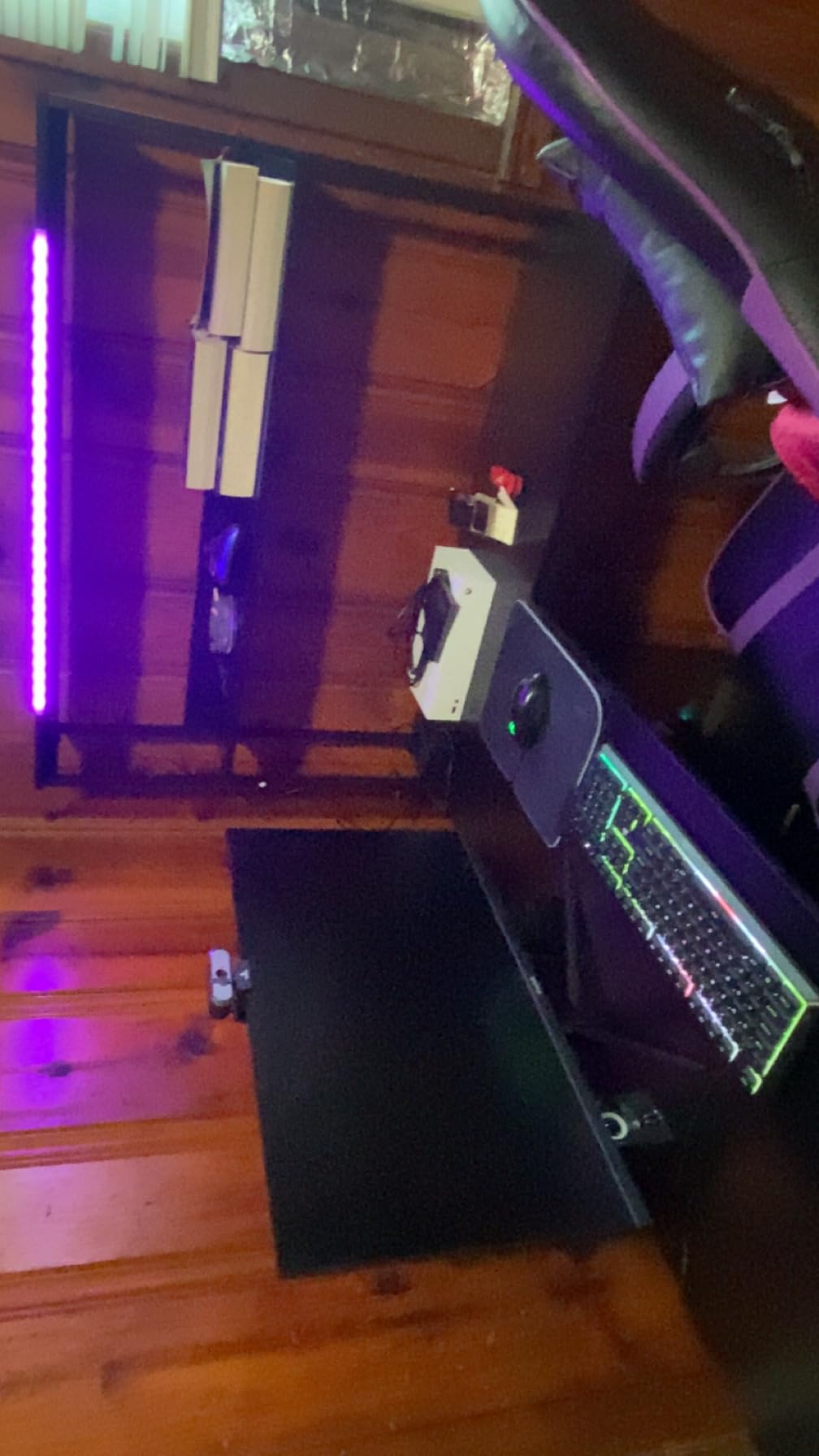
Owners report assembly taking longer than the quick-setup language implies, so allow an hour. The desk weighs 46.1 pounds, which is manageable for two people but not a solo lift.
For Whom This Desk Is and Is Not Right
Choose the ODK if you game at a desk and want lighting and outlets built in, or if you are a power typist who notices flex. The 300 pound frame and highest rating in the group make it a safe recommendation for most setups under 53 inches of monitor width.
Look elsewhere if you sit and stand, since there is no height adjustment, or if you have two 27-inch panels and want a gap between them. For the lighting-heavy gaming case, this is the best of the group; for pure monitor real estate, a 60-inch model is better.
8. Huuger 63 Inch L Shaped Desk – Best for Corner Setups and Two-Person Workstations
Huuger 63 Inch L Shaped Desk with Power Outlets & 0.95 Inch Thicker Desktop
- 0.95 inch top resists sagging
- Reinforced steel frame with crossbars
- Four outlets plus USB-A and USB-C
- Bolt-only assembly with no cam locks
- 20 inch depth crowds large monitor bases
- Particleboard core needs careful handling
- Occasional leveling tweaks after assembly
The Huuger is the one I recommend when someone asks about doubling up. Because the L is reversible, two of these can be configured as a two-person workstation facing each other, which is a genuinely useful arrangement for a shared studio or a couple working from the same room.
Its defining feature is desktop thickness. At 0.95 inches, this is the second-thickest top in the roundup, and that is not an arbitrary spec. A thicker top is stiffer across a long span, which means less bow under a clamp mount and less dip when you lean on the front edge with your forearms.
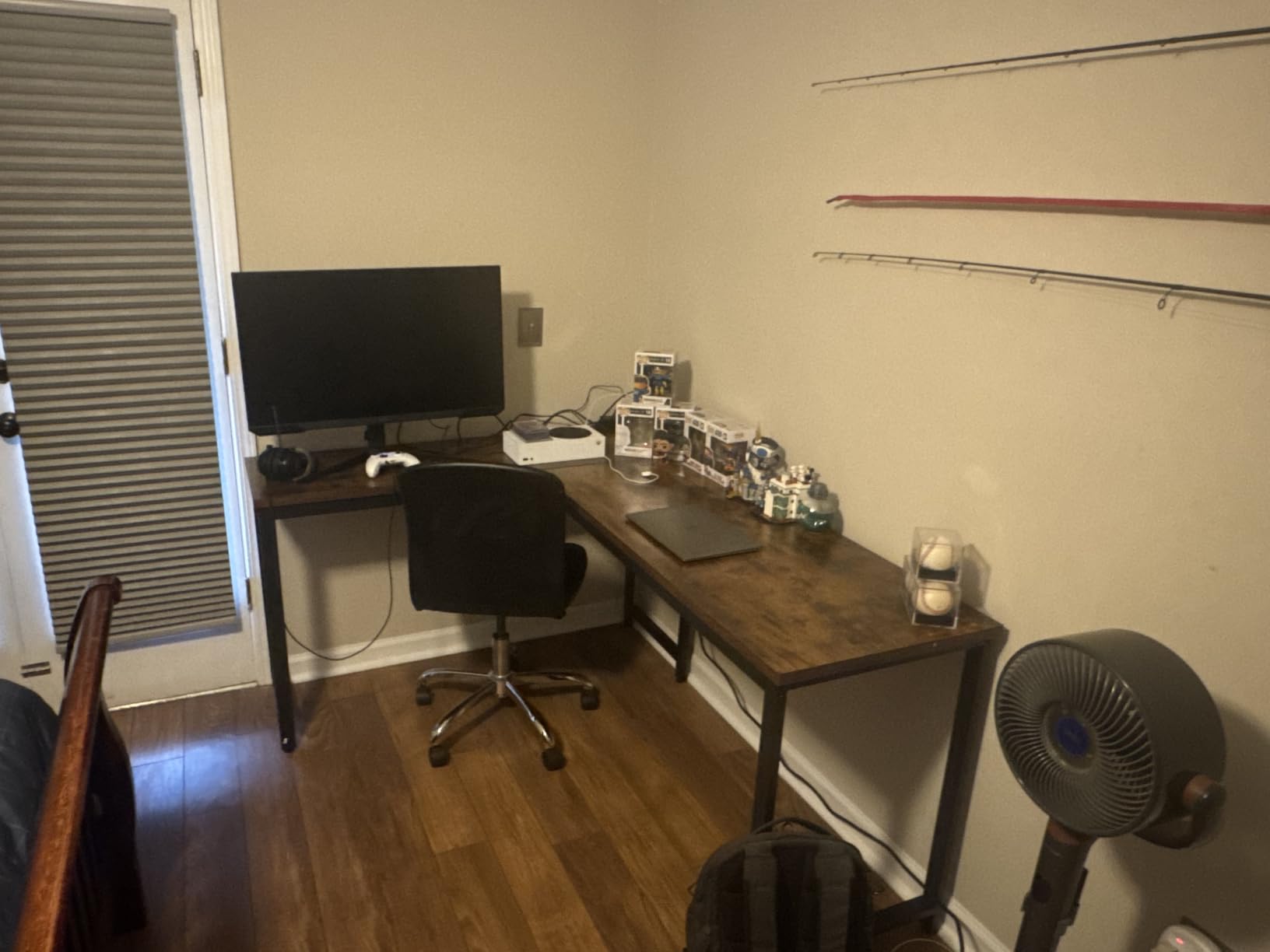
The reinforced steel frame with thickened legs and crossbars carries a 220 pound rating, which leaves good headroom for two arm-mounted monitors plus a tower.
The 0.95 Inch Top and Why Thickness Matters
Monitor arm complaints cluster around thin desktops. A 0.5 inch top flexes under clamp pressure, and over months the clamping point can dish. A top approaching an inch behaves more like a beam, which is why the Huuger and the SEDETA are the two desks here we would most confidently pair with a C-clamp arm.
The finish reads as thick wood grain, and reviewers consistently comment on how substantial it looks compared with the same price point elsewhere. It is particleboard underneath rather than solid wood, so it deserves reasonable handling, but the surface geometry is the part that matters.
Load Rating, Outlets and Assembly Method
Four AC outlets plus one USB-A and one Type-C port is the most generous charging provision in this group, and it is sized for exactly the scenario people get wrong: two monitors, a tower, peripherals, and a phone. A two-monitor setup routinely adds five cables at the wall, and this desk absorbs them at desk level.
Assembly is fully bolted with no cam locks, which is slower but more reliable. Numbered parts, included tools, and spare hardware are all provided, and a few owners note that the desk needs a small adjustment after assembly to sit perfectly level on an uneven floor.
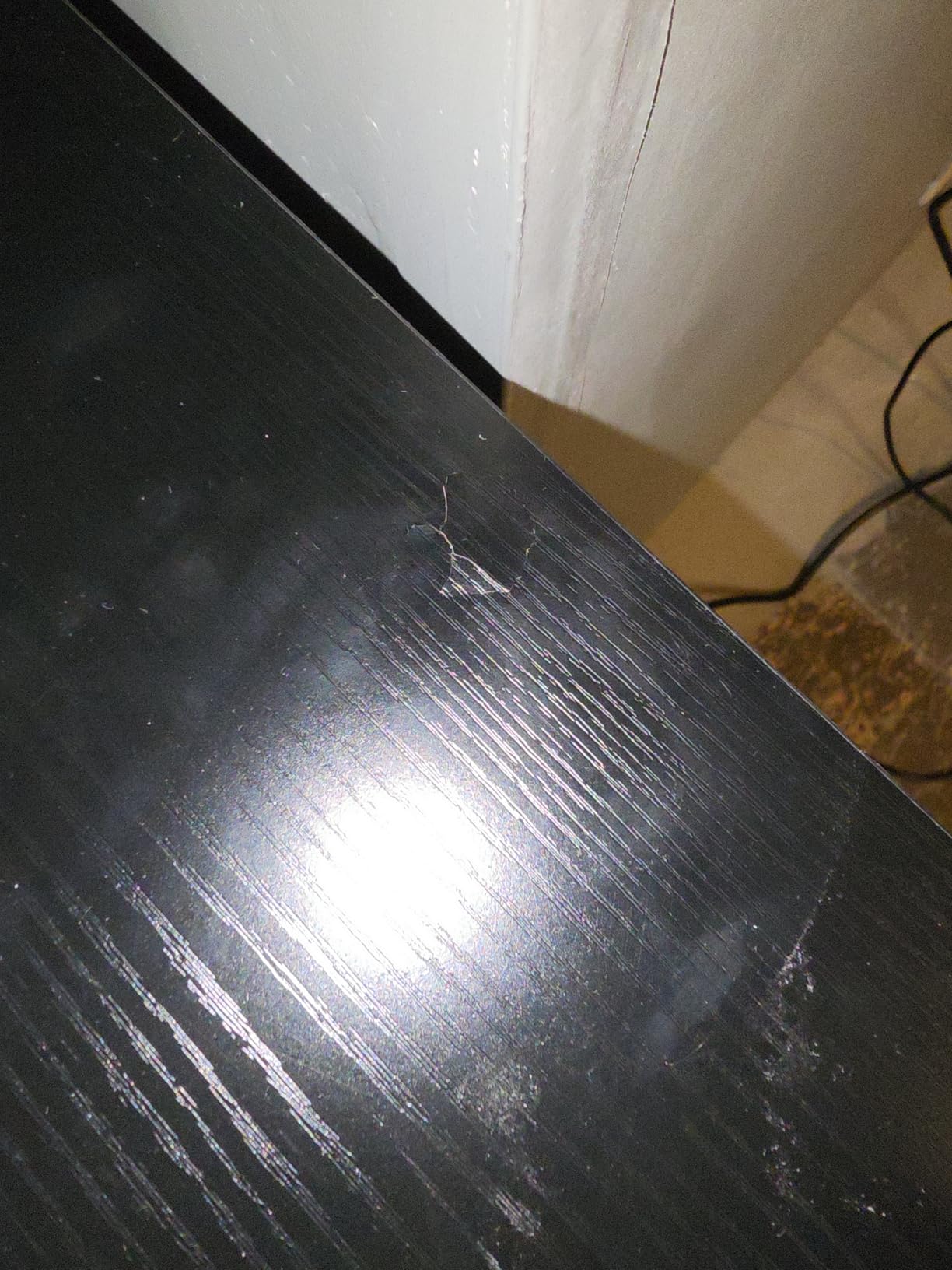
Twenty inches of depth is the compromise. It is better than the 18-inch options but well short of the 30-inch HUANUO, so large monitor bases and a gaming mouse pad will still compete for surface area.
For Whom This Desk Is and Is Not Right
Pick the Huuger for a corner office, a compact apartment where you want to reclaim a wall, or a two-person arrangement. It is also a strong pick for sim racing and general gaming setups that need outlets more than they need RGB.
Pass if you are buying a single screen setup and will not use the return, because you would be paying for surface you never touch. It is also a less natural fit for a clamped arm than its thickness suggests, since the particleboard core is softer than the HUANUO plywood for long-term clamp pressure.
9. AODK 61 Inch L Shaped Gaming Desk – Best for Storage-Heavy Setups
AODK 61″ L Shaped Gaming Desk with 4 Drawers and Power Outlets, Black
- Four drawers is unusually good storage for an L desk
- Reversible layout with a PC host stand
- Built in outlets and USB ports
- Dense waterproof boards resist warping
- 18.9 inch depth crowds large monitor bases
- Instruction manual mixes up the two orientations
- 0.5 inch top is the thinnest here
Storage is the reason to look at the AODK. Four drawers on a 61-inch L-shaped desk is more than any other model in this roundup offers, and for someone whose desk doubles as a filing and charging station, that changes the whole equation.
Buyers report fitting two monitors plus keyboard and mouse with room to spare, and the reversible layout means the drawers and PC stand can go on either side depending on the room and on your handedness.
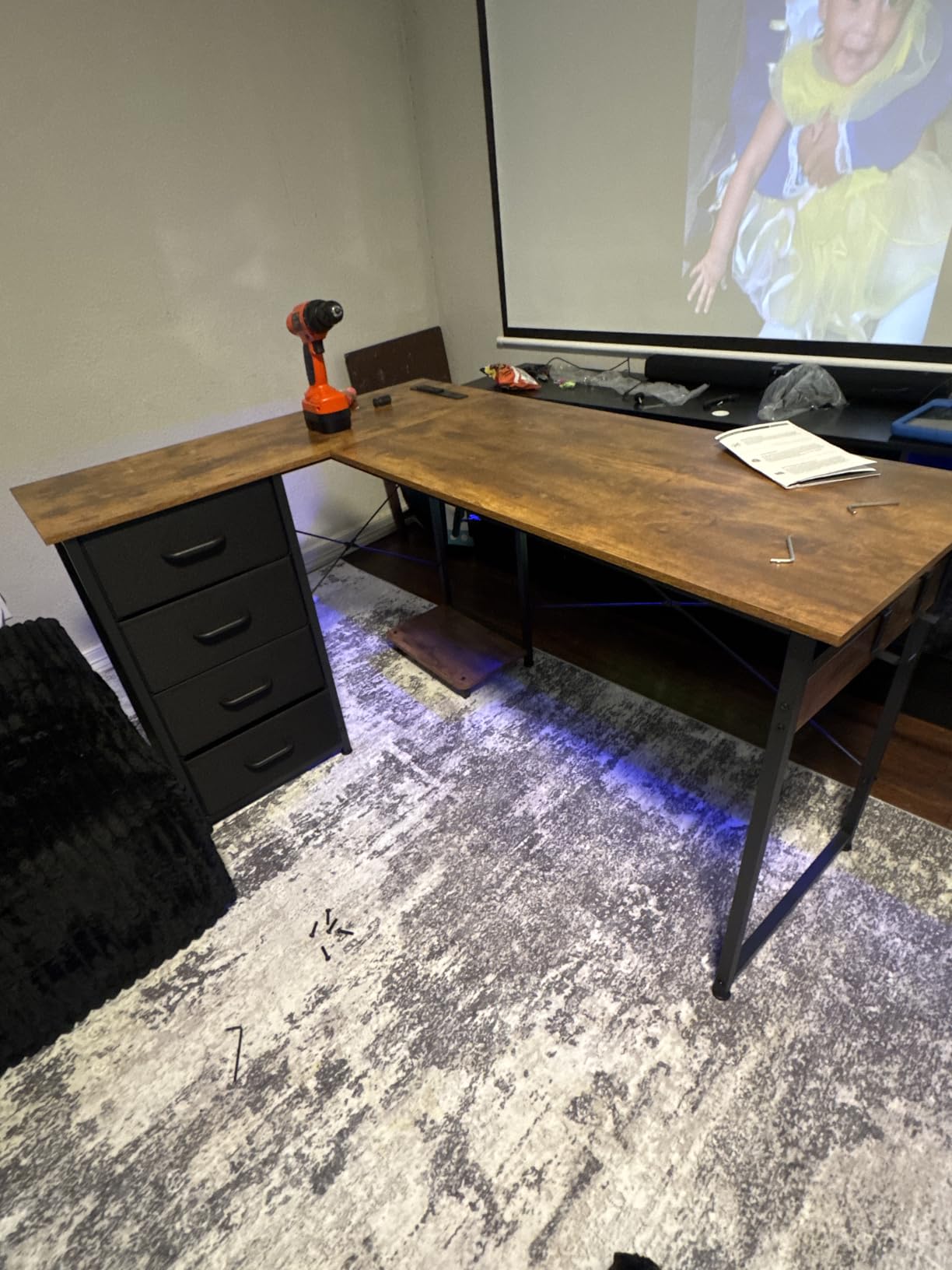
Three AC outlets and two USB ports are built in, and the PC tower stand lifts the host off the floor and out from under your feet. That alone improves a dual-monitor setup, because the tower is usually the thing taking up the legroom you need.
Four Drawers and the Reversible Layout
The drawers are box drawers in a dense board carcass, with a metal frame and adjustable foot pads. Waterproof dense boards resist warping and cracking, which matters in an L-shaped desk where one end takes more load than the other over time.
Two iron hooks add hanging storage for a headset or a cable bundle. Together with four drawers and a tower stand, this is the most organized surface in the group, and it is the pick for anyone who arrives home and dumps everything onto the desk at the end of the day.
Shallow Depth and Thin Top Concerns
The 0.5 inch top is the thinnest in this roundup, and that is a real limitation for anyone planning a clamped monitor arm. It is also the reason we do not rank this desk first despite the strong storage: surface thickness is what determines whether a heavy dual arm is a good long-term idea.
At 18.9 inches deep, large monitor bases eat into mouse pad space, which is the same complaint that shows up on the other L-shaped models in this group. Assembly documentation is also a genuine pain point: the manual mixes up the two orientations, and reviewers report the supplied wrench does not grip the nuts properly.
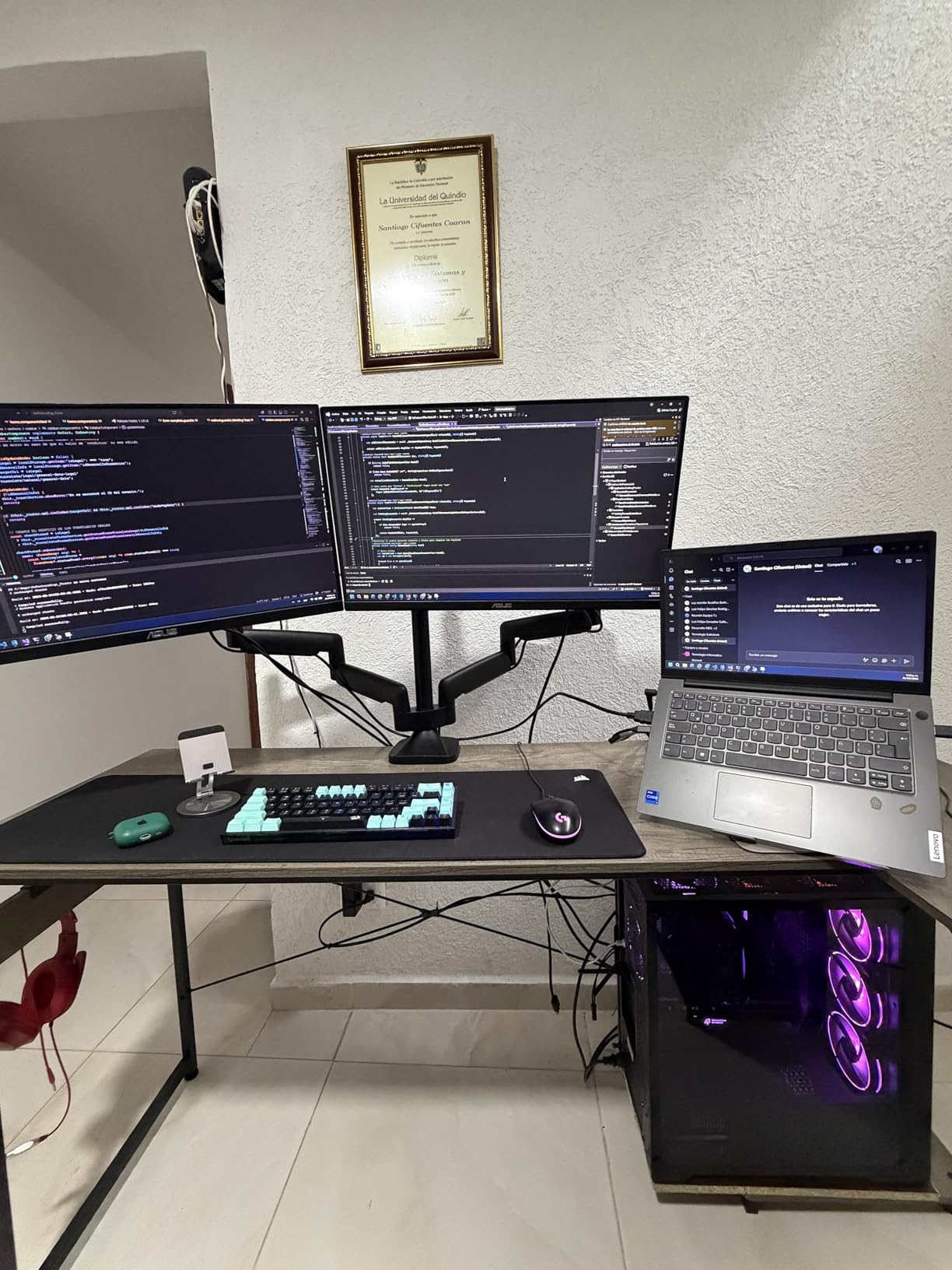
Fabric drawer fronts show fingerprints and smudges easily, so expect to wipe them. Buyers tend to treat this as a minor issue once the desk is in daily use.
For Whom This Desk Is and Is Not Right
The AODK fits people whose desk is a workstation first and a computer surface second. If you juggle paperwork, cables, adapters, and hardware on a daily basis, four drawers removes a real source of daily friction.
It is the wrong choice for a clamped heavy dual monitor arm given the 0.5 inch top, and for large curved monitors on wide bases given the shallow depth. If you will never use the drawers, a wider rectangular desk is a better use of the same room space.
10. LVB 60 Inch Office Desk – Best for Heavy Static Loads
LVB 60 Inch Computer Office Desk Metal & Wood Writing Desks Rustic Brown
- Highest stated load rating in the group
- Additional metal supports keep legroom clear
- Open leg area fits a chair or a tower
- Simple uncluttered executive styling
- Fixed height with no adjustment
- Only a single drawer for a desk this wide
- Not an L shape so the corner is unused
The LVB solves a problem most people do not realize they have: static load. A dual-monitor setup with a tower, a printer, and a stack of books on the return adds up fast, and a desk rated to 360 pounds gives you a margin that the 154 and 176 pound models simply do not.
At 4.7 stars with more than 1,100 reviews, it sits alongside the ODK as the best-rated option here. The finish is a black oak look on an engineered wood top with a wood and metal frame, and the overall look is a clean executive style that suits a living room office as well as a study.
The open leg area is the detail I appreciate most. Additional metal supports reinforce the top without adding cabinets, so a rolling chair and a tower both fit underneath, which is exactly what you want when you are moving between sitting and standing at a fixed desk.
360 Pound Rating and Frame Construction
Most listings state a load rating without clarifying whether it includes the desktop itself, which makes comparisons difficult. This one is high enough that the question does not arise: 360 pounds leaves room for two large monitors on a dual arm, a full tower, and heavy peripherals with nothing close to a limit.
Alloy steel legs with a wood and metal frame give it a sturdiness that reviewers describe in unusually positive terms. It is also 30 inch in listed dimensions, so depth is not the constraint here that it is on the narrower L-shaped models.
Legroom, Drawers and the Missing Corner
Sixty inches of width is enough for two 27-inch monitors with a proper gap and room for a keyboard, mouse, and mat. If you are planning a 24 and a 32, this is one of the few desks here that handles that pairing without cramping.
The single drawer is minimal for a desk this wide, and reviewers say so directly. The other limitation is that it is a straight desk, so the corner of the room stays unused. If reclaiming a corner matters, an L-shaped model is the better structural choice even with a lower load rating.
A 12-month quality warranty with a 30-day return is included, along with numbered parts and all tools. Assembly is straightforward, though a panel this long benefits from a second pair of hands. The desk weighs 16.5 kg, which is manageable but still worth a second set of hands for the panel itself.
For Whom This Desk Is and Is Not Right
Choose the LVB if you have heavy equipment, a printer, or a dual arm carrying two large monitors and you want the load headroom to be beyond question. It is also the most understated option, which matters if the desk lives in a shared living space.
Skip it if you alternate between sitting and standing, need real storage, or want a corner workstation. Those are structural gaps, not minor preferences, and a different category of desk solves them properly.
How to Choose a Desk for Two Monitors in 2026
Everything above narrows down to a handful of decisions you can make before you buy anything. Measure first, total the load second, and only then compare finishes. If you are still building the rest of the setup, our guides to dual monitor mounts and arms and electric standing desks cover the hardware on either side of the desk.
Is a 48 Inch Desk Big Enough for Two 27 Inch Monitors?
No. Two 27-inch panels are about 48 inches wide on their own, so a 48-inch desk gives you zero gap, zero edge margin, and no room for a monitor arm clamp. Use 48 inches only for two 24-inch monitors, or for a laptop plus one display. For two 27s, treat 55 inches as the floor and 60 inches as the sensible target.
Total Load Budgeting: How Much Weight Capacity Do You Need?
Add up your screens, arms, tower, and mat, then buy a capacity tier above that number rather than at it. A 154 pound desk is fine for a light setup with a laptop, and uncomfortably close to the line with two monitors on arms plus a desktop tower.
Light setup, roughly 60 to 90 pounds: two 24-inch monitors, a laptop, no tower. A 150 pound desk is comfortable.
Standard dual-monitor setup, roughly 100 to 140 pounds: two 27-inch monitors, a basic arm, a laptop or small tower. Aim for 176 pounds or more.
Heavy or arm-mounted setup, roughly 150 to 200 pounds: two large monitors on a dual arm, a full tower, a printer. Look for 220 to 300 pounds.
Anything above that: consider a 360 pound rated frame or a fixed desk with a metal frame rather than an engineered wood top.
Will a Monitor Arm Clamp Onto Your Desk?
Four checks decide it, and you can run all four in a minute. First, measure the desktop thickness and confirm it falls inside the clamp’s stated range, since most clamps handle roughly 0.5 to 3 inch tops. Second, look for a raised rear lip, a bullnose edge, or a curved front, because a clamp needs a flat vertical face. Third, confirm the arm’s weight rating covers both monitors combined, not each one separately. Fourth, check that the clamp jaw will not hit a rear cable tray or a drawer rail.
Two of the desks in this roundup are built around that problem. The HUANUO has a 2.36 inch extended rear platform specifically for a C-clamp, and the desks with tops near one inch thick give the clamp far more material to grip than the 0.5 and 0.6 inch models.
Side by Side, Stacked Vertically, or Mixed Sizes
Side by side is the default and needs the most width. Stacking vertically drops your footprint to roughly one panel width, which frees up desk space, but only arms rated for the combined weight are safe, and the top screen sits well above eye level. A mixed pairing, such as a 24 and a 27 or a 24 and a 32, needs less desk width than two matching 27s because the bezels are different sizes.
If you do plan to stack, count that in your load budget at the arm rather than the desk, and check that the desk’s rear edge gives the arm enough clamp travel to reach the lower screen.
Height Range by Body Size
A simple rule is worth using: your seated elbow height should be roughly your height in inches divided by 2.5, and your standing elbow height roughly 0.6 of your height in inches. Match those two numbers against the desk’s minimum and maximum height and you will know immediately whether the range works for you.
The electric desks in this group run from about 27.5 to 46.5 inches, which covers most adults. Taller users are the ones who find a two-stage column limiting, and there is nothing in this roundup with a three-stage or four-stage column, so check your numbers carefully if you are over six feet.
Wobble and Stability: How to Test a Desk Before You Buy
Wobble is not just a comfort issue. A frame that moves at standing height makes the setup unusable, and it is the single most common complaint in the standing desk category. Four quick checks will tell you most of what you need to know.
Push hard on the front edge with both hands and feel whether the frame flexes or the feet lift. Type hard for a minute and watch the front edge rather than the screens. Check all leveling feet are in firm contact with the floor, especially on carpet, because most wobble reports come from a foot that never touched. And if you can, load it with something close to your real setup weight before you commit.
Fixed-height steel frames like the ODK and LVB generally feel more solid than a narrow electric frame at full extension, which is the trade you make when you give up height adjustment.
Which Desk Type Fits Your Room
Standard rectangular desks suit open rooms and shared two-person workspaces. L-shaped desks reclaim a corner, which is the difference between a workable and an unworkable bedroom office when you are limited to about 60 to 65 inches of wall. U-shaped desks add a second return and are only worth it in a dedicated room. Desk converters are the option for renters who cannot replace an existing desk, and the tradeoff is reduced depth and a smaller surface for peripherals.
Measure the room, not the desk listing. Leave at least 30 inches of clearance behind the desk for chair movement and cable routing, and check the door width against the longest panel before ordering something like the 71-inch model.
Cable Routing Behind a Dual Monitor Setup
Two monitors generate more cables than people expect: two power leads, two video cables, USB for peripherals, and often an audio run. Built-in outlets, which the SEDETA, HUANUO, Coleshome, AODK, ODK, Furologee, and Huuger all include, keep that bundle at desk level instead of on the floor.
For the cables that remain, a cable tray mounted under the surface and a pair of adhesive clips on the rear edge do most of the work. On a sit-stand frame, leave enough slack in the run to move freely through the full range, or you will find yourself re-tying cables every time you change height.
Frequently Asked Questions
What is the best desk setup for dual monitors?
The best dual monitor desk setup is a surface at least 55 to 60 inches wide and 24 to 30 inches deep, rated for 176 pounds or more, with a flat rear edge that accepts a monitor arm clamp. Place both screens at arm’s length with the top of each panel at or just below eye level, and route cables through a tray under the surface.
What is the best desk that can hold two monitors?
A 60 to 66 inch L-shaped desk on a steel frame holds two 27-inch monitors best, because the extra width stops bezels from touching and the long return keeps the tower and keyboard off the main surface. Look for a stated capacity of 220 pounds or higher and a top at least 0.9 inch thick if you plan to clamp a dual monitor arm.
What is the best computer desk to fit two monitors?
For width, a 60 inch rectangular sit-stand desk or a 63 to 66 inch L-shaped desk fits two 27-inch monitors without compromise. For depth, 30 inches is ideal because it holds a large monitor base plus a keyboard. A 48 inch desk only suits two 24-inch monitors or a laptop with one display.
Will a monitor arm clamp onto my desk?
It depends on three things: desktop thickness inside the clamp range, a flat vertical face at the rear edge, and a jaw that clears any cable tray or drawer rail. Avoid desks with a raised rear lip or a bullnose edge, and check that the arm’s weight rating covers both monitors combined rather than each one alone.
How much weight capacity do I need for two monitors?
Two 27-inch monitors with a basic arm, a desktop tower, and a desk mat total roughly 100 to 140 pounds, so a 176 pound desk is a sensible minimum. Light setups with a laptop can run on 154 pounds, and anything with a heavy dual arm, a printer, or a full tower should target 220 to 300 pounds or more.
Which Desk Should You Buy for Two Monitors?
If you want the single best answer for a room with a usable corner and two 27-inch monitors, the SEDETA 66-inch L-shaped desk is the one. It is the widest fixed surface in this group, it rates to 300 pounds, and it puts outlets where your cables need them.
If you plan to mount your screens on arms and you want to sit and stand, go with the HUANUO 60 by 30. Its extended rear platform was designed for a C-clamp, and the plywood top is the most forgiving surface here for clamp pressure. If your monitors are 24 inches or smaller and you simply want a dependable electric frame with the strongest review history in the category, the ErGear 48 by 24 does that job at a size that fits almost any room.
For a corner setup that doubles as a two-person workstation, the Huuger 63-inch L wins on desktop thickness. For a gaming room with lighting built in, the ODK 53-inch L is the pick. If you need a printer, a tower, and paperwork on the surface, the AODK 61-inch L gives you the most storage. If your equipment is genuinely heavy, the LVB’s 360 pound frame removes the guesswork. And if wall width is not a constraint, the Coleshome 71-inch panel is the simplest way to stop negotiating for inches.
Whichever you choose, measure the room, total the load, and confirm the monitor arm will clamp before you order. Those three checks solve most of the problems people run into with the best desks for dual monitors in 2026.