12 Best Educational Robots for Toddlers (October 2026) Ultimate Guide
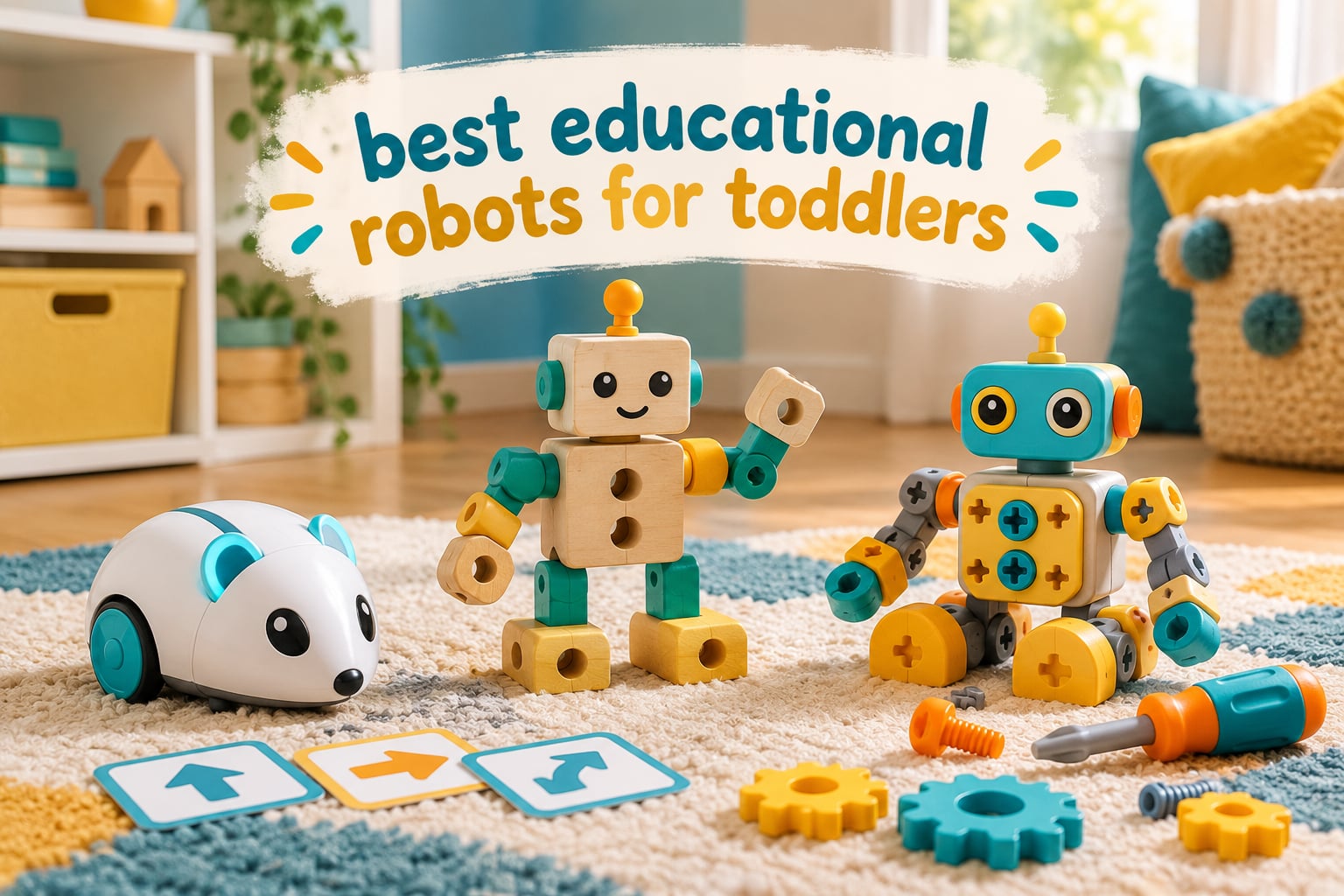
Choosing the best educational robots for toddlers is harder than it should be. The boxes all promise coding, STEM and computational thinking, then you get home and discover that “programming” means holding down a button while the robot blinks, or that the setup needs a Wi-Fi account and a credit card. We spent weeks with all twelve robots in this guide, watching toddlers aged 18 months to 5 years actually play with them rather than just unbox them.
That testing changed how I think about this category. The robots that survive a toddler’s attention span are rarely the flashiest ones on the shelf. The winners are the toys a child can operate on a bad day, with no adult in the room, and that still teach something real when you look at what they are actually doing: pressing a sequence of buttons and watching cause and effect play out across a floor.
Before we get into the list, it helps to be honest about what “coding” means at this age. For a two-year-old, coding is cause and effect: I press this, the robot does that. For a four-year-old, it becomes sequencing: forward, forward, turn, and see what happens when you get it wrong. Real programming concepts arrive slowly, and any robot marketed to toddlers that requires reading comprehension is lying about its audience.
If you want the wider picture of how robot toys behave once kids get past the toddler stage, our guide to the best programmable toy robots for kids covers the age progression in more detail. For the connected toys with microphones and cameras, read our AI-powered robot picks before letting one near a toddler bedroom.
What follows is ranked on the only criteria that matter for this age group: can a small child work it alone, does it survive being dropped, does it need a screen, and will it still be interesting in month three.
Our Top 3 Picks for the Best Educational Robots for Toddlers
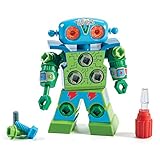
Design and Drill Robot
- Working screwdriver
- 15 multicolored bolts
- Swiveling head and arms
- No batteries needed

Code and Go Robot Mouse
- 30 coding cards
- Button sequences
- Two speed settings
- No app required

Ruko 6088 Programmable Robot
- 50 motion combinations
- Hand gesture control
- Rechargeable USB battery
- Sing and dance modes
These three cover the widest range of toddler situations. The Design and Drill Robot wins on raw durability and volume of use. The Code and Go Robot Mouse is the one that teaches the most transferable skill. The Ruko 6088 wins the room on day one because a hand gesture makes a two-year-old look like a magician.
Quick Specs on All 12 Educational Robots We Reviewed in 2026
| Product | Specifications | Action |
|---|---|---|
| Educational Insights Design and Drill Robot |
|
Check Latest Price |
| Learning Resources Code and Go Robot Mouse |
|
Check Latest Price |
| Ruko 6088 Programmable Robot |
|
Check Latest Price |
 Learning Resources Gears Robots in Motion Learning Resources Gears Robots in Motion |
|
Check Latest Price |
 Learning Resources 1-2-3 Build It Robot Factory Learning Resources 1-2-3 Build It Robot Factory |
|
Check Latest Price |
 LeapFrog Sing-Along Song Bot LeapFrog Sing-Along Song Bot |
|
Check Latest Price |
 RIVGOT Drawing Robot with 150 Cards RIVGOT Drawing Robot with 150 Cards |
|
Check Latest Price |
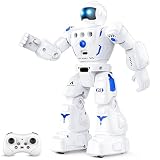 BAZOLOTA Programmable Sing and Dance Robot BAZOLOTA Programmable Sing and Dance Robot |
|
Check Latest Price |
 Contixo R1 Interactive Smart Robot Contixo R1 Interactive Smart Robot |
|
Check Latest Price |
 28-Piece Wooden Take-Apart Robot Blocks 28-Piece Wooden Take-Apart Robot Blocks |
|
Check Latest Price |
 Qirptey 125-Piece STEM Building Kit Qirptey 125-Piece STEM Building Kit |
|
Check Latest Price |
 Interactive Retriever Robot Dog with Vet Kit Interactive Retriever Robot Dog with Vet Kit |
|
Check Latest Price |
Read the age column carefully. Several of these carry a manufacturer age of 3 or 5, which in practice means the youngest child will need help for the first few months. The Build It Robot Factory and the Song Bot are the two genuinely usable below age 3.
1. Design and Drill Robot – The Take-Apart Toy That Outlasts Everything Else
- Real working screwdriver rather than a pretend tool
- Builds fine motor skills and hand-eye coordination
- Swiveling head and arms make builds interactive
- Sticker sheet adds repeat value
- Screws can strip or loosen after repeated rebuilding
- Only enough pieces for one robot at a time
This is the one I recommend to parents who ask a single question: what survives a toddler? The answer is a take-apart robot with real bolts and a real screwdriver. There is no app, no account, no firmware and no charging. A three-year-old can pick it up without being shown anything.
Over 10k reviews sit behind it, and the pattern in those reviews is consistent. Parents mention 45-minute-plus sessions, repeated disassembly, and the specific satisfaction of a child who owns a screwdriver that actually turns things. The swiveling head and upper body add just enough movement to make an assembled robot feel like a finished object rather than a pile of parts.
What surprised me was how the bolt colors and sticker sheet extend it. Once the first build is done, the child starts varying the arrangement instead of repeating the same model, which is exactly the kind of open-ended iteration that makes a construction toy last a year instead of a week.
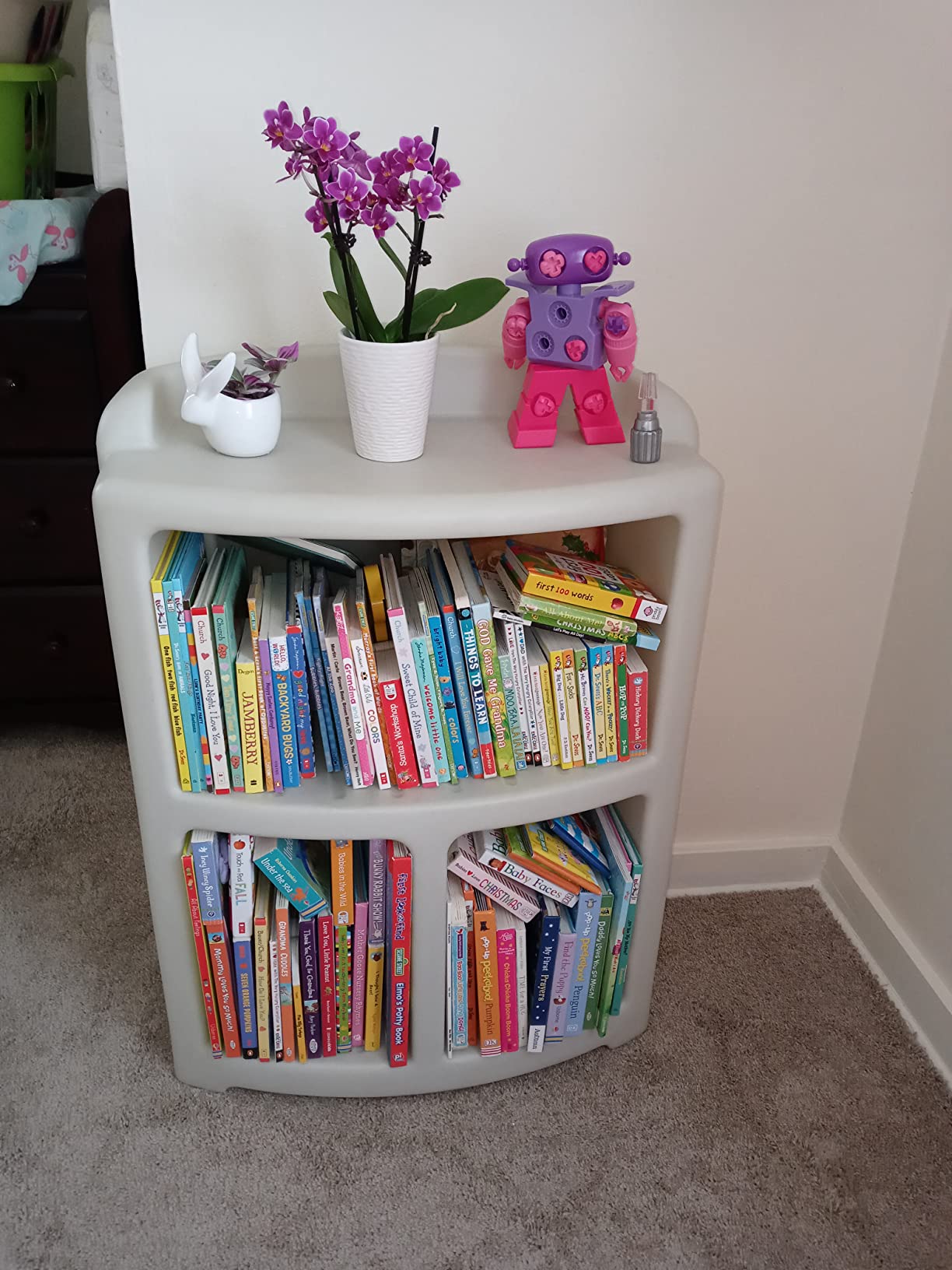
Why the screwdriver matters more than the robot
The single screw and bolt system is doing the real teaching here. Turning a screwdriver requires wrist rotation, grip strength and sustained attention, all in one motion that a two-year-old can attempt and a four-year-old can master.
That is a far more durable fine motor exercise than tapping a plastic app button, and it happens without a screen in the room. The manufacturer’s listed educational objectives are creativity, eye-hand coordination and problem solving, and in our sessions the problem solving showed up as: the screw is too long for this hole, find another one.
Build variety and repeat sessions
Fifteen multicolored bolts plus a full-color sheet of decorative stickers means the finished robot can look different each time. Parents report the set being rebuilt rather than abandoned, which is the metric that separates a lasting toy from a launch-week favorite.
The limitation is honest and worth stating. There is one robot’s worth of hardware here, so siblings share rather than each build their own. Reviewers also mention screws that loosen or strip after heavy repeated rebuilding, so treat it as a working tool rather than a permanent display piece.
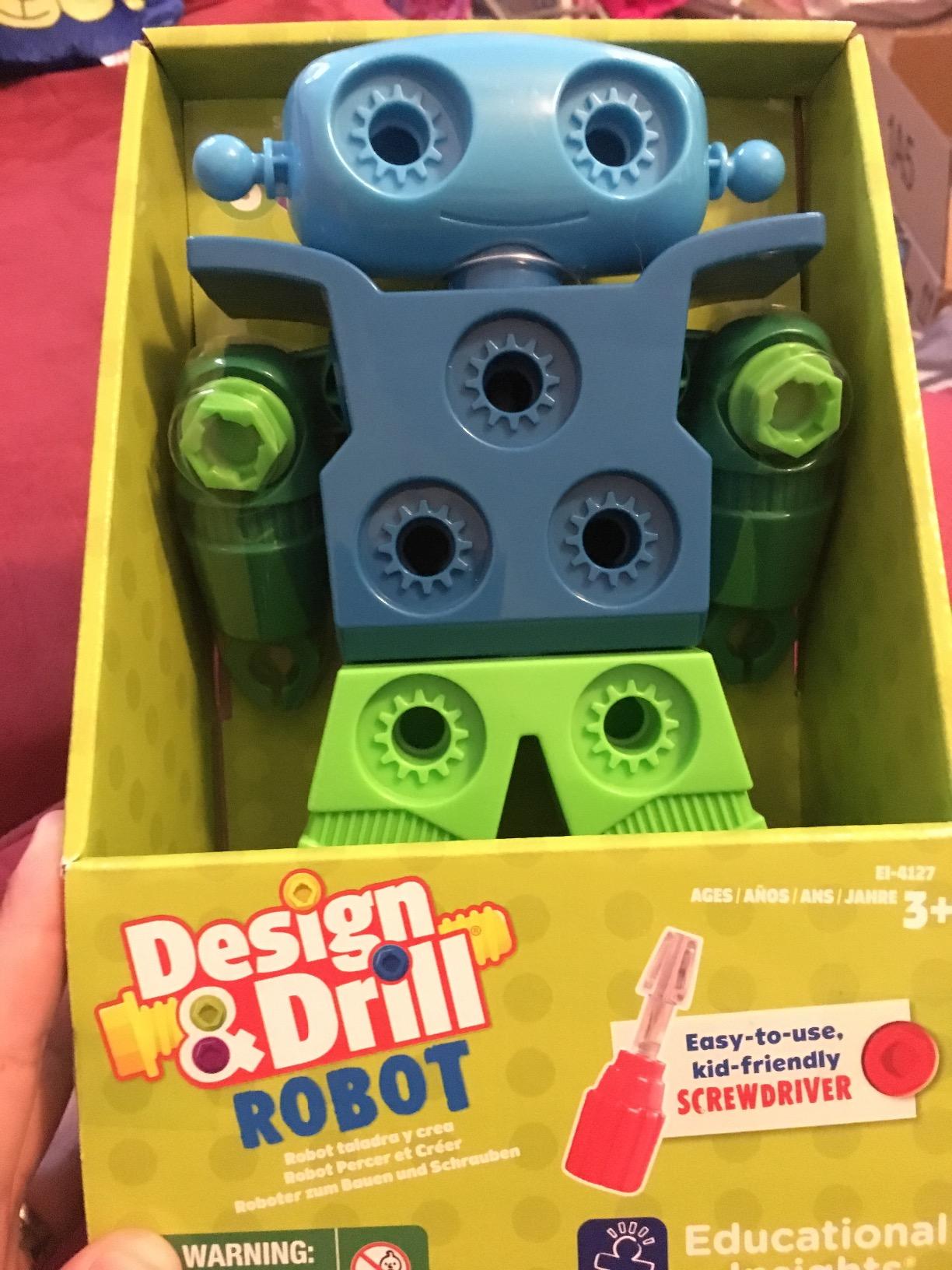
Who it suits and who should skip it
Buy it if your child is three or older, enjoys construction, and you want something that works on a road trip with no charging cable. It pairs well with the wooden blocks later in this list once your child moves past the plastic stage.
Skip it if you are looking for movement. This robot does not roll, steer or respond to a remote. It is a build toy with a robot theme, and it will disappoint anyone expecting a machine that drives around the living room.
2. Code and Go Robot Mouse – The Best Coding Practice Without a Screen
- Genuine screen-free sequencing with no app
- Thirty cards support planning and debugging
- Lights up and sounds give clear feedback
- Two speeds let you raise difficulty
- Needs a smooth clear floor or it drifts
- No play board or task mat in the box
This is the most genuinely educational robot in the guide, and the one I would put in front of a four-year-old who is ready to think in sequences. Button presses on the mouse’s back queue up movement instructions, and then the mouse runs them. No screen, no reading required, no subscription.
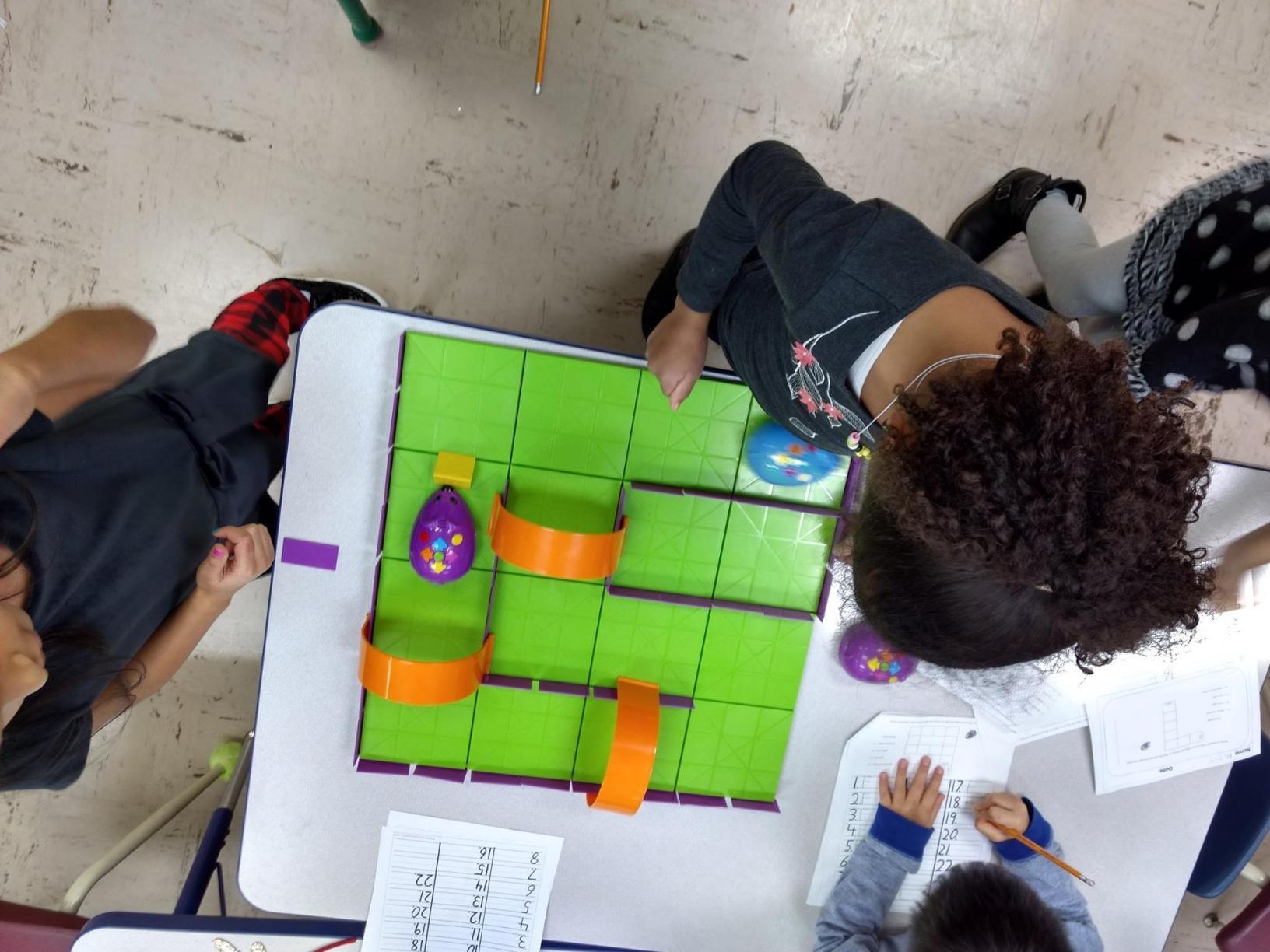
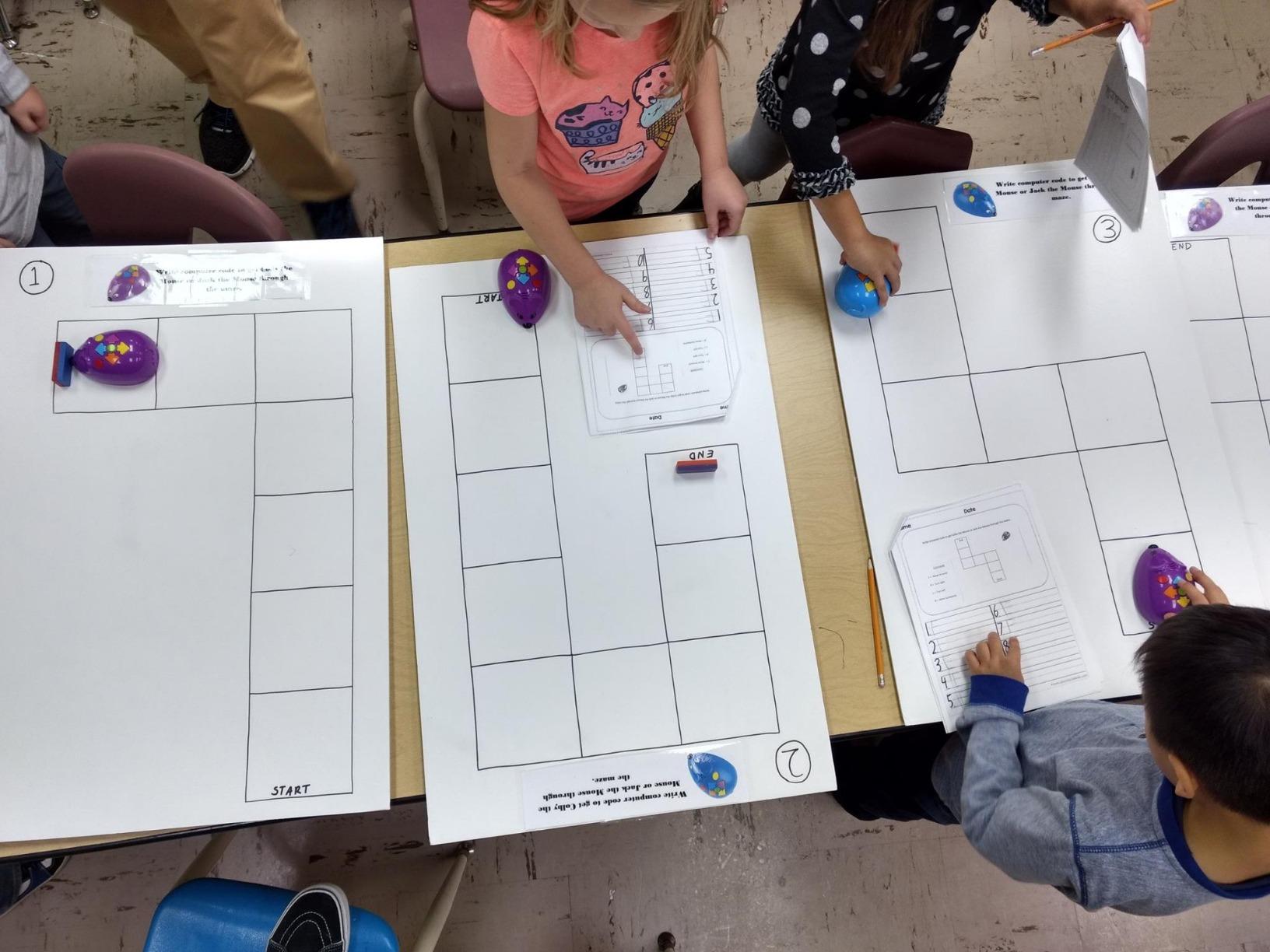
Teachers and parents in the reviews describe the same escalation pattern we saw: a first session of forward, forward, forward, then a month later a route planned across the floor with turns. The thirty double-sided coding cards give a child something concrete to plan against, which turns trial and error into actual debugging.
Two speed settings matter more than they sound. A slow speed gives beginners the time to watch and correct, while fast mode adds the challenge that keeps an older child engaged. The lights and sounds give immediate confirmation that a command registered.
What screen-free really means here
This is the distinction most parents miss when shopping. A robot can market itself as screen-free and still require a phone for setup, an account and firmware updates. The Code and Go Mouse needs none of that. You put in three AAA batteries, press the buttons, and it works.
That makes it the rare robot that survives a power cut, a travel day and a grandparent’s house without support. If screen time is the reason you are in this category, this is the cleanest example of the approach.
Surface and setup realities
The one consistent complaint in the reviews is drift. The mouse uses a light sensor to follow programmed instructions, so carpet, crumbs and a slightly uneven floor will send it off course. On a clear hard floor it behaves exactly as designed.
Also worth knowing: the box contains the mouse and the cards, not a printed play board. Teachers typically build mazes from the included grid squares or from classroom floor tape, and that do-it-yourself mat is where the real learning value appears. Reviewers also note the manufacturer lists no warranty on this set, so keep the receipt.
Who it suits and who should skip it
This suits children from about four who can hold several steps in their head, and it suits classrooms where a single robot gets shared and reset. The cards double as a planning tool, which is why the AI review summary compares it favorably to pricier classroom coding robots on capability alone.
Skip it under three. A two-year-old will press buttons and watch it move, which is fun but is not coding, and the battery compartment plus loose cards are more fiddly than that age handles well. For a genuine two-year-old introduction to programming, our guide to coding robots for older children shows where this fits in the progression.
3. Ruko 6088 Programmable Robot – Hand Gestures That Delight Toddlers Instantly
- Hand gesture control needs no button pressing
- Up to 50 programmable motion combinations
- Walks slides sings and dances
- About 120 minutes play per charge
- No app or AI voice despite the smart framing
- Remote needs two AAA batteries not included
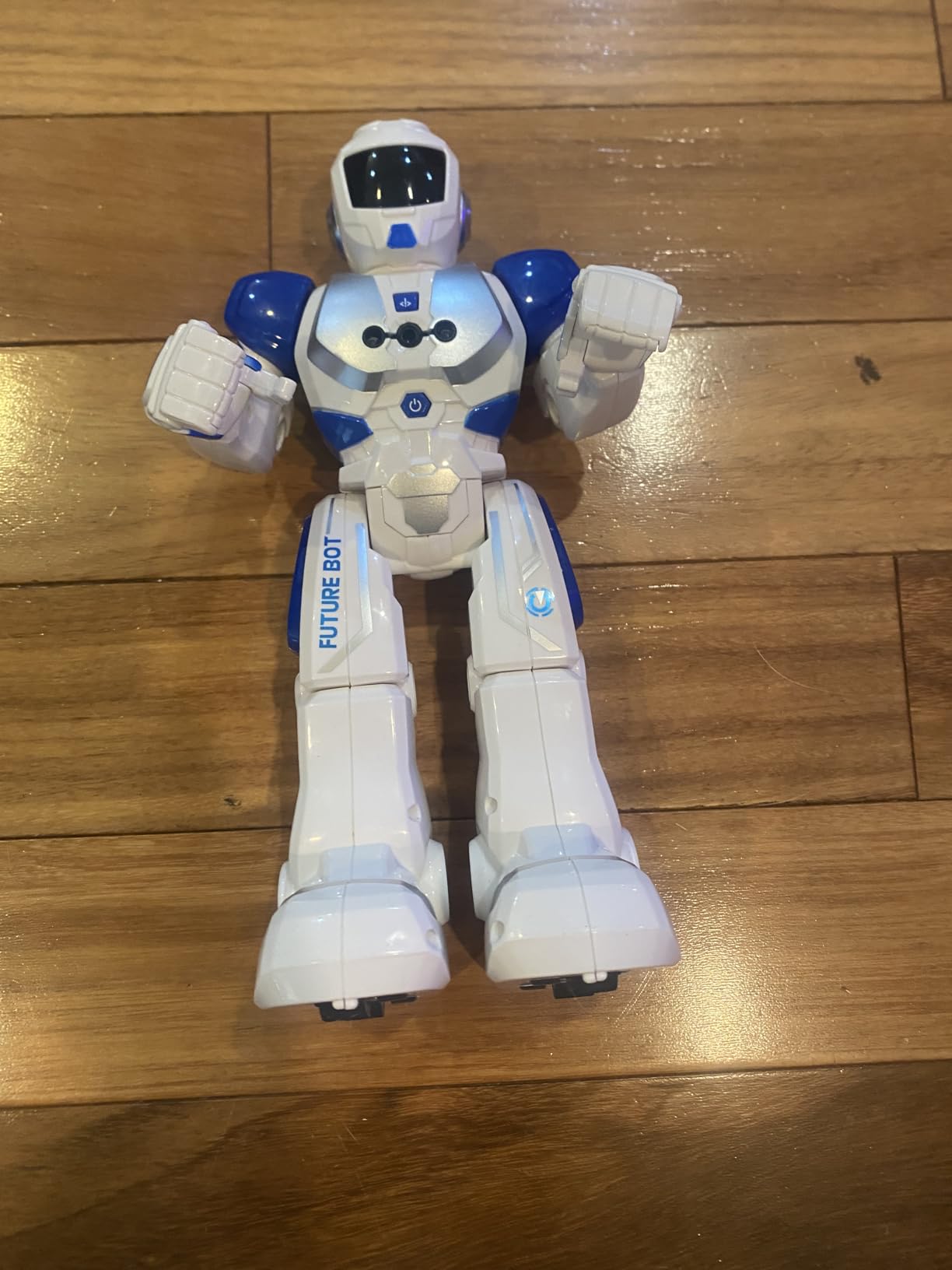
The Ruko 6088 solves the problem no other robot on this list solves: how do you get a two-year-old to operate something without a remote they cannot yet hold correctly? Gesture control. Your child moves a hand forward and the robot walks forward. In our sessions this produced more immediate delight than anything else here, and reviewers repeatedly name the same feature as the child favorite.
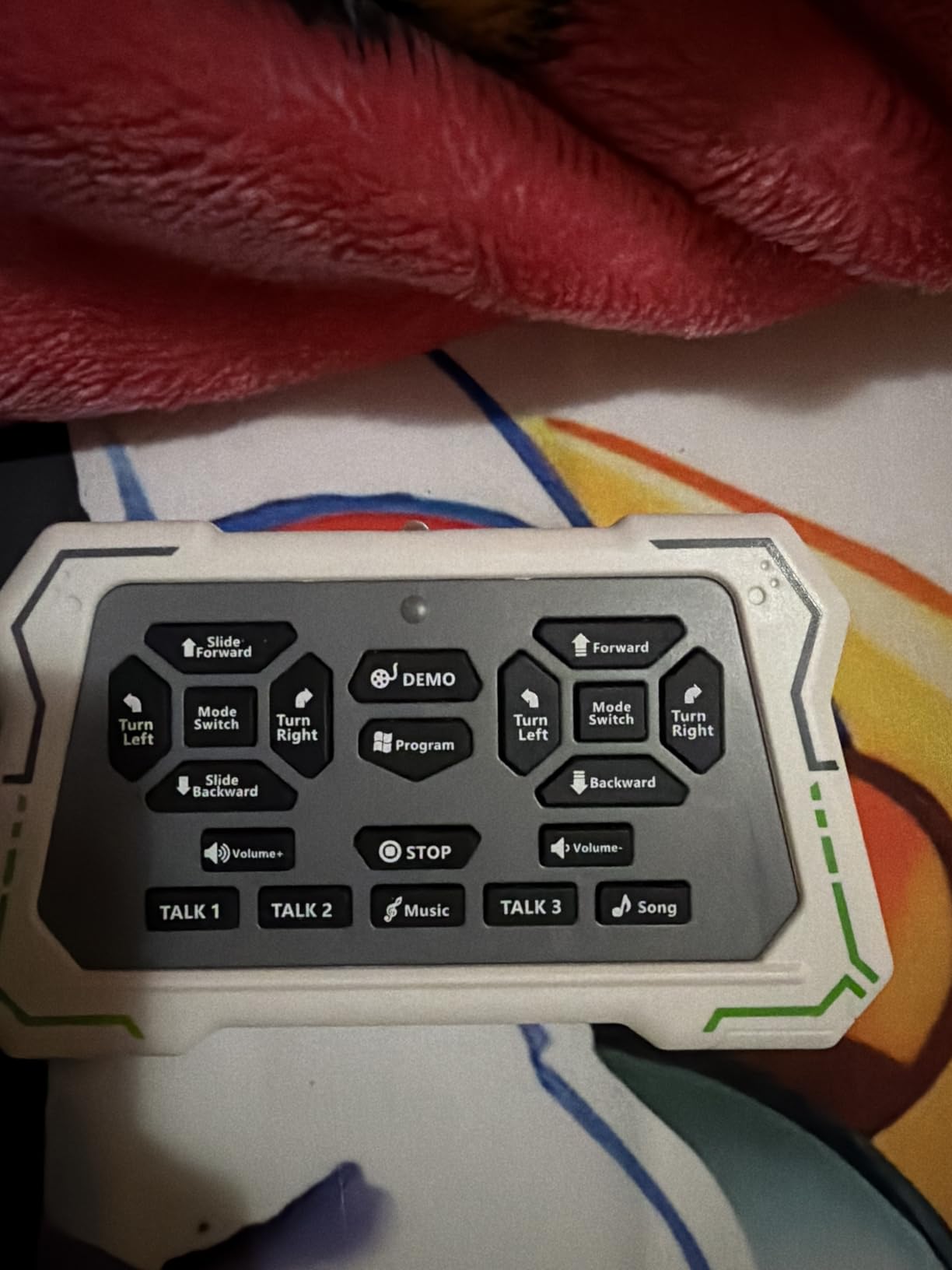
It also walks, slides, sings and dances, with volume adjustable from the remote. The programmable side stores up to fifty motion combinations, entered through the remote and replayed with a single key. At this age most children will use the gestures and ignore the programming entirely, which is exactly what you want on day one.
The rechargeable battery is a genuine advantage over disposable cells. A quick two-hour USB charge gives roughly 120 minutes of play, and reviewers confirm it works on carpet, which several competing robots do not.
Battery and charging compared to the alternatives
Two AA or AAA batteries sound simpler until you count how often they die mid-session. A built-in lithium pack charged over USB removes the drawer of loose batteries entirely, and 120 minutes covers a typical play session with room to spare.
The trade-off is that the remote itself still takes two AAA batteries, which are not included. That is a small annoyance, but it means the robot keeps working even if the remote is lost, which is worth something in a toddler household.
What the smart-toy framing leaves out
Despite the smart-toy presentation, this is not an AI robot. There is no app, no Bluetooth speaker, no voice recognition and no cloud connection. Nothing it does leaves your home, which for privacy-minded parents is a genuine selling point rather than a compromise.
That also means the marketing overstates it slightly. A few buyers reported sound failures on individual toys, resolved by seller replacements, so factor in that small reliability risk against the manual controls. We are still seeing 80 percent five-star ratings across more than 2k reviews.
Who it suits and who should skip it
It suits active toddlers aged three to six who want something that moves through the room, and it makes a strong birthday or holiday gift because there is no setup at all. Unbox it, charge it, hand it over.
Skip it if your priority is coding instruction. Fifty stored motions is real sequencing, but the interface is a remote with buttons rather than a planning tool, so the learning sits one level below the Code and Go Mouse.
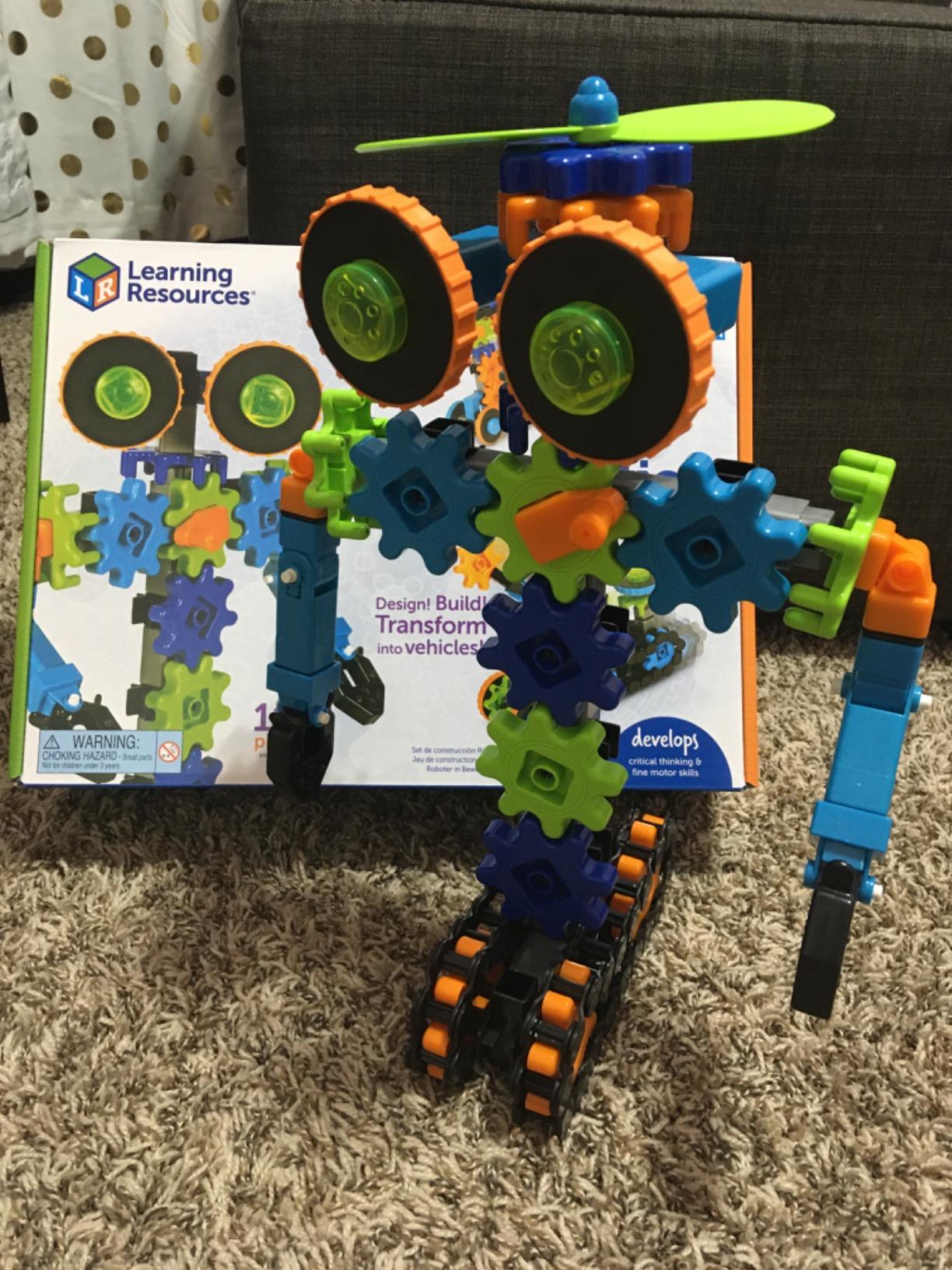
4. Gears Robots in Motion – Best for Understanding How Motion Actually Works
- Gears and treads create robots that genuinely move
- Teaches how gears translate into motion
- No batteries to charge or lose
- Connects to the wider Gears range
- Manufacturer age starts at 5
- Older edge of the toddler range
- Interlocking pieces need adult help when younger
This set is less a robot toy and more a mechanical engineering kit that happens to build robots. A child who has already exhausted take-apart sets and wants to understand why a wheel turns is the right owner for it.
The value is causal and visible. Gears mesh, treads grip, and when the proportions are wrong the model collapses. Parents and teachers using it for guided STEM activities report that it teaches the relationship between gear size and movement speed better than any screen-based equivalent.
There are no batteries, which is a quiet but meaningful advantage. Nothing to charge, nothing to leak, nothing to lose in the sofa cushions.
Piece count and expansion
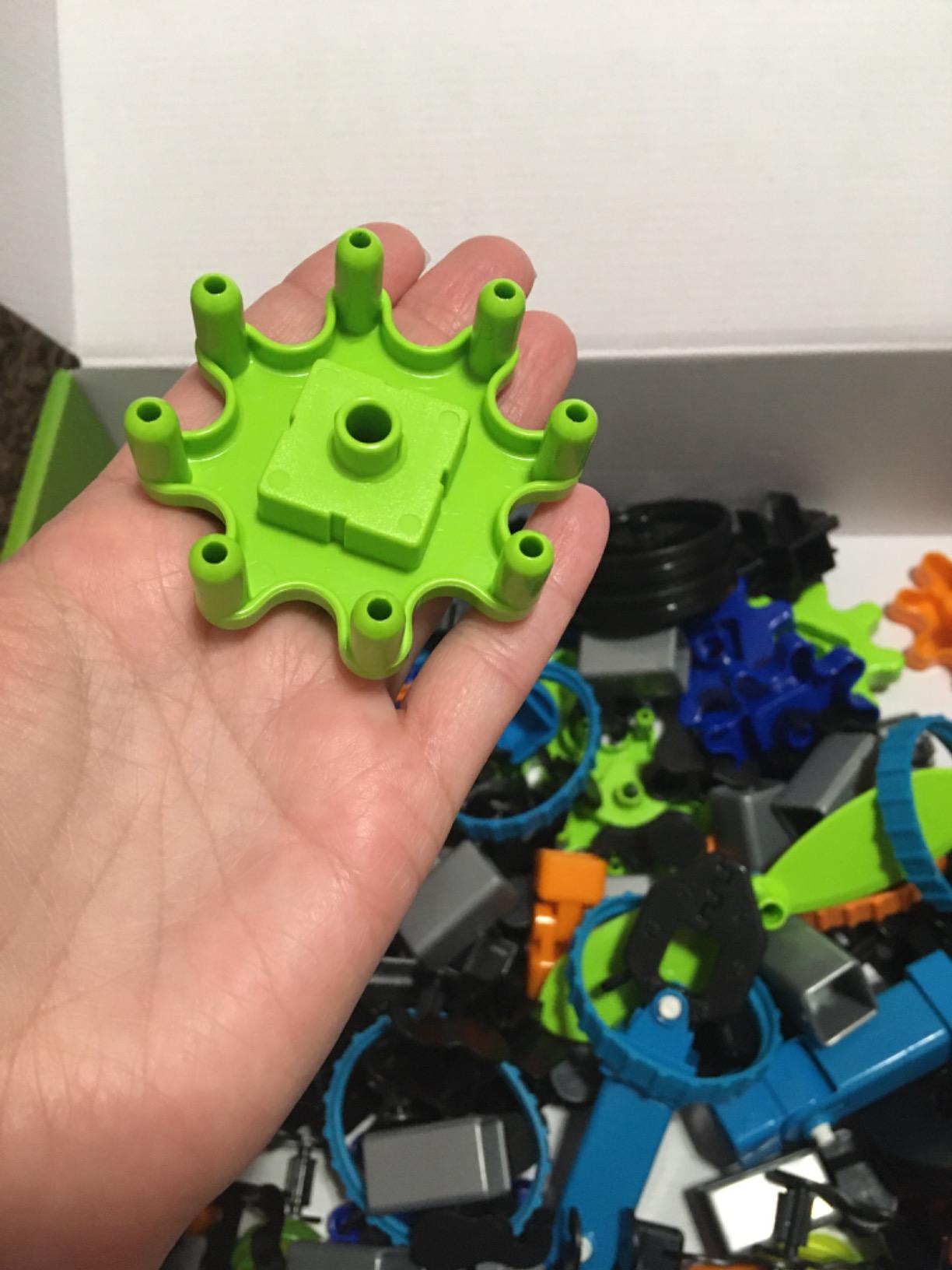
One hundred and sixteen pieces, listed as 110 buildable units in the technical details, is a substantial build. The important detail is compatibility: these pieces connect to the rest of the Gears range, so the set keeps growing with other boxes rather than becoming a sealed system.
That changes the long-term math. A single-theme kit ends when your child masters the four models inside. An expandable system becomes a two-year project, which matters when you are thinking about hand-me-down value between siblings.
The age question, honestly
The manufacturer recommends 5 to 9 years, which puts this at the top edge of a toddler guide rather than the middle. A determined four-year-old can build it with help. A two-year-old will not, and the interlocking connectors are genuinely tough for small hands.
So buy this one early, not as a first robot. Buy it as the second or third, once your child has proven they enjoy construction and can persist through a failed attempt.
Who it suits and who should skip it
It suits a four- or five-year-old who has moved past building kits and is ready for cause-and-effect mechanics. Classroom and homeschool settings work well, particularly for a table station that several children rotate through.
Skip it for a two- or three-year-old entirely, and skip it if you need something that moves through a room. Nothing here rolls across the floor. The movement happens inside the model, on a table.
5. 1-2-3 Build It Robot Factory – The One That Works From Age Two
- Genuinely rated from 24 months
- Chunky pieces easy for toddler hands
- Robots rebuild into many designs
- Parts survive being bashed together
- Enough pieces for one robot at a time
- Some toddlers need help forcing clicks
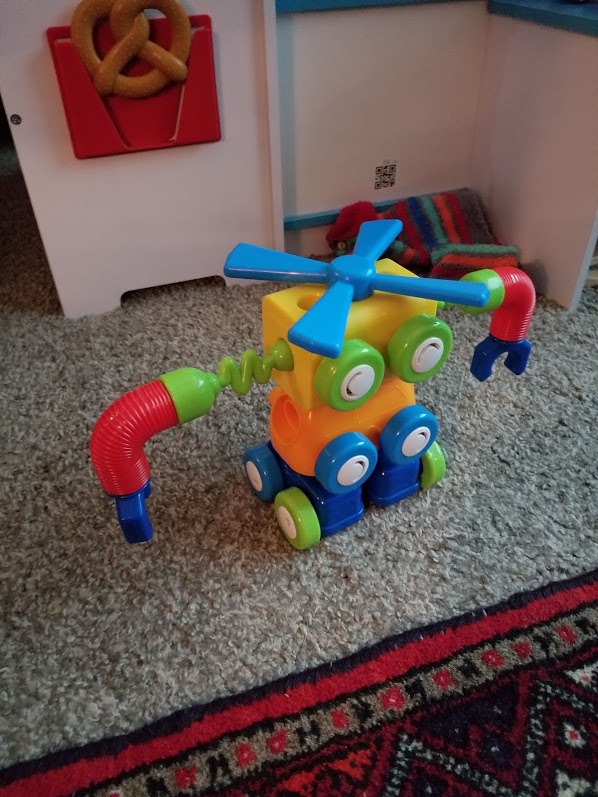
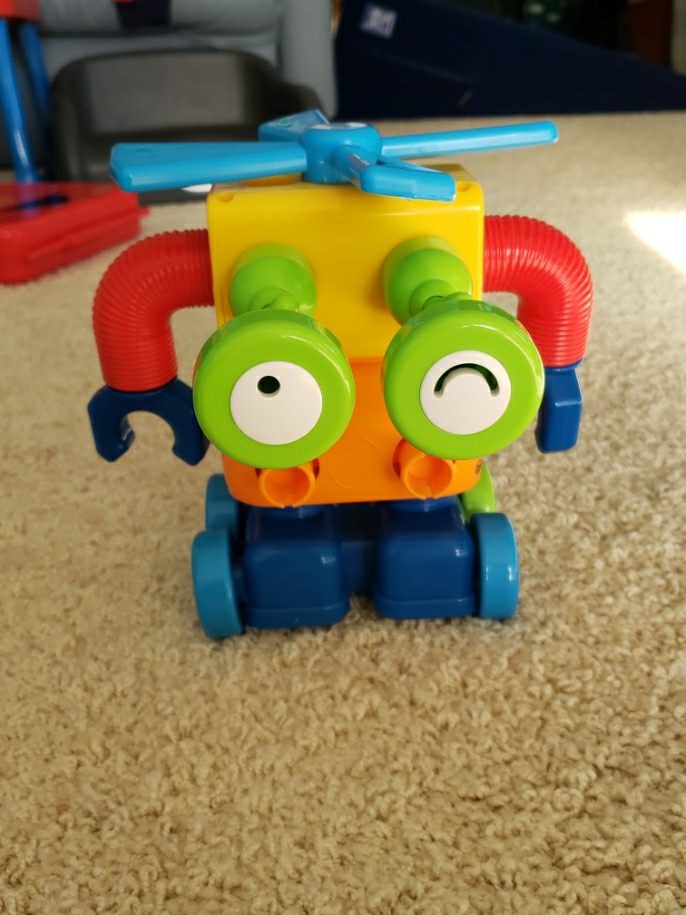
If your child is two, this is the answer. It is the only construction robot in this guide whose manufacturer rating starts at 24 months, and everything about the design follows from that: large chunky pieces, snap-together connections that a toddler grip can manage, and no small hardware anywhere near a choking hazard threshold.
Parents of children between 20 months and 3 years report sessions running past 45 minutes with repeated disassembly. That cycle of build, smash, rebuild is exactly the repetition that develops hand strength, and the pieces pop off without damage when the finished robots are thrown together.
The pieces also connect to other sets in the same line, so this is an entry point rather than a closed box.
Fine motor development through repetition
Pushing a chunky connector in and pulling it back out is a pincer-and-push exercise that speech pathologists and occupational therapists routinely recommend for this age band. Here it happens as play rather than as therapy, which is why children repeat it for an hour.
The learning objective listed for the set covers STEM, construction skills, creative critical thinking and fine motor development. In practice the fine motor part is the strongest and most obvious, with the critical thinking arriving later as children work out how to make a shape stand up on its own.
The sibling problem and how to solve it
The most common review comment, by a wide margin, is a wish for enough pieces for two children. With one robot’s worth of hardware, two toddlers in one room means one watches. That is a real limitation in a multi-child household.
If you have two under-fives, solve it by buying the wooden take-apart set in this guide as the second robot. It builds up to five at once, costs less, and gives each child their own project instead of sharing one.
Who it suits and who should skip it
It suits a two-year-old starting out, and it suits any parent who wants a robot toy that works before a child can read. No app, no reading, no adult instruction required after the first build.
Skip it if your child already builds with small bricks confidently. At that point they will outgrow the chunky snap connectors within months, and the wooden set or the gear kit will hold their attention far longer.
6. LeapFrog Sing-Along Song Bot – Screen Play for Babies From Six Months
- Voice recording plays back in four robot voices
- Light-up face and songs reinforce ABCs and counting
- Classical pieces broaden music exposure
- Survives being thrown
- Small size limits play value past toddler stage
- Music becomes repetitive after extended use
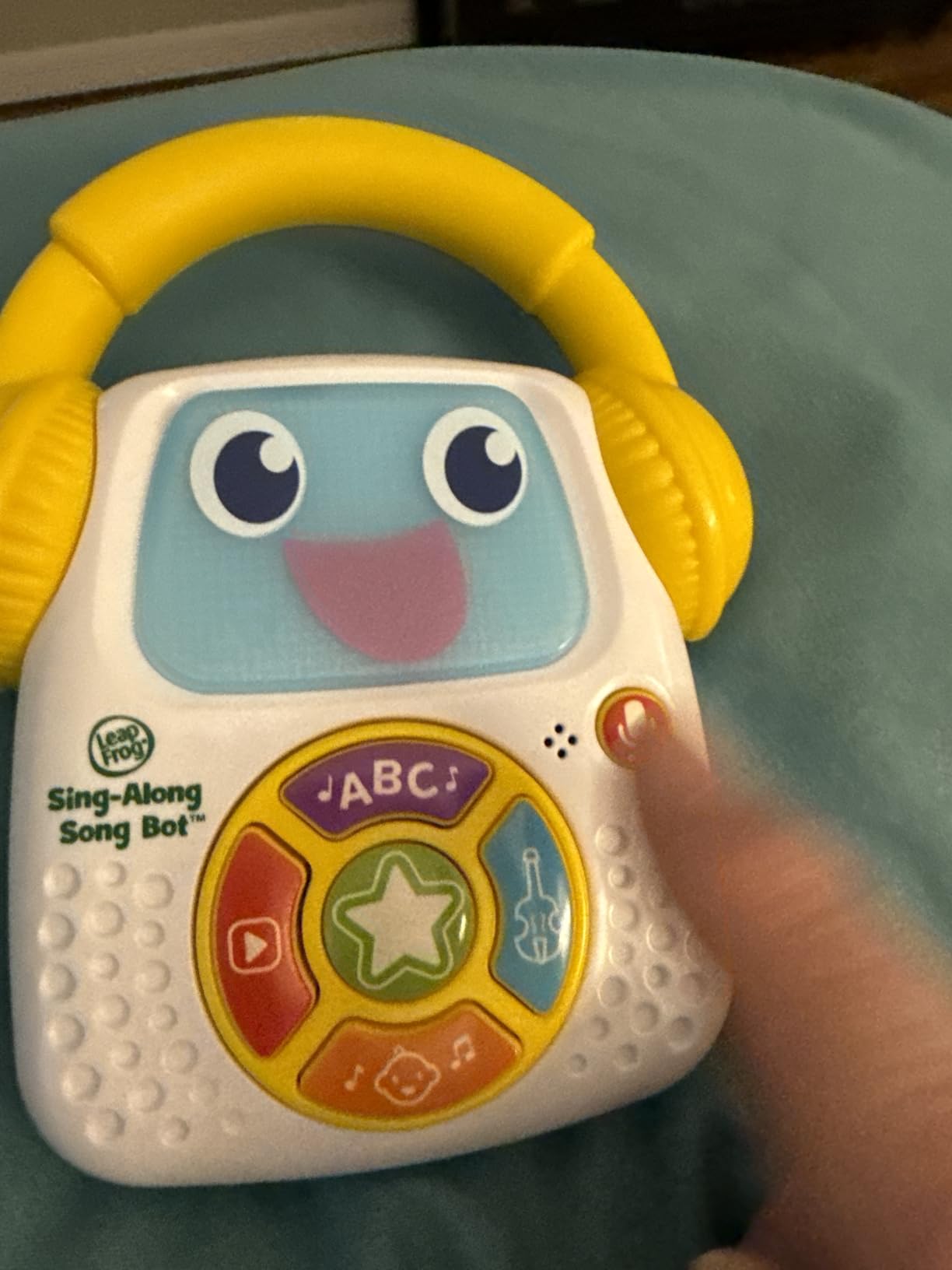
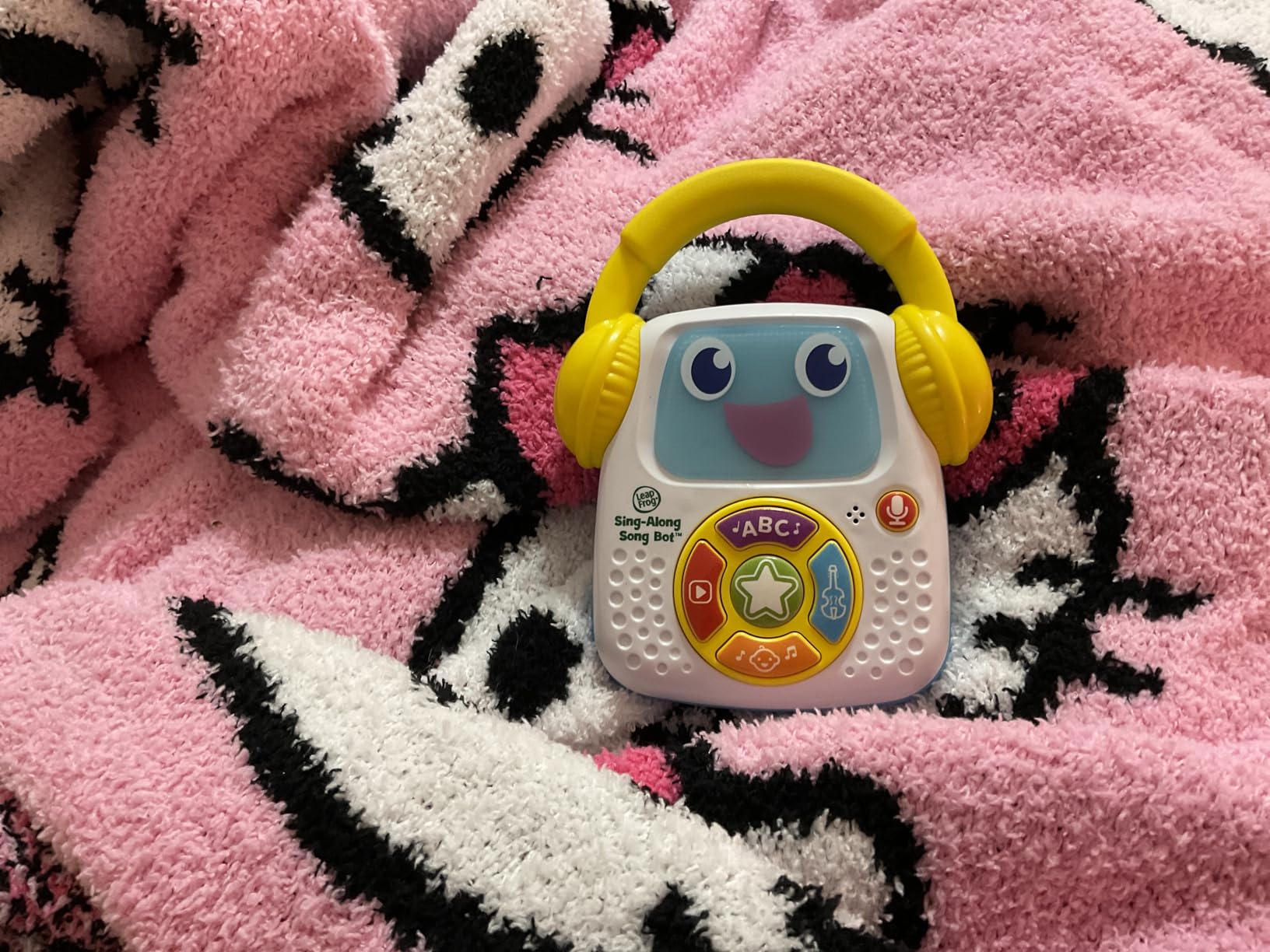
This is the only robot here rated from six months, and it earns that rating honestly. A baby cannot program anything, but a baby can record a sound, hear it come back out of a robot, and understand that they caused it. That is cause and effect in its earliest and most powerful form.
The recording feature is the standout. Sing, talk or babble, press the button, and it comes back in one of four robot voices. Parents of children as young as nine months single this out as the reason it gets played daily.
It also weighs 5.6 ounces and is small enough for a toddler to carry around by the body. When it gets thrown across a room, it survives.
Language development through voice play
Voice recording is a genuine early language activity. A child hears their own sound returned in a changed register and repeats it, which is turn-taking and vocal experimentation, both foundations of spoken language development.
The sing-along content reinforces letters and counting, and the classical option gives a nine-month-old a different sound palette from nursery rhymes. Reviewers also note the volume is not excessively loud, which matters when a baby holds it close to their face.
Battery notes for a baby toy
Batteries are included for demonstration only, and the manufacturer recommends new ones for regular use. Plan on replacing them periodically rather than expecting a sealed rechargeable cell in something this small and inexpensive.
That is the trade-off for a design that weighs less than a third of a pound. Nothing to charge, no charging port to bend, and it works in a stroller, a car seat or a crib.
Who it suits and who should skip it
It suits a baby or a first-year-old, and it works as a second toy alongside a construction set once your child is walking. For grandparents buying a first robot, the zero-setup design is the entire appeal.
Skip it past about age four. The toy is 5.51 inches tall, the content is finite, and reviewers note the music becomes repetitive. It is a first robot, not a long-term investment.
7. RIVGOT Drawing Robot – Screen-Free Art With 150 Follow-Along Cards
- 150 cards give a very large variety of designs
- Entirely screen-free creative output
- Board and pens let children colour in afterwards
- Built-in music keeps it entertaining
- Arms need adjusting to track cards reliably
- Some units failed early on
- Square board suits younger children
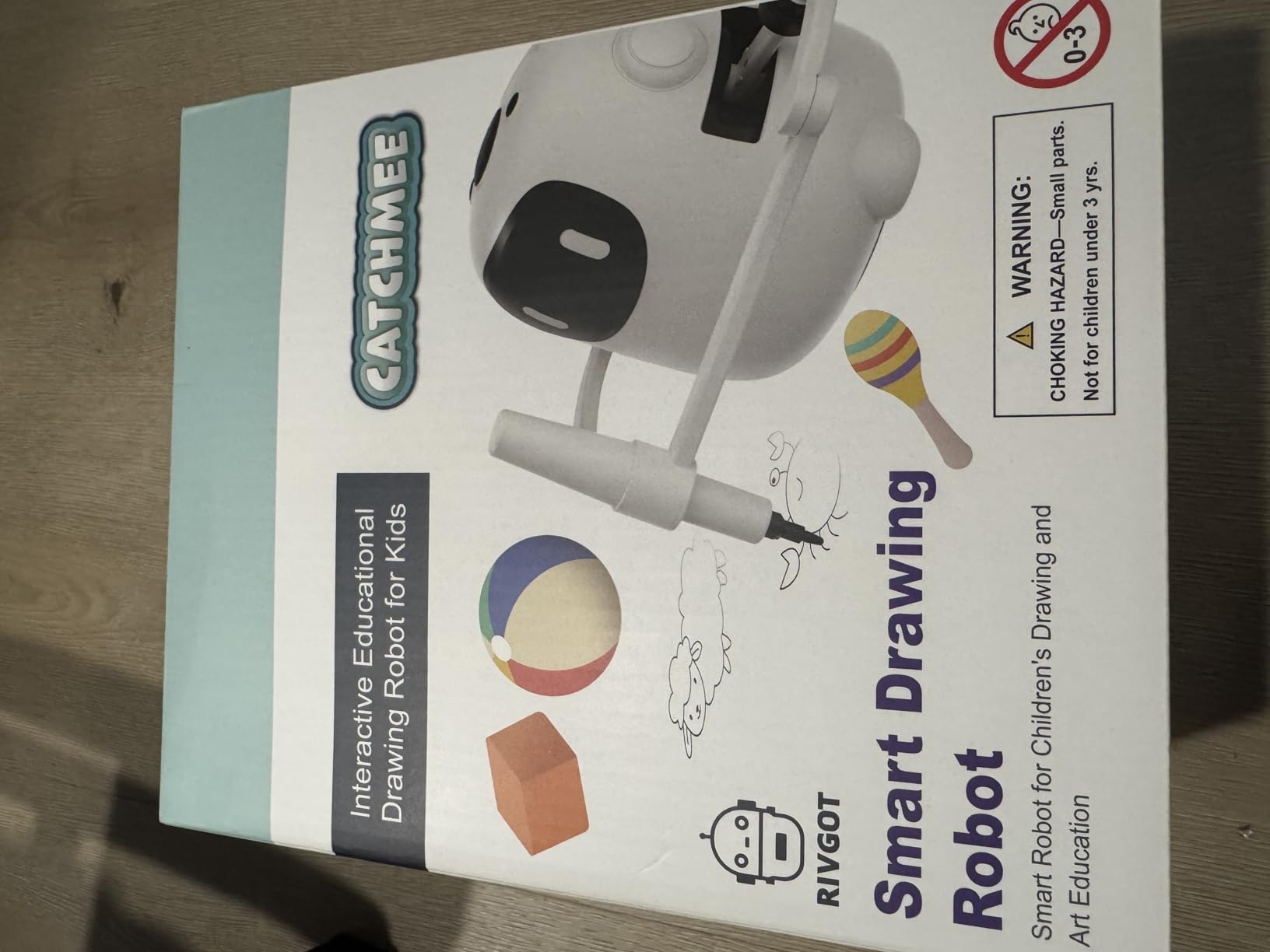
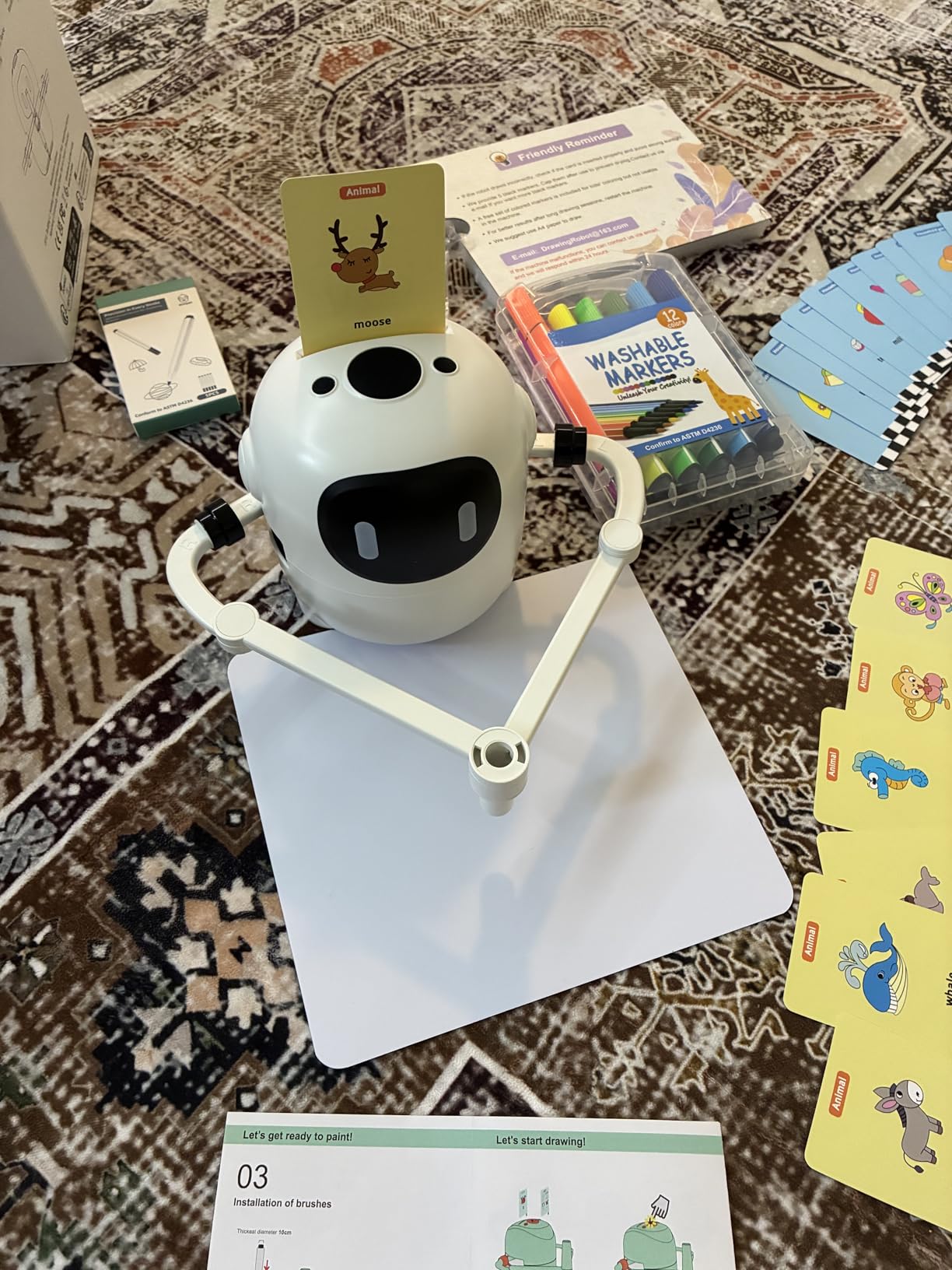
This is the category nobody expects on a robot list and everybody ends up wanting. The robot holds a pen, follows a card step by step, and draws the picture while music plays. A child watches, then imitates, then colours in the result on the reusable board.
For a three-year-old, that sequence is genuinely developmental. Following numbered steps builds sequencing. Watching the pen commit to a line builds patience. Copying the finished shape builds visual motor planning.
Parents describe it as a hit at birthday parties, which is a genuine use case. It produces visible output that a group of children can watch, and it requires no adult skill to operate.
Calibration is the thing to expect
The most common review note concerns the arms. Out of the box the pen arm sometimes needs adjusting so the robot tracks the card accurately and lifts the marker high enough to clear the line. Budget ten minutes for this before the first drawing.
A smaller number of buyers reported toys that stopped working shortly after first use, though sellers replaced them. That is a quality-control gap rather than a design flaw, and it is the main reason this sits below the leaders.
Screen-free output that is actually useful
Unlike a drawing app, this ends in a physical object. Parents looking for a screen-time alternative tend to respond well to that, because the result can be hung on a wall, which no tablet drawing produces.
Note the power requirement: a 5V 2A adapter is needed for charging, so a phone charger alone will not do it. The board is also square and small, which the reviews suggest suits a three- or four-year-old better than the eight-year-old at the top of the stated range.
Who it suits and who should skip it
It suits a child who is ready to follow steps, roughly three upward, and it works well in a home with an older sibling who can demonstrate. It is also a strong choice for a child who is sensitive to screens.
Skip it if your child is younger than three, since step-following is the whole task and two-year-olds do not have it. Skip it if drawing is not something your child enjoys, because there is no fallback activity when the cards run out.
8. BAZOLOTA Sing and Dance Robot – Long Gesture Range and Fifty Stored Actions
BAZOLOTA Robot Toys for Kids 3-5, Programmable Sing Dancing RC Robots Gift
- Stores and replays 50 action sequences
- 98ft gesture range is easy for small hands
- Walks slides sings dances and tells stories
- ABS body with flexible jointed shoulders
- About 60 minutes play per two-hour charge
- Controls are all-or-nothing with no speed adjust
- Light shell clips can pop off after bumps
This is the closest thing here to a party robot, and for a child who loves music and movement it delivers consistently. It walks, slides, sings, dances and tells stories, all from a simple remote a young child can work alone.
Gesture control reaches 98 feet, which in practice means across a room. Reviewers note that the gesture, dance and storytelling features are what hold children’s attention, more than the programming itself.
Programming stores up to fifty user-input actions. You press the programming button, enter a sequence such as turn left, walk backward, dance, and it replays them one by one. For a four-year-old that is a real introduction to the idea of a stored program.
Battery runtime is the real weakness
About 60 minutes of play from roughly a two-hour charge is the shortest session here. The Ruko 6088 runs about twice as long on a comparable charge, and in a household where the robot competes with a tablet for attention, an hour runs out quickly.
For a birthday party or a single focused session, 60 minutes is workable. For everyday use, plan a top-up or choose the longer-running alternative.
Controls and build quality
The steering and speed controls are not variable, which parents describe as all-or-nothing. There is no slow mode for a beginner to learn in, and the on and off directions feel abrupt for a toddler still developing fine motor control.
The ABS shell is light at just over 15 ounces, and the clips can pop off after bumps, though the jointed shoulders and elbows survive falls well. The 74 percent five-star share reflects a toy that is fun and slightly flimsy rather than broken.
Who it suits and who should skip it
It suits an energetic three- to five-year-old who responds to music and movement, and it works well for a sibling pair who can take turns programming it. The 98-foot range makes it unusually practical in a large playroom.
Skip it if your child is sensitive to abrupt motion or noise, since the transitions are not gradual. Skip it as a primary coding toy, because the programming interface is a sequence of button presses without a planning surface.
9. Contixo R1 Smart Robot – Voice Control With Honest Limitations
- Voice control and touch response for hands-free play
- Voice recording adds replay value
- Compact 5 inch body is easy to carry
- Durable plastic shell is easy to clean
- Voice commands often missed in background noise
- Robot tips forward onto its face while moving
- Clear speech required
- which younger children struggle with
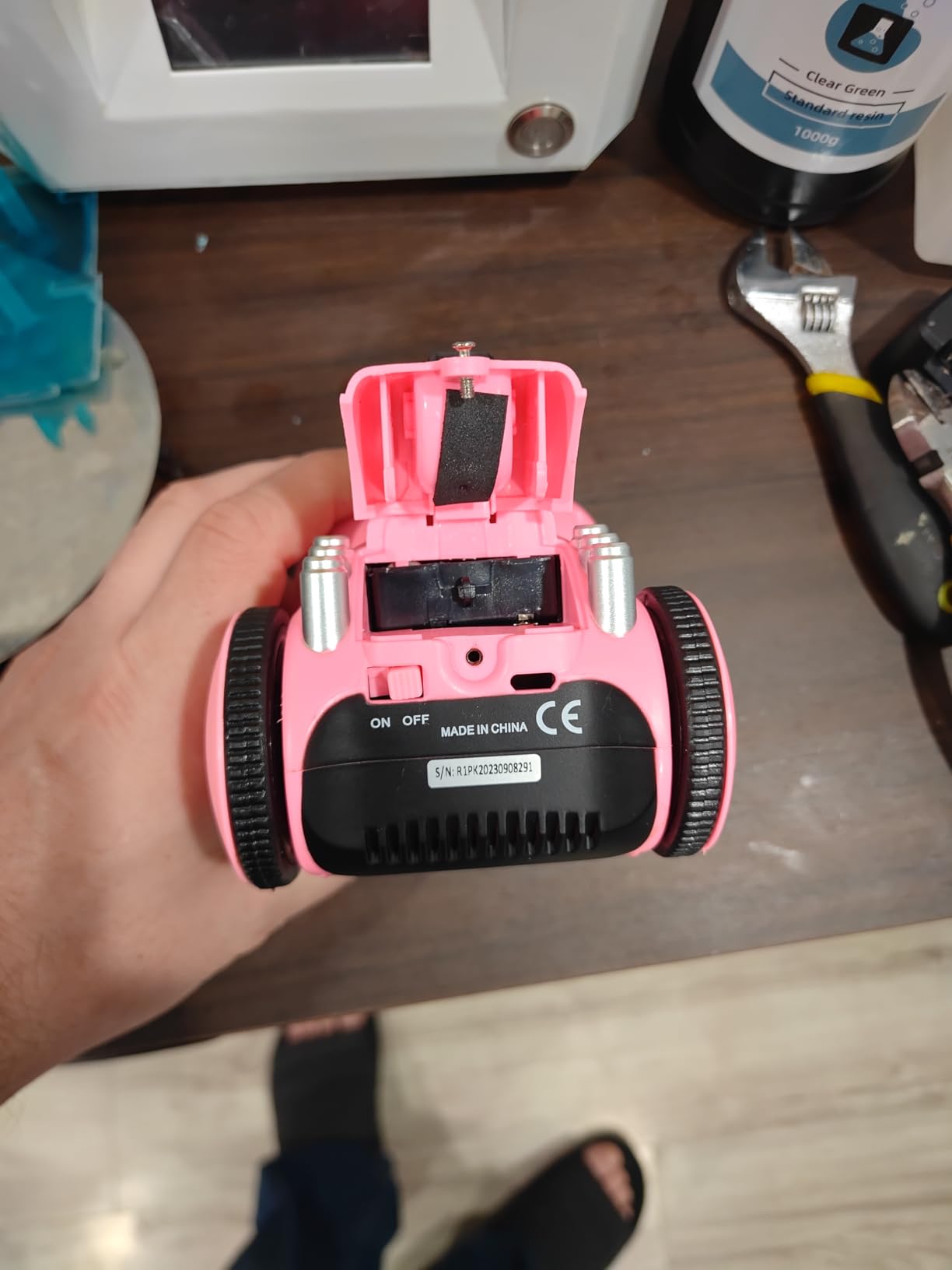
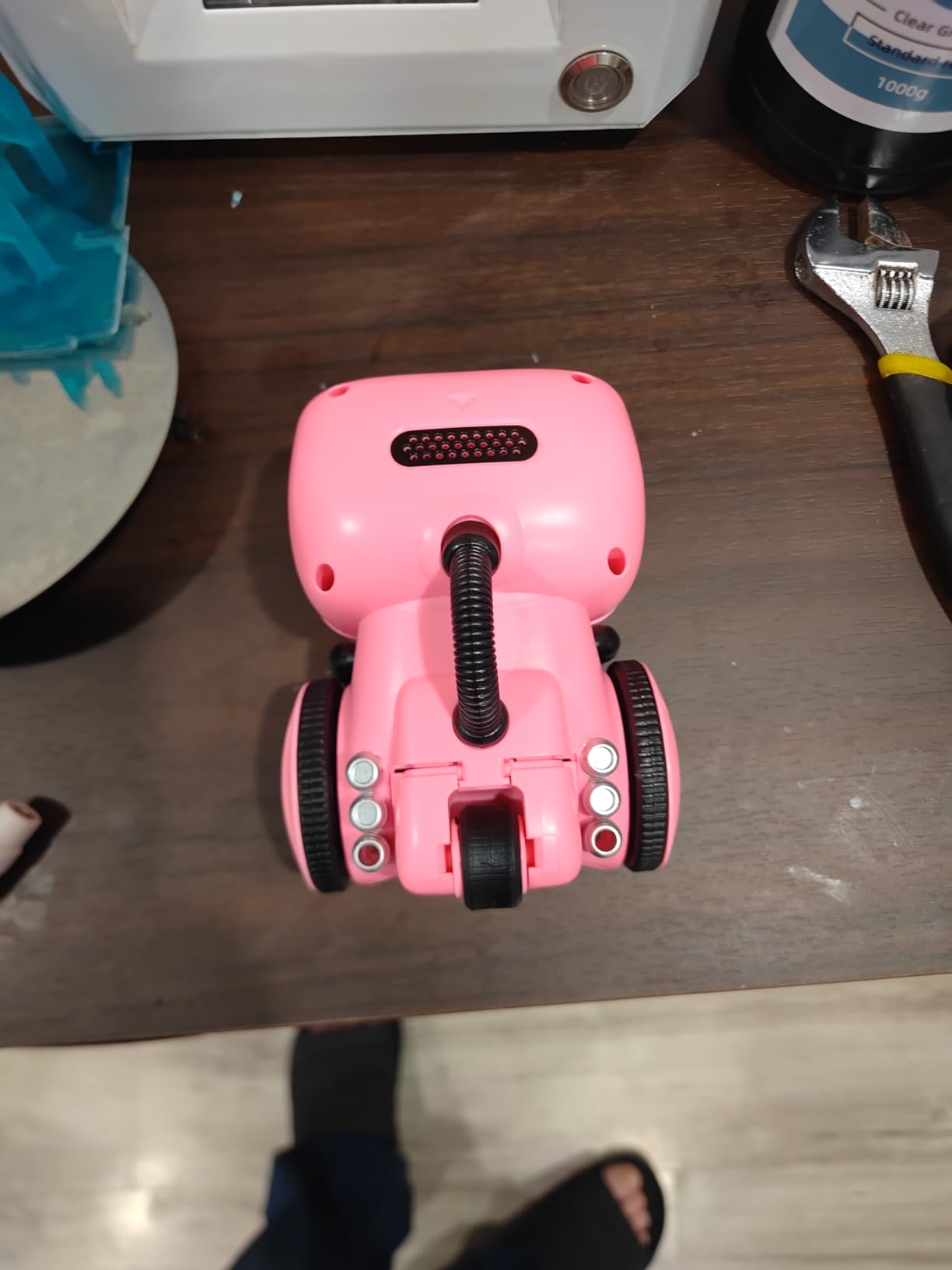
Voice control is the headline here, and it is the reason this robot is worth including. Say a command or touch the induction sensor and the robot turns, walks, sings or dances. The voice recording feature lets a child record themselves and hear it played back.
It is also the lowest-rated robot in this guide at 4.2 out of 5, with a 7 percent one-star share. Reviewers still describe it as good value, but the complaints are specific and consistent rather than vague.
The core problem is voice recognition reliability. Commands are frequently missed, especially with background noise, and a two- or three-year-old’s speech pattern is exactly what most basic voice recognition handles worst. This is the specific pain point parents mention most often across connected toys in this category.
Balance and the tipping problem
The recurring physical issue is that the robot tips forward onto its face while moving. A tall narrow body on a moving base lacks a low centre of gravity, and a toddler chasing it across a floor will end up with a face-down robot several times a week.
Some units also arrived with a non-working charging port, and batteries are not included despite the compartment being designed around them. Both are quality-control issues at the manufacturing end rather than design flaws, but they are real for the buyer.
Voice control across the age range
Voice control rewards clear speech, so the effective user is a four- or five-year-old, not a toddler. That is worth knowing before purchase, since the marketing frames this as a toy for three-year-olds and up.
For a child working on speech, the recording and replay feature is the most valuable part. Hearing their own voice returned immediately is a strong reinforcement loop, and it works whether or not the voice commands themselves land reliably.
Who it suits and who should skip it
It suits a four- or five-year-old who is already speaking in clear sentences, and it suits parents who want voice-driven play without an app or an account. Nothing about it requires a smartphone.
Skip it for a two-year-old, and skip it if your household is noisy or if a toy that falls over regularly would drive you mad. In both cases the gesture-controlled Ruko is the more reliable pick.
10. Wooden Take-Apart Robot Blocks – Solid Wood, Five Robots at Once
28-Piece Wooden Snap-Together Take-Apart Robot Building Blocks for Kids 3-6
- Solid wood with rounded edges and safe paint
- Snaps hold when thrown
- Builds up to five robots simultaneously
- Take-apart cycles build fine motor skills
- Storage bag for classroom or travel
- Snaps are hard for the very youngest to push
- All pieces attach to one body rather than to each other
- Pieces run out fast for an enthusiastic child
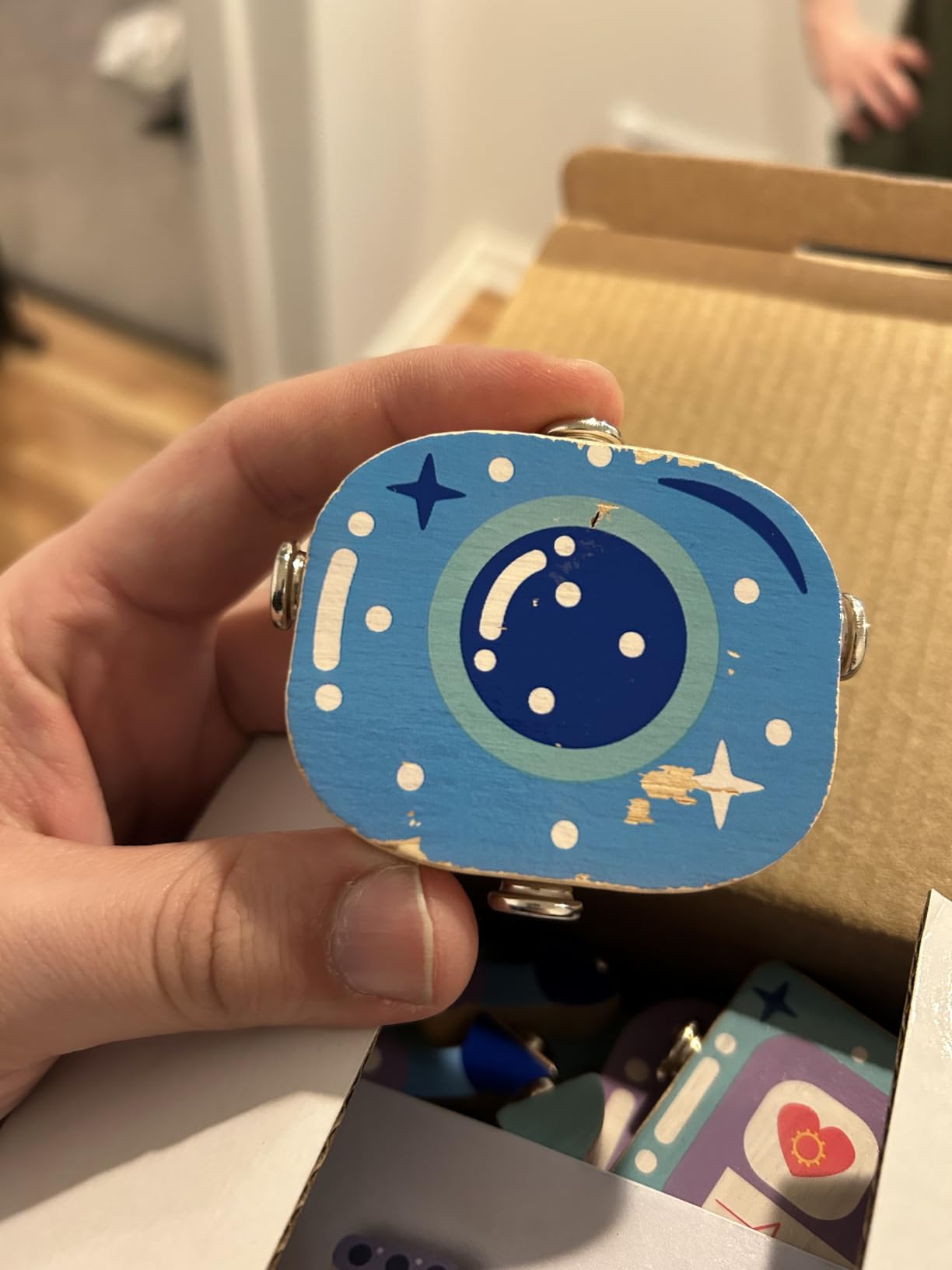
Every other construction set here is plastic. This one is solid wood with rounded edges and a non-toxic water-based paint finish, and that difference shows up immediately in how a toddler handles it. There is nothing to crack and no joint that fatigues after a week of being forced apart.
With 28 pieces it can form up to five robots at the same time, which makes it the multi-child answer in this guide. Two toddlers can each build their own instead of negotiating over one shared robot, and it also works as a group table activity in a classroom.
Buyers compare it favorably to the plastic equivalents on both durability and what they pay, and several mention purchasing it for kindergarten classrooms. It holds an 83 percent five-star share.
Why wood changes the durability picture
Reviewers report that the snaps lock firmly enough that a toddler can throw a finished robot across the floor without parts detaching. That is a different failure mode from plastic, where clips loosen and shells crack over a few months of toddler use.
It is also a better first robot from a materials standpoint. No small metal hardware, no batteries, and a finish that wipes clean. The storage bag keeps pieces contained, which matters for a house with an under-five and a pet.
Design limits worth knowing
Two constraints shape the play. First, every piece attaches to the body piece rather than connecting to each other, which limits how unusual the finished designs can get. Second, the snaps require real push force, so a child under three may need help.
With 28 pieces, an enthusiastic child working alone can exhaust the set quickly. That is a feature for siblings and a limitation for a determined solo builder, and it is the reason this sits below the leaders despite a 4.7 rating.
Who it suits and who should skip it
It suits families with more than one child in the toddler range, and it suits anyone who prefers natural materials or is avoiding plastic. It also travels well, since the pieces live in a bag rather than a box.
Skip it if you want a robot that moves or has any electronic element. This is a static construction toy with wooden pieces, and the movement exists only in the child’s imagination.
11. Qirptey 125-Piece STEM Building Kit – The Most Pieces for Classroom Play
Qirptey Kids STEM Building Toys for 3 4 5 6 7 8+ Year Old Boy Birthday Gift
- Highest piece count in this guide
- Idea booklet guides first builds
- Non-toxic blocks with rounded edges
- Storage box builds tidy habits
- Suits cooperative play and classroom STEM bins
- Instructions are simple diagrams
- Vehicle theme is generic rather than robot-specific
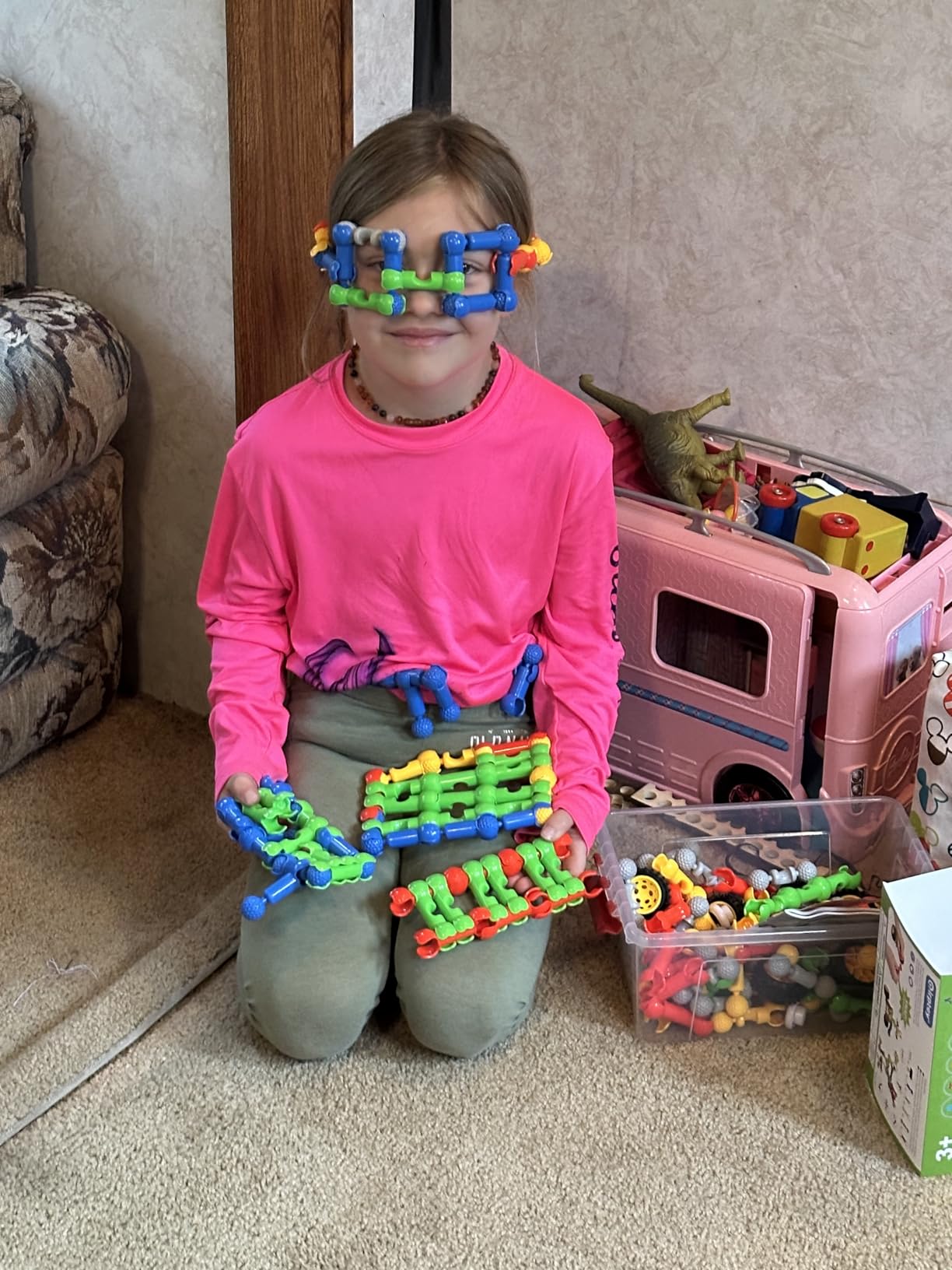
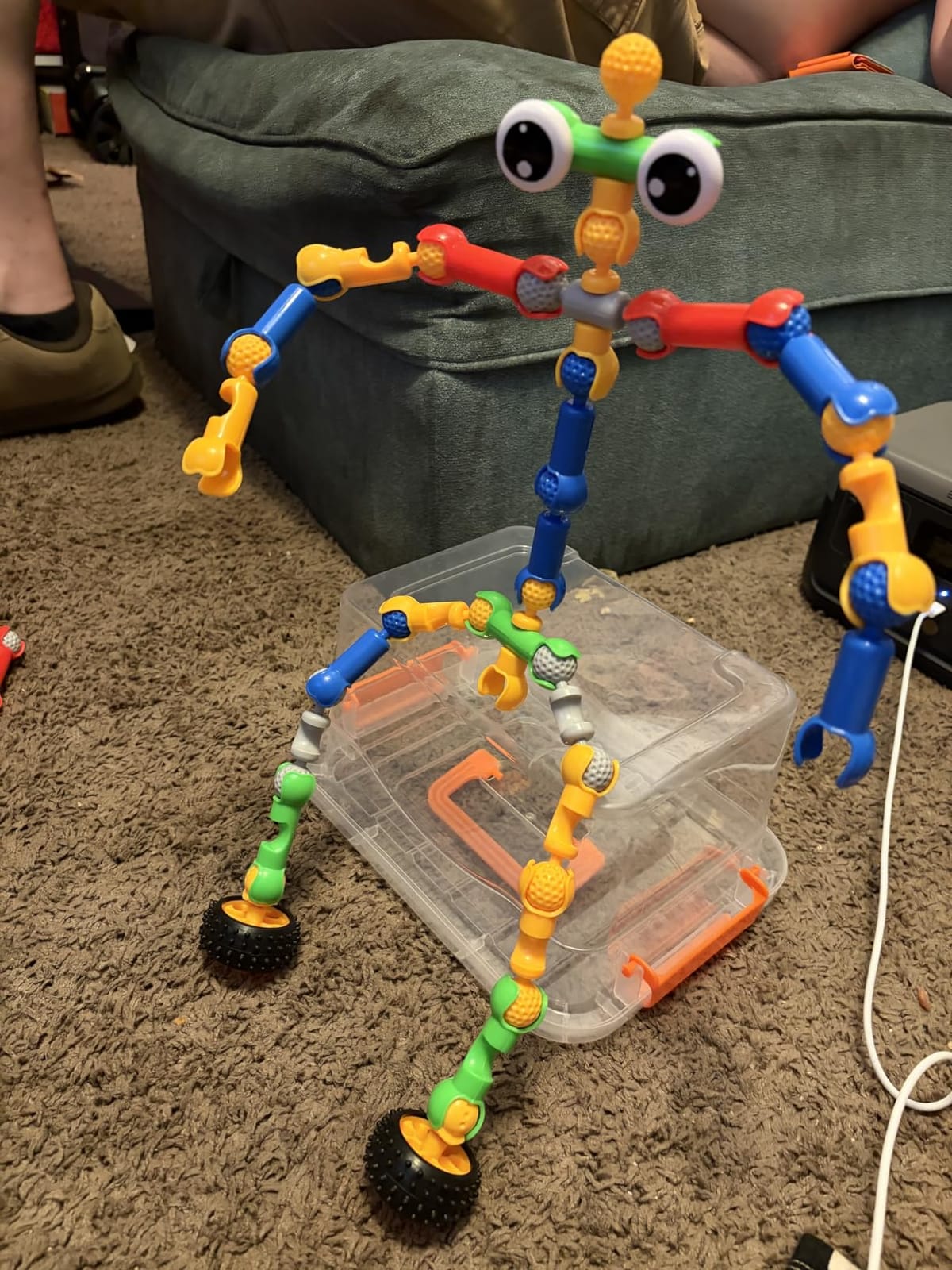
At 125 interlocking pieces this is the volume leader in the guide, and reviewers consistently single out the piece count for what they pay. The blocks are non-toxic, odourless and rounded, with no sharp edges, and the storage box is sturdy enough to survive a classroom bin being tipped out by a four-year-old.
The idea booklet shows how to assemble a race car, robot, truck and dinosaur. That matters for a younger child who cannot yet invent a structure from nothing, because the booklet gives a starting point to modify rather than a blank page.
With 82 percent five-star ratings across 960 reviews, this is one of the most consistently well-regarded sets here, and it is frequently bought as a birthday gift or for a preschool STEM shelf.
Piece count versus design focus
One hundred and twenty-five pieces sounds generous, and for cooperative play it is. Three or four children can each build something different in the same session, which makes it a natural fit for a sibling group or a classroom station.
The trade-off is focus. This is a vehicle theme with a robot option, not a dedicated robotics kit. A child with a specific robot idea in mind will build a car first and improvise later. For pure robot content, the gear kit in this guide is the better fit.
Why the storage box matters more than it sounds
A box that holds 125 pieces and survives being reused is the difference between a toy used weekly and a toy that disappears under a sofa. Reviewers note the tidy box helps children build organization habits, and it makes the set easy to hand to a grandparent or a classroom.
No batteries, no charging, no small parts at the choking-hazard threshold for the stated age of three and up. It is a clean, low-risk choice for a first shared building toy.
Who it suits and who should skip it
It suits a three-year-old starting construction, and it suits a homeschool space or preschool classroom where several children need a shared STEM activity. It is also a safe, non-electronic choice for a playroom with mixed ages.
Skip it if your child wants robots specifically and has already mastered generic building blocks. At that point the narrower robot kits will hold attention longer for the same floor space.
12. Interactive Retriever Robot Dog – Soft Plush Play With a Vet Kit
- Walks wags and barks when the plush is touched
- Ten piece vet kit with stethoscope and syringe
- Soft exterior is gentle for toddlers to hold
- Compact enough for small hands and a stroller
- Simple toggle switch start
- Requires 2 AA batteries not included
- Movement is slow compared with wheeled robots
- Engagement drops once novelty fades
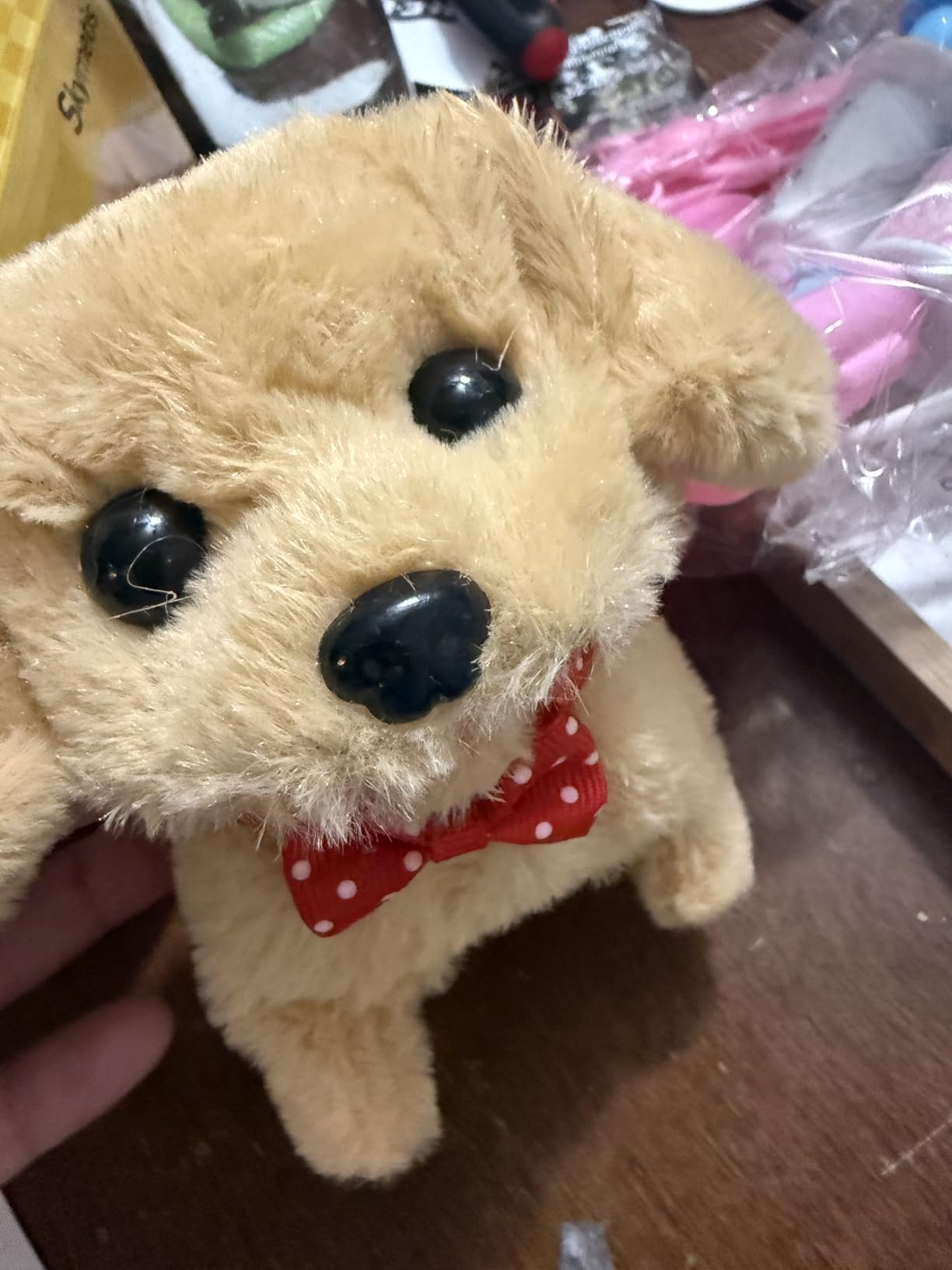
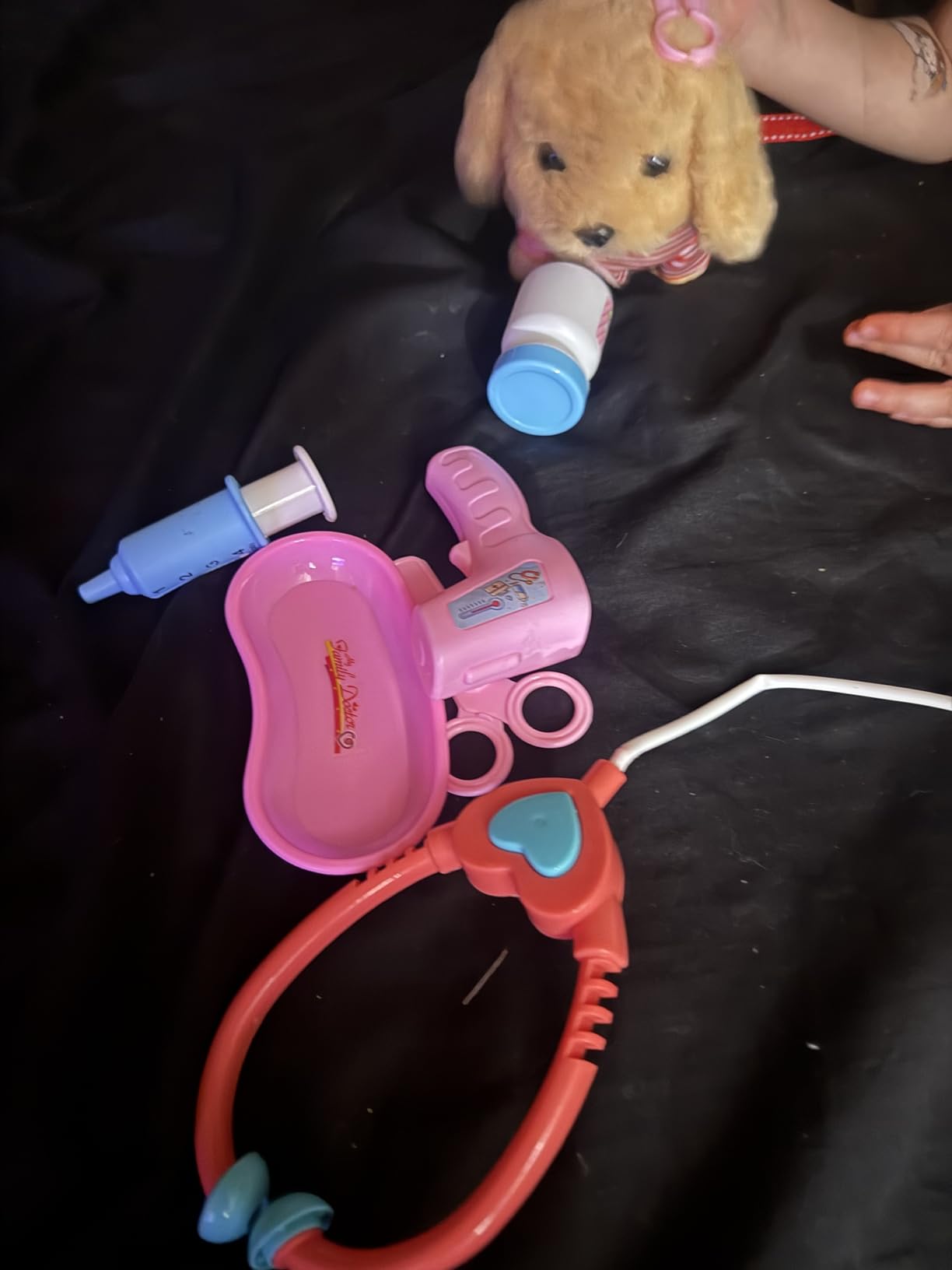
This is the softest option in the guide and the one aimed squarely at emotional development rather than engineering. The dog walks, wags its tail and barks when the plush fur is touched, and it comes with a ten-piece vet kit including a stethoscope and syringe for caregiver role play.
That combination is deliberate. The listed educational objectives are empathy, communication, emotional intelligence, verbal expression and problem solving, all of which come from pretending to care for a patient rather than from programming anything.
At 4.32 ounces it is the lightest item we tested, and the toggle switch is a genuinely simple start mechanism for a child too young for a remote control.
Social-emotional skills through pretend care
Vet role play is a well-established way to develop language and empathy in preschoolers. A child has to describe what is wrong with the patient, ask the owner questions and choose a treatment, which exercises narrative and conversational skills without any screen.
For a child who is shy, or one who is drawn to animals rather than machines, this reframes the robot category entirely. The learning happens in the relationship between child and toy, not in the toy’s electronics.
Where the value runs out
Be realistic about the ceiling here. It sits at 73 percent five-star with a 7 percent one-star share, and the common thread in reviews is that engagement drops quickly once the novelty fades. Movement is slow compared with wheeled robots, so it does not hold a chasing-and-racing play style.
Batteries are not included, which is a recurring complaint in a toy at this level. Treat it as a birthday or holiday gift for a three-year-old rather than a core part of a learning setup.
Who it suits and who should skip it
It suits a three-year-old who prefers plush and pretend play, and it suits a child who finds hard plastic toys difficult to engage with. The ten-piece kit gives you a full activity, not just a robot on its own.
Skip it if you want a robot that moves around a room or teaches a skill with any rigour. There is no programming, no screen, and no mechanical content, which is exactly why it works for some children and not others.
How to Choose an Educational Robot Your Toddler Will Actually Use
Every robot in this guide teaches something, but the useful question is what your specific child will still be doing in three months. Here is how we think about the trade-offs that matter at this age.
Screen-free versus app-dependent: read the small print
Screen-free is a marketing word, not a specification. A genuinely screen-free robot has buttons, cards or a remote and works the second you take it out of the box. An app-dependent robot hides a phone requirement in the setup, and a “screen-free” robot that needs a tablet to configure is only screen-free after you finish configuring it.
Check specifically for four things: does it require an account, does it need a Wi-Fi connection to function, does it have a camera or microphone, and does anything it records leave the house. Every robot in this guide runs locally with no account and no camera, which is why the shortlist is as long as it is.
If screen time is your main concern, the Code and Go Mouse and the Build It Robot Factory are the cleanest answers. If you want an AI conversational robot for a toddler, read our AI robot guide first, because camera and microphone toys carry a different set of trade-offs than the ones here.
Match the robot to a developmental stage, not a label
Age labels on robot toys are optimistic. Sort by what the child can actually do rather than what the box says. At 18 months to 2 years, the productive activities are cause and effect, and that points to the Song Bot, the Build It Robot Factory and the take-apart sets.
At 3, gesture control and simple button sequences start working, which is where the Ruko and the BAZOLOTA sit. At 4, sequencing with a planning surface becomes possible, and the Code and Go Mouse reaches its full potential. At 5, the gear kit and the gear-driven construction sets finally make sense.
Most of the coding robots marketed to toddlers are actually teaching reading comprehension through a user interface. The ones on this list that are genuinely usable below age 3 use physical actions instead.
Battery, charging and how long play actually lasts
Runtime figures are usually optimistic, so use them as a ratio rather than a promise. The Ruko runs about 120 minutes from a two-hour USB charge. The BAZOLOTA runs about 60 minutes from a similar charge. The take-apart sets and the drawing robot aside, that difference is the gap between one good session and one that gets interrupted.
Disposable batteries are a cost and a hassle rather than a dealbreaker. But note which sets exclude them, because the Code and Go Mouse, the robot dog and the Contixo all require cells the box does not contain.
Durability, small parts and safety standards
Toddlers throw things, and a robot that shatters or unscrews itself is finished in a week. Plastic construction sets survive impact best, the wooden set survives being thrown hardest, and the wheeled robots with light ABS shells are the ones most likely to lose a clip or a panel.
On small parts, the rule is simple. Anything rated 3+ is appropriate for a three-year-old by the standard the manufacturer is working to. Anything you buy for a younger child should have no pieces small enough to swallow, which is where the chunky snap sets and the wooden blocks win. Look for rounded edges and non-toxic finishes, and confirm the age range matches the child rather than the marketing.
What to consider for sensory and attention differences
If your child is sensitive to sudden movement, sound or flashing lights, the singing and dancing robots are harder than they look. A two- or three-year-old with sensory sensitivities will usually prefer the quiet construction toys, where the reward is the object they built rather than a robot reacting at them.
For a child who works better with predictable routines, the coding cards of the Code and Go Mouse act as a visual plan, which reduces the frustration of remembering an invisible sequence. For a child with speech delay, the voice recording on the Song Bot and the Contixo robot gives a low-pressure way to make a sound and hear it returned, which is a safer first step than asking a child to give a voice command the robot has to recognise.
Frequently Asked Questions
What is a good robot for a 2-year-old?
For a two-year-old, choose a toy that needs no reading, no app and no adult setup. The best options are chunky snap-together construction sets that build and rebuild robots, a take-apart set with a real screwdriver, and a voice-recording toy that plays sounds back in a changed voice. At this age, coding simply means cause and effect, so avoid anything with a screen-based app or a small-parts warning.
What is the ideal age to start learning robotics?
Most children can start exploring robotics at 18 months to 2 years with construction and cause-and-effect play, and real sequencing skills emerge around 4. The productive progression is: build and rebuild at 2, use gesture and button commands at 3, plan a route on a physical surface at 4, and work with gears and mechanisms at 5. Pushing a robot to 6 or 7 before building skills are in place usually ends in frustration.
What is the best coding robot for kids?
For toddlers, the best coding robot is screen-free and button-based. A programmable robot mouse with 30 coding cards lets a child queue movement instructions on a physical surface and then watch them run, which teaches sequencing and debugging without a screen. For children aged 5 and up, app-based block coding becomes appropriate as a next step once sequencing is solid.
Do coding robots actually teach toddlers anything?
Yes, but the skill is developmental and it is not reading. Under age three, a robot teaches cause and effect: I press this, it does that. Between three and five, button sequences build sequencing, planning and error correction, which are the foundations of computational thinking. A robot that requires a child to read and follow on-screen instructions will not teach a pre-reader, and parents should treat those as later-stage purchases.
Are educational robots worth it for toddlers?
They are worth it if you match the toy to the age and accept what is being learned. A well-chosen construction or gesture-controlled robot gives a toddler repeated cause-and-effect practice, fine motor work and independent play for months. They are not worth it if you buy a screen-based coding robot for a pre-reader, or an AI robot with a camera and microphone without reading the privacy policy first.
Which Educational Robot Fits Your Family
If you want one robot and nothing else, take the Design and Drill Robot. It needs no charging, no account and no adult, and it holds up longer than anything else we tested. For a child who can sit and sequence, the Code and Go Mouse is the one that will actually teach something, because the cards turn trial and error into planning.
If your toddler is two and just starting out, the Build It Robot Factory is the honest answer, and the LeapFrog Song Bot covers a baby before they can sit up. If you want instant delight and a moving robot, the Ruko 6088 wins on gesture control and battery life, and for music and movement the BAZOLOTA is the fun one despite its shorter runtime.
For a family with two toddlers, skip the shared single-robot sets and go straight to the wooden take-apart blocks, which build up to five robots at once. For a home that needs screen-free output, the RIVGOT drawing robot produces something a child can hang on a wall. And for a child who connects with animals rather than machines, the vet kit robot dog does the job no engineering toy can.
Whichever you pick in 2026, give it a real test. Put it in front of your child on day three, not day one, and see whether they operate it without you in the room. That is the only review that counts.